Single exhibit
Click/voice triggers configured content.
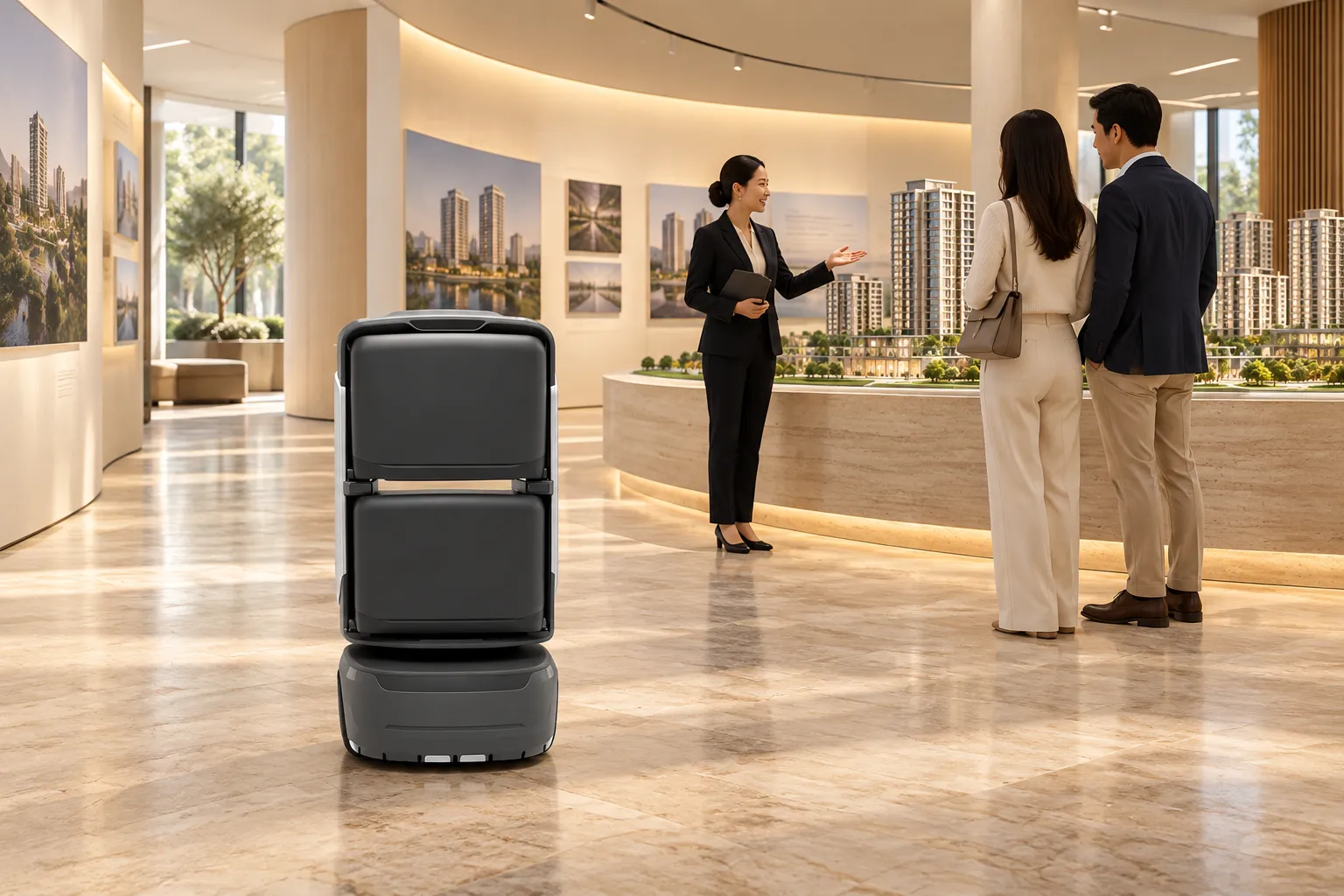
Connect welcome, route selection, exhibit explanations, multi-stop tours and expert handover using approved screen, voice and multimedia content.
Start
Select a destination or tour at the service point.
Guide
Lead along the route and play checkpoint content.
Arrive
Confirm arrival and continue the human service.
Pilot the documented workflow with responsible staff verifying key handovers.
Robots execute configured tasks; responsible staff retain verification and on-site response.
Visitor / staff
Select a destination or tour at the service point.
Platform
Create a task from configured destinations and routes.
Robot
Lead along the route and play checkpoint content.
Reception staff
Confirm arrival and continue the human service.
Managers
Review tasks and maintain routes and content.
Confirm execution separately from human handover/review; assigned staff take over exceptions.
Start service, check destinations and continue reception.
Guide and announce along configured routes; report task status.
Maintain locations, routes, scripts, accounts and exception procedures.
Select modes for the workflow; agree extensions separately.
Click/voice triggers configured content.
Configure standard, quick or VIP routes for visitors.
Robots explain recurring content; staff handle expert questions and deeper discussions.
Illustrations and sample dashboards do not establish conversion or satisfaction results. Assess CRM, reservations, displays and access interfaces per project.
Document-based scope; confirm supplied model, options and site fit.
Source recommendation, adjusted to routes and visitor flow.
Welcome scripts, exhibit text, question prompts, uploads, routes and records.
Connect welcome, route selection, exhibit explanations, multi-stop tours and expert handover using approved screen, voice and multimedia content.
Click/voice triggers configured content.
Configure standard, quick or VIP routes for visitors.
Robots explain recurring content; staff handle expert questions and deeper discussions.
Coordinate routes, content and staff around these tasks.
Assign suitable repeated routes to robots and compare results in the pilot.
Verify outcomes against task, destination and responsible role.
Use task states and exception records to adjust routes, schedules and configuration.
Configure routes for the actual site; diagrams explain the workflow.
Greet, establish needs and select a route.
Configure sequence, dwell time, media and multilingual scripts.
Human reception, feedback and content review.
Welcome → Exhibits / stops → Handover / feedback
Diagrams explain the flow; survey actual passages, thresholds, access and stops.
Confirm site, equipment and staffing; verify interfaces per project.
Venue staff approve and maintain materials, multilingual scripts and responses.
Use tasks, feedback and popular exhibits to improve content/routes; refer special needs and out-of-scope questions to staff.
Commission configured interfaces, notifications and access; assign site contacts and staff fallback.
Prepare content/site and validate welcome-to-human-handover routes. The source’s two-to-four-week period is conditional, not fixed.
Source recommendation, adjusted to routes and visitor flow.
Welcome scripts, exhibit text, question prompts, uploads, routes and records.
Source configurations/data refer to their stated scenario; confirm final sizing through site validation.
The following are project assessment and acceptance suggestions, subject to site confirmation.
Site preparation
Prepare content/site and validate welcome-to-human-handover routes. The source’s two-to-four-week period is conditional, not fixed.
When ready
Check devices, routes, points, accounts and necessary access/system interfaces.
By project agreement
Validate real tasks, staff coordination, exceptions and records before expansion.
The following are project assessment and acceptance suggestions, subject to site confirmation.
The following are project assessment and acceptance suggestions, subject to site confirmation.
Illustrations and sample dashboards do not establish conversion or satisfaction results. Assess CRM, reservations, displays and access interfaces per project.
Reception staff, Robot, Managers
Agree device models, options, interfaces, timing and targets in project documents.
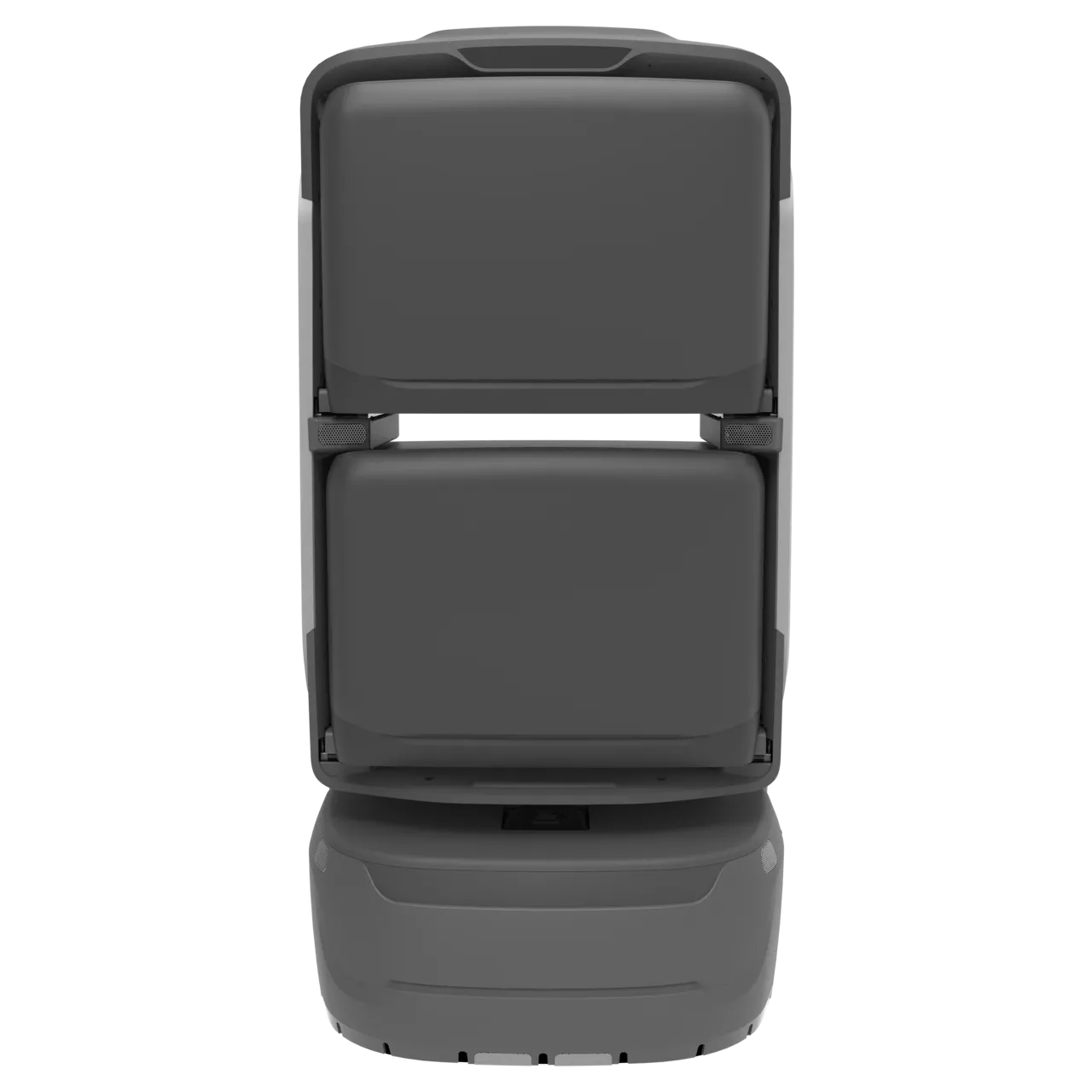
Review product information and reconcile the document version with the supplied model/configuration.
View productPrepare content/site and validate welcome-to-human-handover routes. The source’s two-to-four-week period is conditional, not fixed.
Reception staff:Start service, check destinations and continue reception. Robot:Guide and announce along configured routes; report task status. Managers:Maintain locations, routes, scripts, accounts and exception procedures.
Illustrations and sample dashboards do not establish conversion or satisfaction results. Assess CRM, reservations, displays and access interfaces per project.
Use source recommendations as a starting point, then confirm against site routes, supplied equipment and trial data. Suggested checks do not establish fixed performance or service guarantees.
Prepare content/site and validate welcome-to-human-handover routes. The source’s two-to-four-week period is conditional, not fixed.
Welcome, Exhibits / stops, Handover / feedback Confirm accessible scope and responsible staff on site.
Maps, passages, doors/lifts, network and charging. Commission cross-floor and controlled-door access as needed; diagrams do not replace site tests.
Reception staff, Robot, Managers Agree notifications, staff takeover, records and review rules.
Choose a dedicated solution for each workflow.
The robot waits at a fixed welcome point.
Deliver documents and refreshments before meetings, ad hoc supplies during sessions and permitted returns afterwards, with staff handover outside meeting rooms.
Visitors select destinations on screen at reception; robots guide along configured routes with voice, screen and brand content.