Skip to content

Food delivery

Your meal arrives.We take it upstairs.

  • Coffee & drinks
  • Burgers & meals
  • Snacks & treats

Order on a food delivery platform. The courier verifies and loads the meal at the building handover point, and the robot takes it to the agreed collection point on your floor. An arrival notification guides you to collect your meal after verification, reducing trips downstairs.

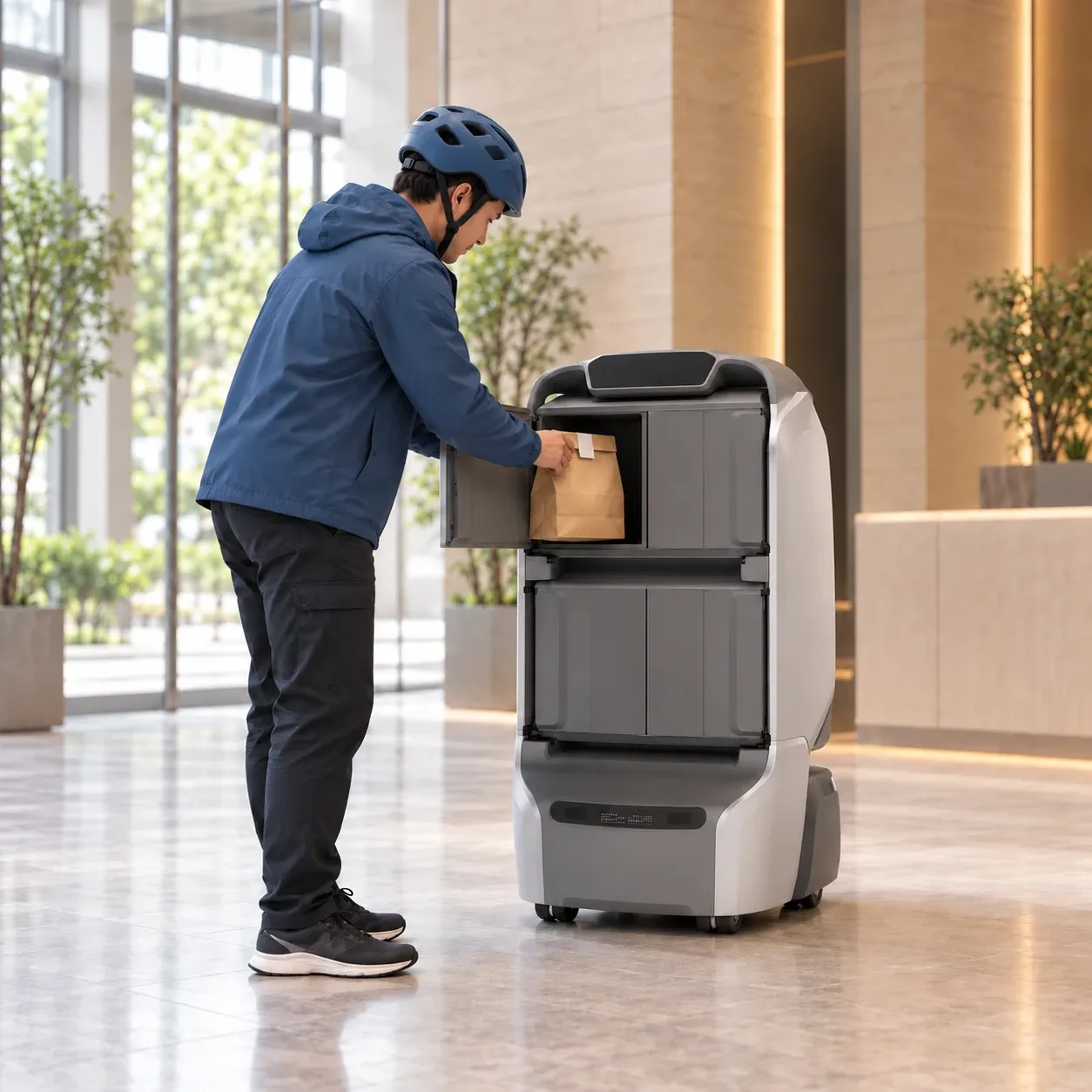
Courier loading a meal into KAGO’s rear compartment at the building handover point

From the courier’s handsto your floor.

From checking phone digits to the collection notice, follow the handover between courier, robot and recipient.

1F

Courier handover

The next leg starts here.
01

Check recipient digits

Before loading,check the recipient’s phone digits.

The courier checks the last four digits of the recipient’s phone number on the food order or meal receipt for loading verification.

Recipient addresses are preconfigured in the system. Successful phone-digit verification confirms an address is available, with no separate registration or destination selection.
Courier loading a packaged meal into KAGO’s upper-left rear compartment, with its door swung open to the left
02

Courier loads

The right meal.The compartment you choose.

Select an available compartment and enter the recipient’s last four phone digits on the robot screen. The door opens after verification. Load the meal, withdraw your hands, close the door and confirm loading.

The courier loads the meal; the robot handles delivery inside the building. Meals are kept in separate compartments, with packaging and portions sized to fit.

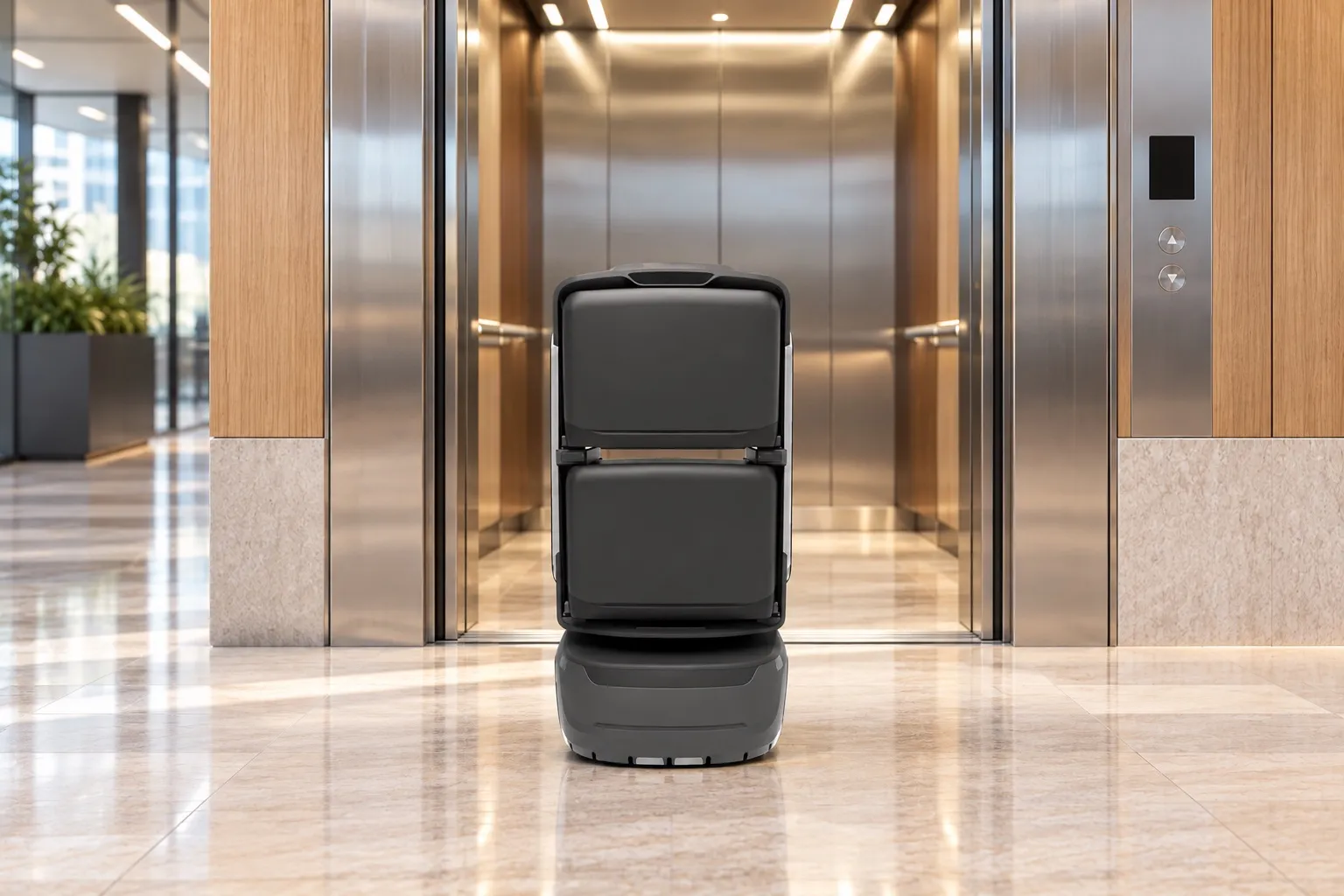
KAGO delivery robot using the building lift
03

Robot delivers

The journey upstairs,taken care of.

With the meal on board, the robot follows the mapped route through project-integrated doors and lifts to the agreed floor collection point.

The courier completes the handover downstairs, and the robot takes the meal upstairs. The recipient goes to the agreed collection point after the arrival notice.

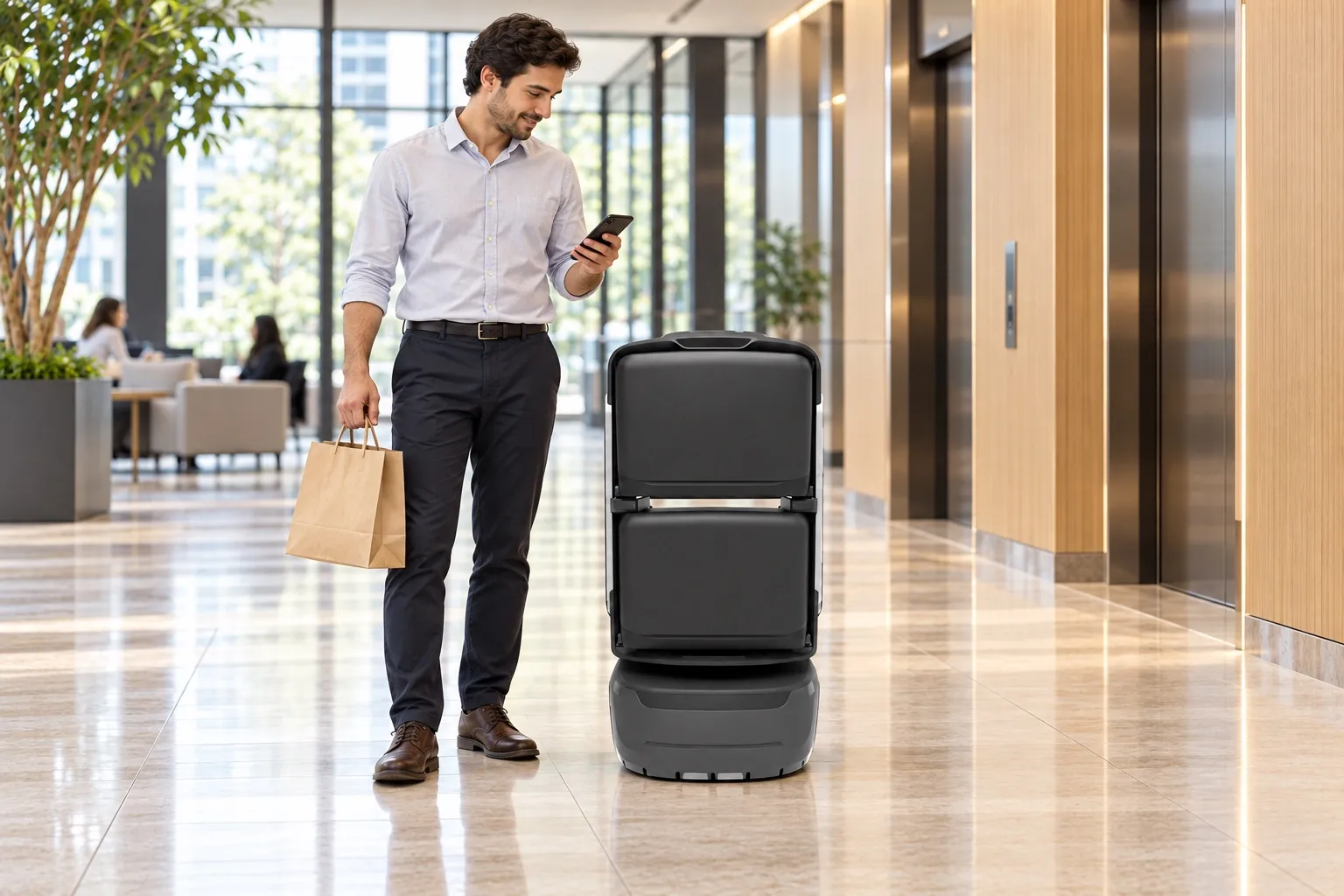
Recipient collecting a meal from a KAGO robot at the floor collection point
04

Notify & collect

A clear notification.A meal close by.

The configured voice or SMS arrival notice tells the recipient where to go and which compartment holds the meal. At the robot, they enter the last four digits of their phone number to open the order’s compartment.

Collect the meal and close the door. The robot returns to its configured standby point, ready for another delivery.

From loading to collection,see how each handover works.

Follow the full process in 2D or 3D, from checking the recipient’s phone digits to opening the compartment for collection. Select any stage to explore.

A takeaway meal bag with a receipt on the front

Meal receipt

Packaged meal × 1

Recipient phone

****6731

Check the recipient’s last four phone digits.

Find the last four digits of the recipient’s phone number on the food order or meal receipt. Enter them on the robot screen when loading.

Follow one meal through the building.

1F meal handover → 8F collection → 1F standby

1FRECEPTIONGateLiftMeal handover8FOFFICELiftMeal collectionLift link
RouteStartDestination
00:00 / 01:22
Actions
  1. Choose an available compartment first, then enter the recipient’s last four phone digits. Verification makes the preconfigured address available and opens the selected door automatically.

  2. After verification opens the selected compartment, load the meal, withdraw hands, close and confirm.

  3. The loaded task follows the authorized route through the lobby gate.

  4. Call the lift, select the destination and travel with the car.

  5. Leave the lift and travel to the agreed collection point on 8F.

  6. Arrival notice includes the collection point and compartment number.

  7. After the arrival notice, enter the last four digits of your phone number on the robot screen to unlock the order’s compartment.

  8. After verification, retrieve the meal from compartment 01 and close the empty compartment.

  9. The meal has been collected. The handover status is retained.

  10. Follow the same authorized route back to the 1F standby point.

  11. Return confirmed. The robot is waiting at the handover point.

  1. 01CourierLoad the selected compartment

    After verification opens the selected compartment, load the meal, withdraw hands, close and confirm.

  2. 02Robot + liftRide to 8F

    Call the lift, select the destination and travel with the car.

  3. 03RobotNotify the recipient

    Arrival notice includes the collection point and compartment number.

  4. 04RecipientOpen and collect the meal

    After verification, retrieve the meal from compartment 01 and close the empty compartment.

  5. 05RobotReturn via the lift

    Follow the same authorized route back to the 1F standby point.

Demo time is not delivery time. Recipient addresses are preconfigured; successful phone-digit verification makes the address available. Access, dispatch, notifications and exception handling depend on project configuration.

Demo duration does not reflect actual delivery time. Workflows and configuration depend on the project.

See the robotin a real building.

Watch screen entry, meal loading and travel through the building in on-site footage. Equipment and configuration reflect the filming site.

Food delivery robots.

Choose the robot, compartment layout and handover method to suit meal packaging, peak order volumes and building routes.

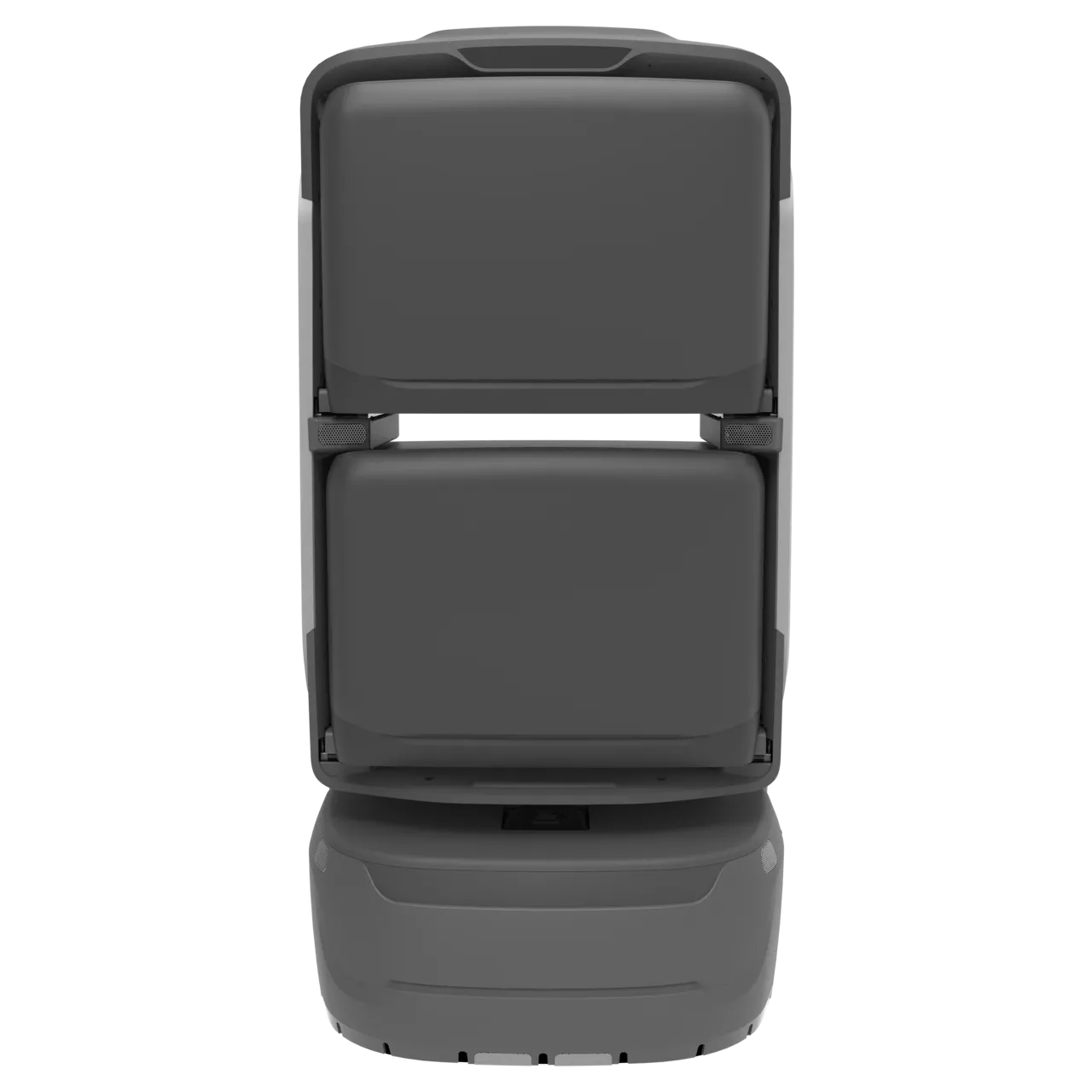
KAGO delivery robot

KAGO

For everyday packaged meals delivered between the lobby and building floors.

  • 4 compartments
  • 8 h
  • Travel speed 2 m/s
Learn more KAGO
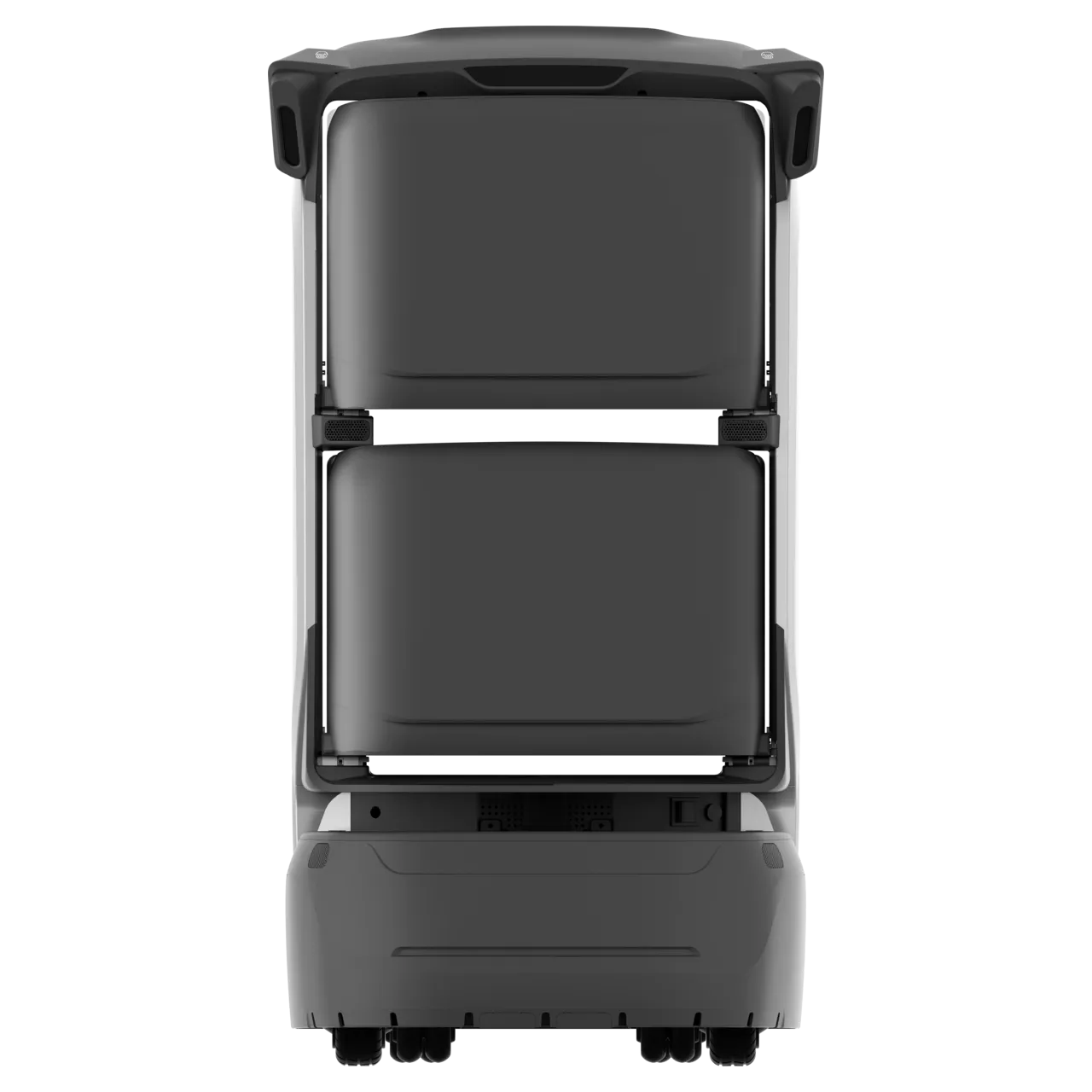
KAGO MAX delivery robot

KAGO MAX

For food delivery needing card verification and additional collection options.

  • 4 compartments
  • 8 h
  • RFID card-based collection
Learn more KAGO MAX
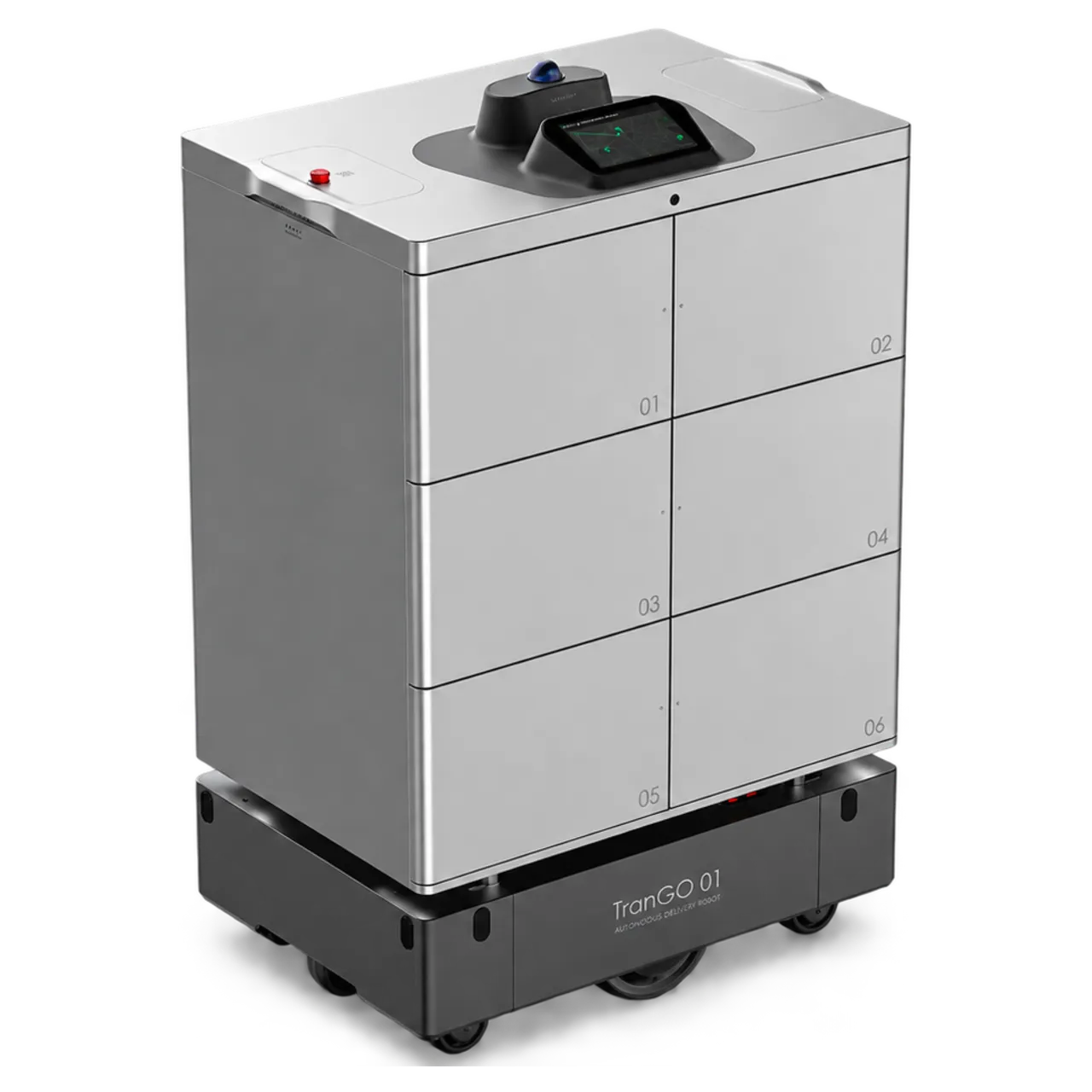
TRANGO delivery robot

TRANGO

For larger meal loads and wider service areas, with compartment fit and routes assessed on site.

  • 6 compartments
  • Payload 150 kg
  • Range 35 km
Learn more TRANGO

Confirm package dimensions, compartment capacity and cleaning arrangements. Access, service area and collection methods require project validation.

From downstairs to your floor.An easier way to collect.

For recipients

Less time going downstairs.

Go to the agreed floor collection point when the arrival notice comes.

For couriers

Load and hand over downstairs.

Verify the phone digits and load the meal, then let the robot handle delivery inside the building.

For building operators

Keep meal handovers organised.

Coordinate handover points, floor collection and staff support as part of the building’s food delivery service.

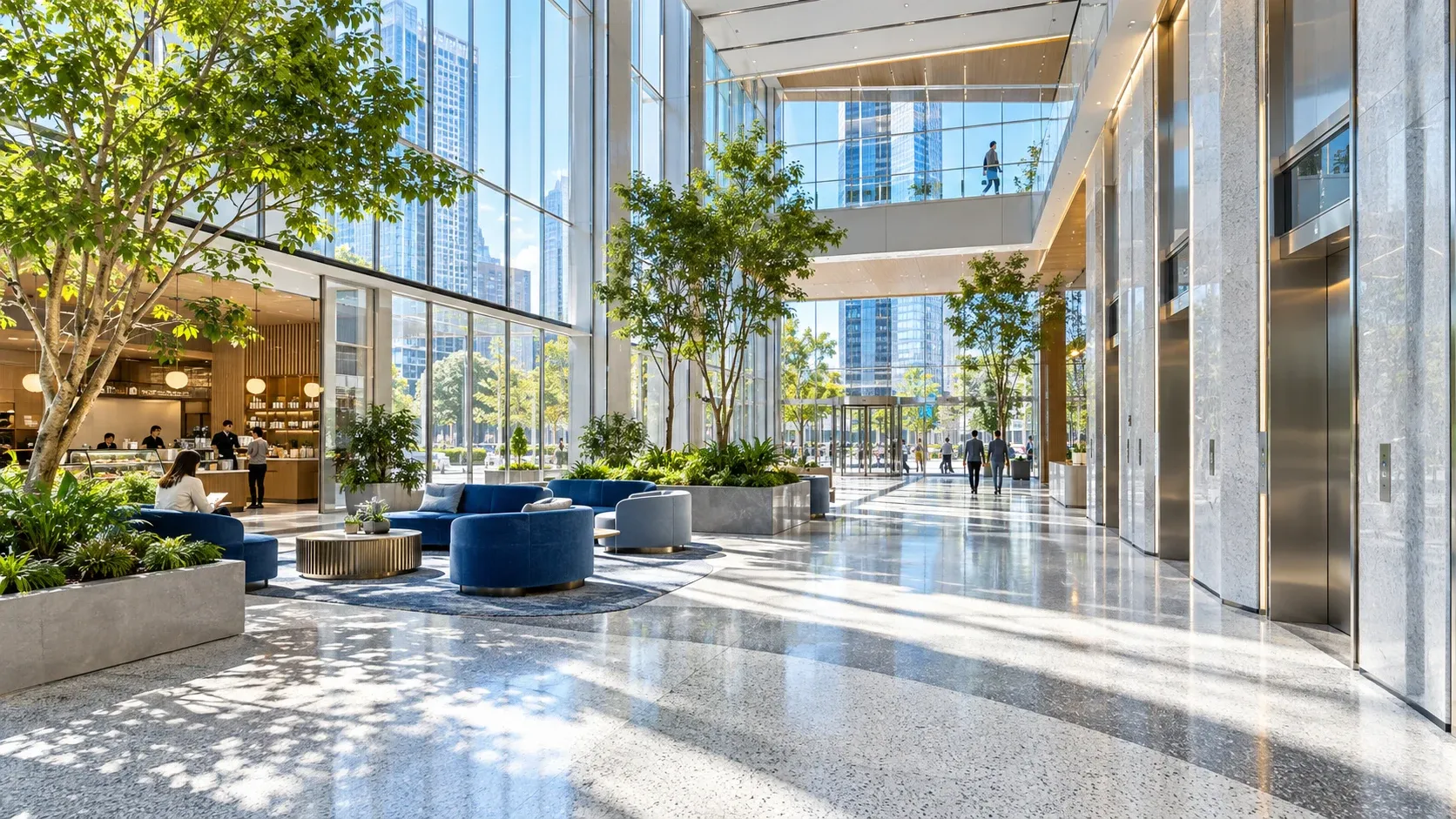
Illustrative mixed-use building space

Plan food deliveryto fit your building.

Handover points, collection locations and operating arrangements vary by building. Explore the office, apartment and building food delivery solutions.

Discuss your needs

Users order meals on third-party platforms. Recipient addresses are preconfigured; successful phone-digit verification confirms an address is available. Notification channels, access, dispatch and exception handling depend on project configuration. Packaging must fit the compartment; active temperature control is not included by default.