Skip to content

Reminders & announcements

Bring reminderswhere they are needed.

  • Hospital wards
  • Office common areas
  • Senior care

Staff confirm approved messages, service times and locations. KAGO travels to each point as planned to play voice messages or display content on its screen. Use it for routine reminders, temporary notices or rounds across several points, with execution records that help staff review progress and follow up.

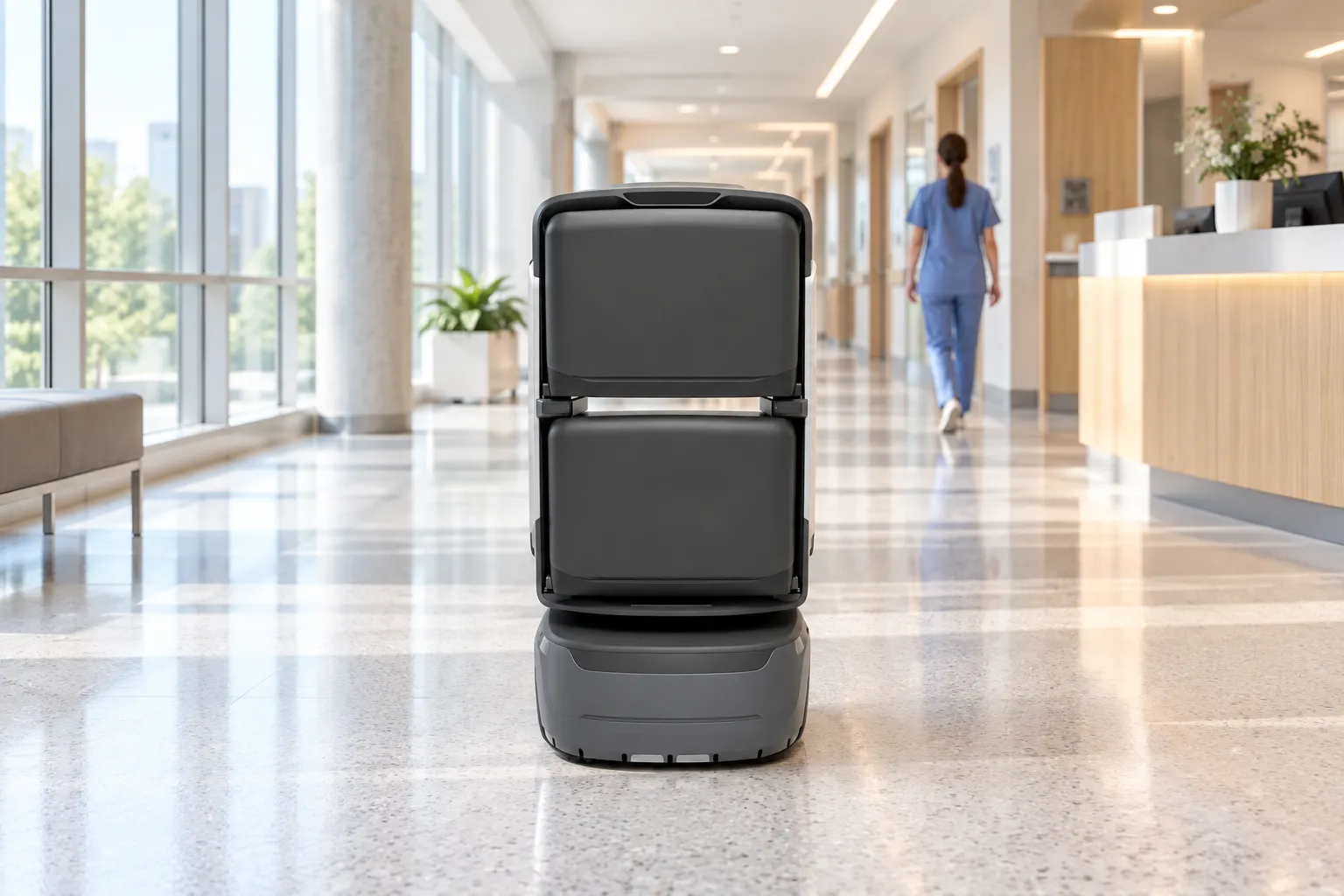
KAGO in an illustrative ward corridor

From message approvalto playback and follow-up.

A ward example with two service points shows how staff plan the task and KAGO delivers and records each announcement.

Announcement management
Ward reminders · KAGONurse station / guide desk

Confirm what to say.

Approved content

Visiting reminder
Visiting hours begin soon.Please follow ward arrangements.

Ward reception

Keep the corridor clearCorridor service point
Audience
Visitors in the ward public area
Content owner
Ward staff confirm wording and validity.
01

Confirm the content

Confirm the content.Plan the announcement.

Staff choose an approved template and confirm the wording, audience and validity period. A visiting reminder at ward reception and a corridor notice can carry different content.

The content owner remains responsible for the message. Keep the wording suitable for its audience and the public setting.

Announcement management
Ward reminders · KAGONurse station / guide desk

15:00 · Two service points

Nurse station Reception Waiting area Ward A Ward B S12
Execution time
15:00 · Scheduled task
Point order
Ward reception → Corridor service point → Standby
  1. 01
    Ward reception

    Visiting reminder

  2. 02
    Corridor service point

    Keep the corridor clear

Confirm volume, repeats and quiet periods for the site.

02

Plan time & points

Set the time.Plan the order of stops.

Staff set the time, order of service points and message for each stop. When the task starts, KAGO leaves standby and follows the mapped route.

Schedule rounds, ad hoc tasks or service at a fixed point as needed. Volume, repetition and quiet periods depend on the delivered configuration.

KAGO stopped in the ward corridor for an announcement, illustrative scene
Ward reception · Playback
Visiting hours begin soon.Please follow ward arrangements.

Configured voice and screen content

03

Announce on location

Stop at the point.Bring the reminder on site.

KAGO stops at each service point, keeping the passage clear, then plays the configured audio and displays the screen content. At the next point, it switches to that area’s message.

Check audibility and screen visibility on site, allowing for background noise and listening distance. Cross-floor routes require project-specific lift and door integration.

Announcement management
Ward reminders · KAGONurse station / guide desk

Both points recorded. Back at standby.

Point execution2 / 2
  1. 00:23Ward reception

    Visiting reminder

    Playback complete

  2. 00:38Corridor service point

    Keep the corridor clear

    Playback complete

00:48Returned to standby

Elapsed demo time · playback records are not recipient acknowledgements.

04

Review & follow up

Review playback records.Plan the follow-up.

Review each point’s playback state and the round’s return to standby. If a task is interrupted, staff check the cause and arrange the next action.

Playback completion means the robot played the message. Whether recipients heard and understood it requires separate confirmation by staff.

Follow the round.See what plays at each point.

Choose a service point or drag the timeline to see KAGO stop, switch messages, record playback and return to standby.

The right message. At each point.

KAGO · Standby → Ward reception → Corridor → Standby

Nurse station Reception Waiting area Ward A Ward B StandbyWard receptionCorridor service pointVisiting hours begin soon.Please follow ward arrangements.
RouteStartDestination
00:00 / 00:50
  1. 01StaffSelect an approved message

    Staff confirm the message, audience and validity period.

  2. 02StaffSchedule 15:00 · Two service points

    Set the time and order: ward reception, then the corridor service point.

  3. 03KAGOPlay the point’s message

    Play the message assigned to each service point.

  4. 04KAGORetain the execution record

    Retain the point and execution state; this is not a recipient acknowledgement.

Concept floor and simulated playback, not a surveyed map or a live system. No audio is played. Demo time is compressed; task completion is not recipient acknowledgement. Output and records depend on project configuration.

KAGO

KAGO brings the reminder closer.

Configure routes and announcement tasks around reachable service points, bringing voice reminders and screen content to the people on site.

  • Move to each point
  • Voice prompts
  • Screen content
Learn more

Make reminders partof the daily service.

For people on site

Reminders where people are.

Bring routine information to the reception point or public corridor where it is needed.

For the service team

Plan the message and the round.

Arrange content, times and service points together, then review the available execution records.

For building managers

A service with clear ownership.

Keep content approval, device execution and staff follow-up connected in the operating plan.

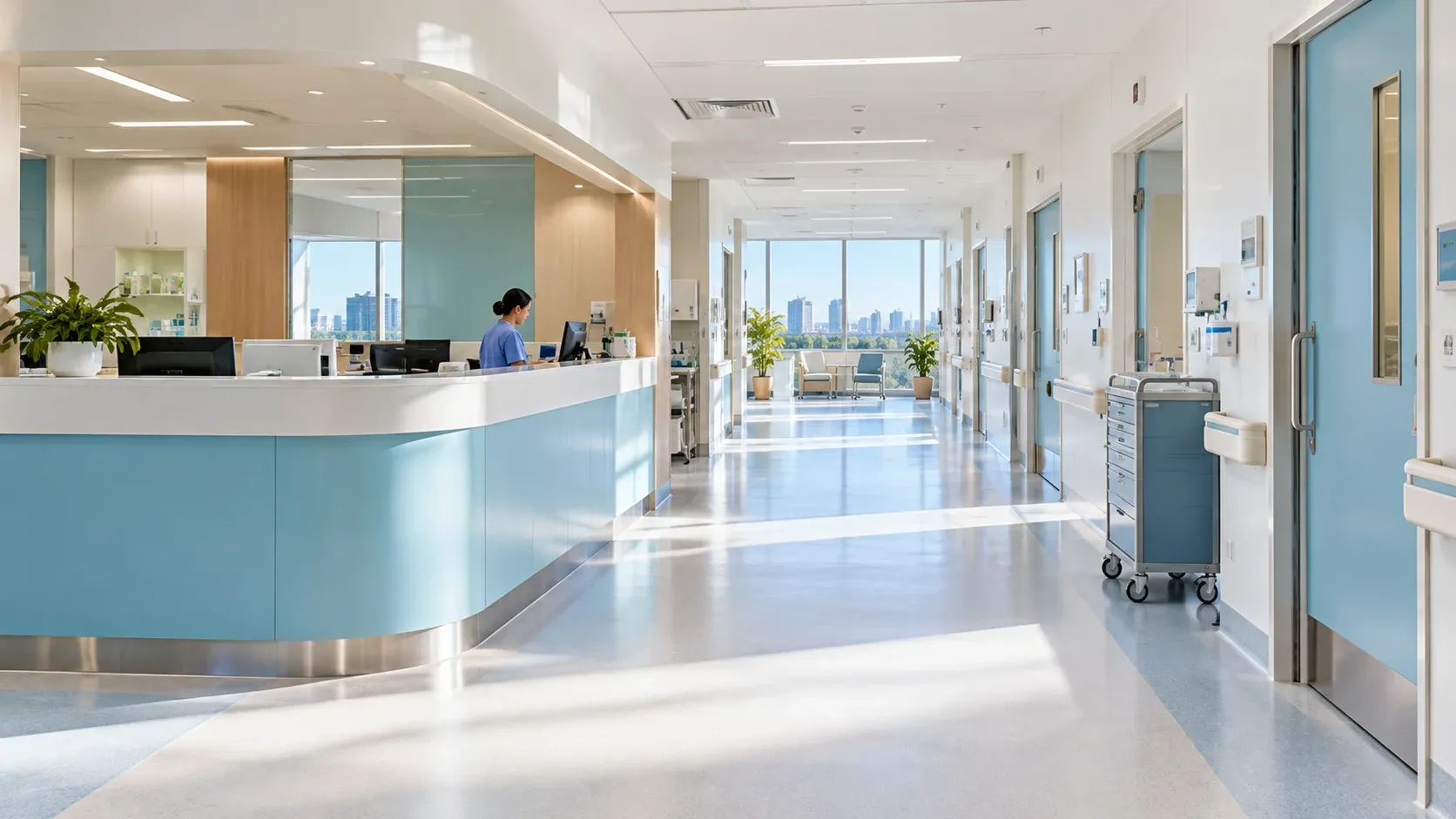
Hospital public space illustration

Plan daily remindersfor hospital wards.

See how nursing stations, information desks and KAGO share content approval, on-site announcements and follow-up.

Explore the hospital ward solution

Start with one route.

Use the message, intended audience and service points to confirm the operating plan and on-site checks.

Discuss your needs
Content & playback
Name the content owner, approval process, audience and validity. Confirm languages, volume, repeats and quiet periods. Public messages should not include patient personal information.
Route & service points
Check accessible routes, safe stopping positions and any required lift or door integration.
Network & equipment
Confirm network coverage, charging position and the delivered voice, screen and record functions.
Operation & follow-up
Check playback on site and assign staff to handle interruptions. Individual acknowledgements and system triggers require confirmed integrations. Announcements do not replace emergency notification procedures.