Skip to content

Local delivery

Load it here.Let the robot deliver.

  • Hotel supplies
  • Factory materials
  • Tools & spares

Start tasks such as hotel front-desk deliveries and internal transfers directly at the service point. Staff choose a configured destination and compartment on the robot screen, verify the loading code, then load and dispatch. The robot transports the items and notifies the recipient to collect them. No app order is needed.

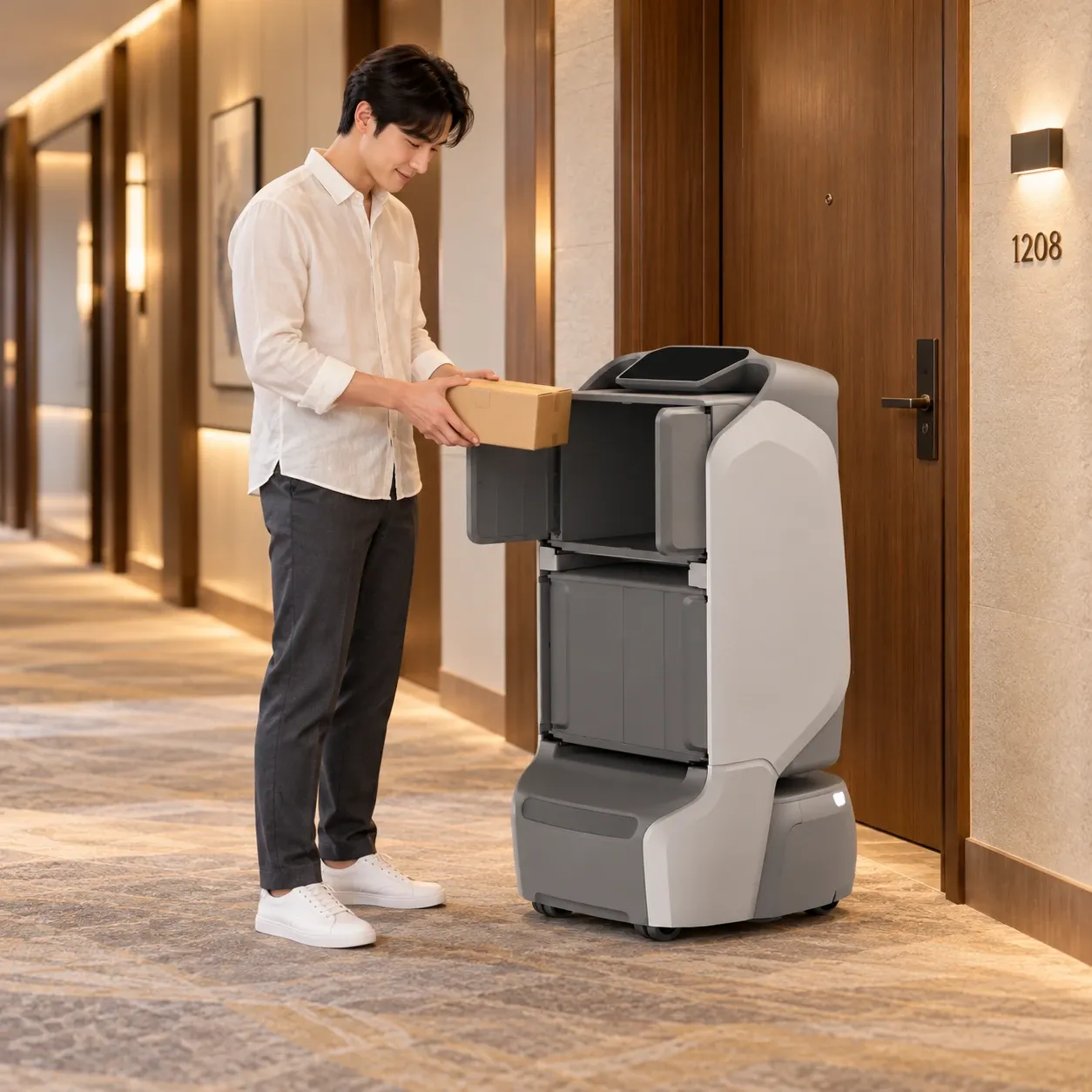
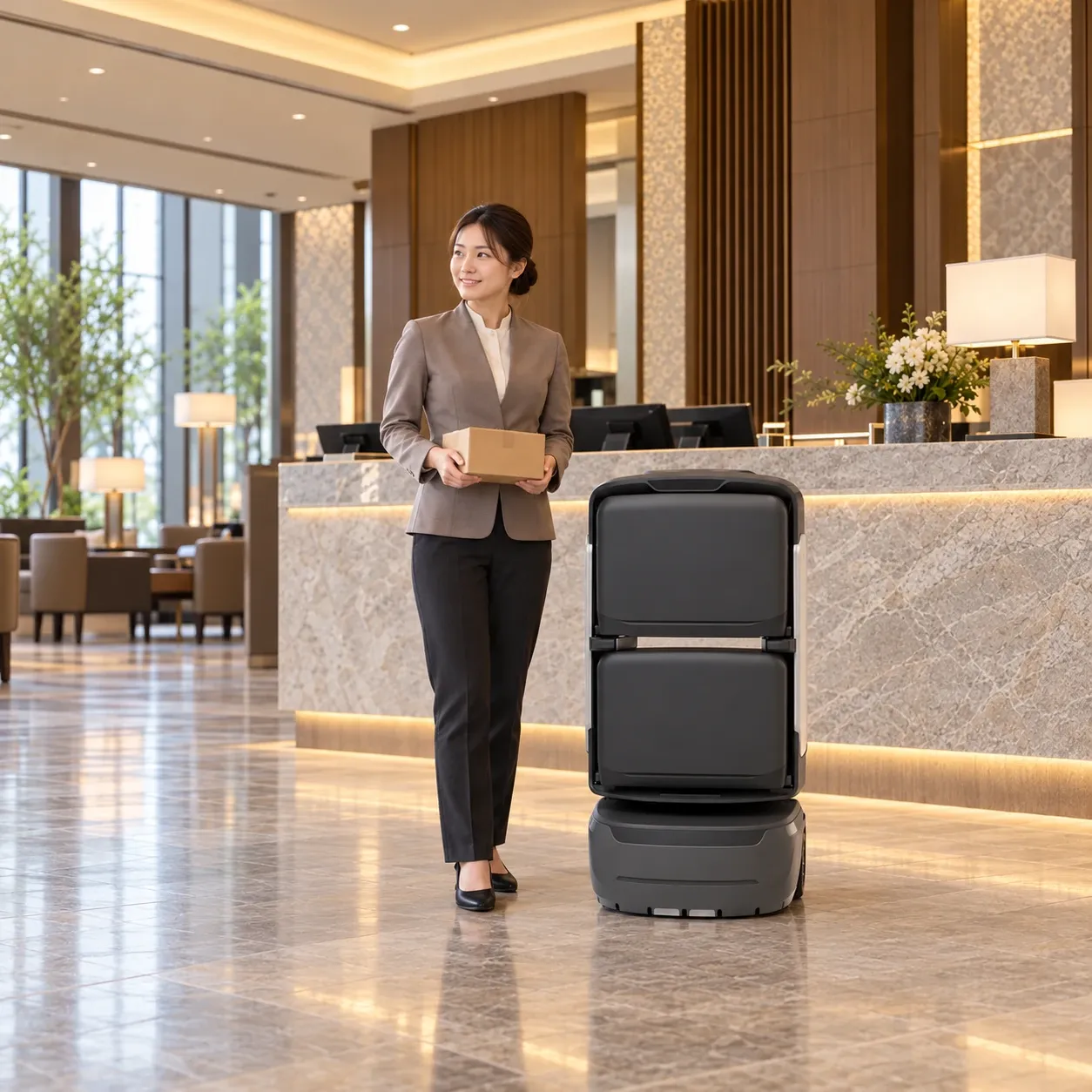
A hotel receptionist holds a parcel beside KAGO at the front desk

A delivery startsright at the robot.

In this hotel example, staff prepare and load the items, the robot handles transport and arrival notifications, and the guest opens the compartment to collect.

1F

Service point

01

Choose destination

Where it needs to go.Set on the screen.

At the service point, choose the recipient’s room or a configured destination on the robot screen.

For company deliveries, phone-suffix lookup can match a previously bound workplace address. The available entry method follows the site configuration.
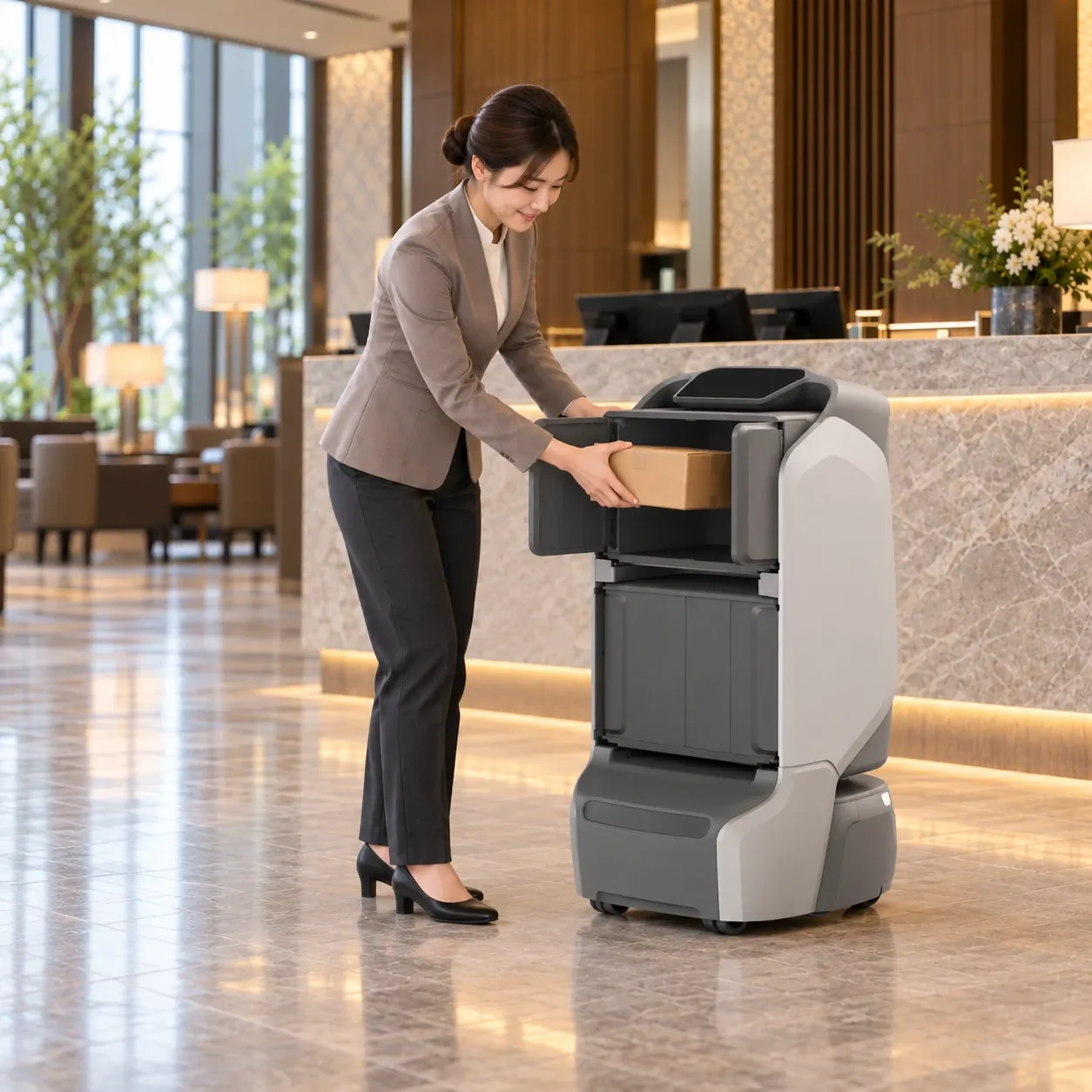
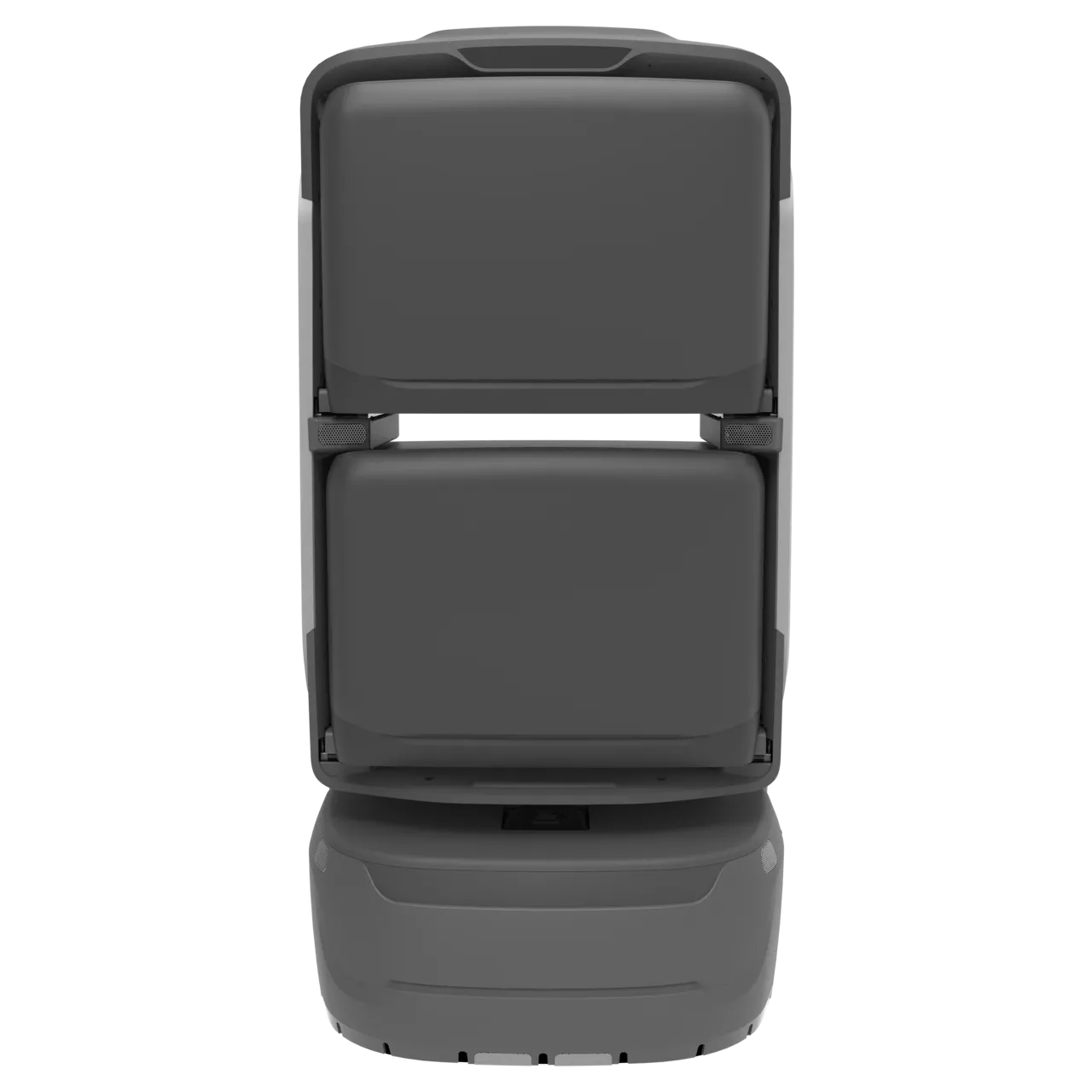
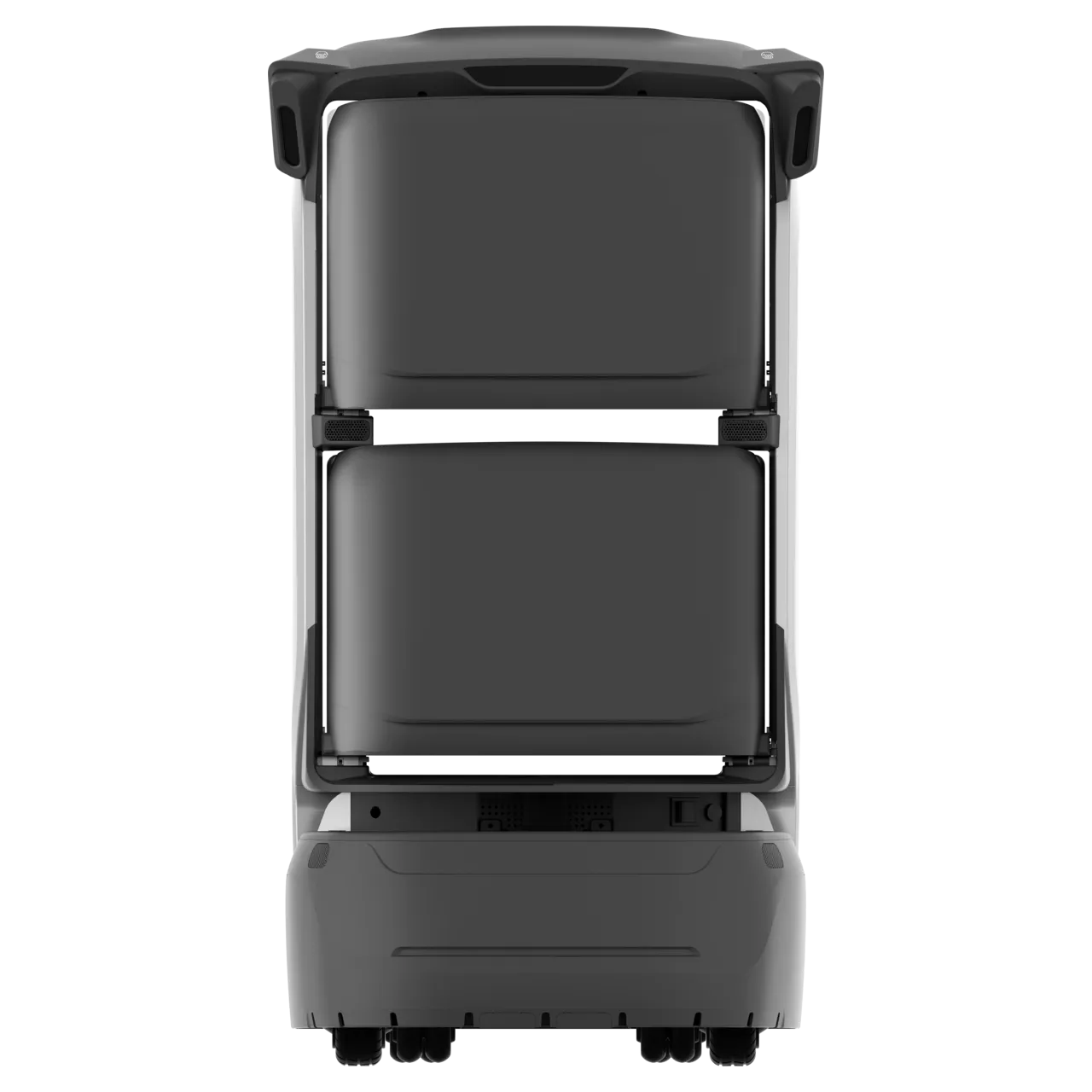
Staff loads a parcel into KAGO’s rear side-opening compartment at the hotel reception
02

Load & dispatch

Load the items.Close the door. Confirm dispatch.

Choose an available compartment and verify the loading code to open it automatically. Load the items, withdraw your hands, close the door and confirm dispatch.

Keep each delivery associated with its destination and compartment. Staff check the items and packaging before the robot takes over transport.

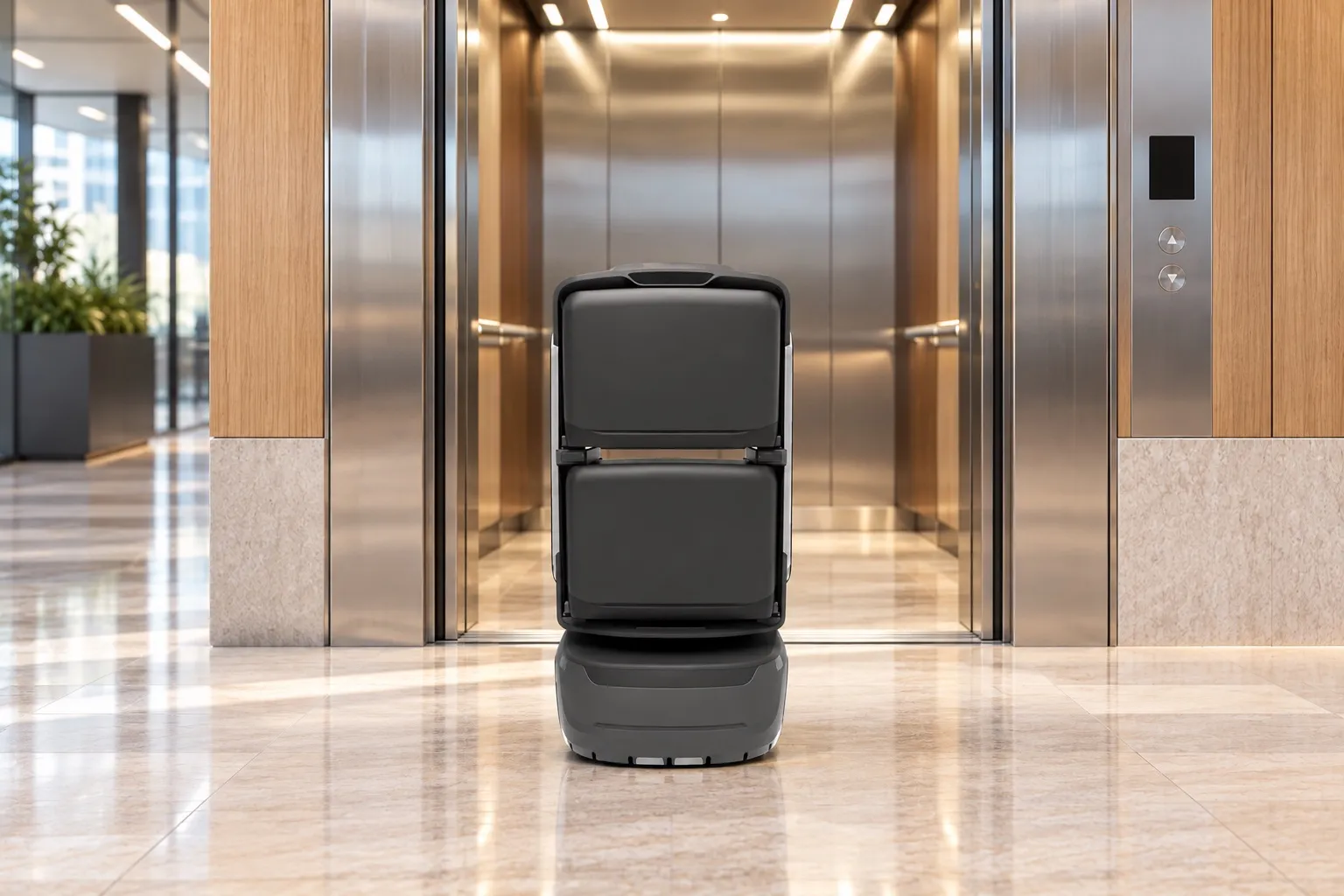
KAGO uses a connected lift for delivery between floors
1F → 12F

En route to room 1208

03

Robot delivers

Via connected lifts,to the selected floor.

The robot navigates the mapped route and uses connected doors and lifts to reach the configured handover point.

Staff can follow task status. If a route or lift becomes unavailable, the task follows the site’s pause, return or staff-handover procedure.

A guest collects a parcel from KAGO’s rear side-opening compartment outside room 1208
Room phone ringingVoice reminder to collect
04

Notify & collect

An arrival alert.Tap the screen. Collect.

On arrival, the robot calls the hotel room’s landline with a voice reminder. Tap “Open to collect” on the robot screen, retrieve the parcel and confirm that the door is closed.

Collection is recorded when the handover is complete. The robot continues its next task or returns to standby; uncollected items follow the configured timeout and return procedure.

Follow one delivery.See each handover.

Choose a room on the robot screen, then follow loading, lift travel and collection. Switch between 2D and 3D or jump to a key step.

Choose the room, then the compartment.

At the service point, select room 1208 on the robot screen, choose an available compartment and verify the loading code, then load and dispatch.

Simulated orders and routes.

See the equipmentin motion.

Watch on-site footage of loading, lift travel and floor handovers. The demo above shows how to start a task on the robot screen.

Choose a delivery robot.

Choose by item size, compartment layout and the route. Screen workflows and notification methods depend on the delivered configuration.

KAGO

KAGO

Everyday documents, parcels and hotel supplies, with flexible compartment layouts.

  • 4 compartments
  • 8 h
  • Travel speed 2 m/s
Learn more KAGO
KAGO MAX

KAGO MAX

For services requiring card-based collection.

  • 4 compartments
  • 8 h
  • RFID card-based collection
Learn more KAGO MAX
TRANGO

TRANGO

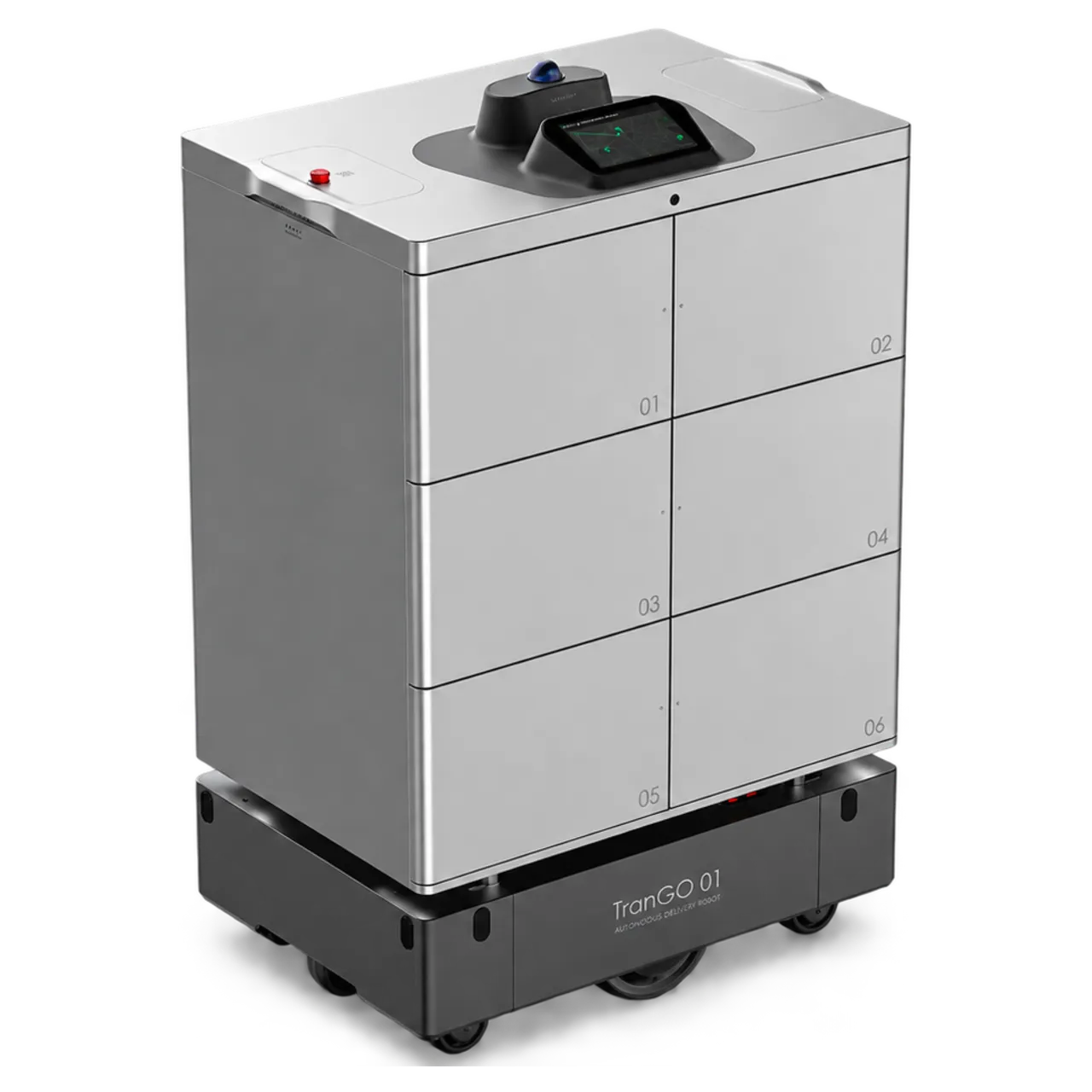
Six-compartment configurations for multiple items and indoor or outdoor routes.

  • 6 compartments
  • Payload 150 kg
  • Range 35 km
Learn more TRANGO

Start at the service point.Track each handover.

For front-desk staff

Load and dispatch on site.

Load at the service point without a separate delivery order from the recipient.

For recipients

Open and collect nearby.

After the arrival alert, tap the robot screen to open the compartment. Collect the items, then close the door to confirm.

For operators

Review handover records.

Connect destinations, compartments and task records, with staff available for exceptions.

Hotel interior

One service.Different working spaces.

Need the robot to come to you?

Use item delivery: request from the app and have the robot come to the selected collection point.

Explore item delivery
Discuss your needs

Destinations and service permissions must be configured in advance. Phone-suffix address lookup requires a bound recipient address. Confirm item dimensions, compartment capacity, route clearance, lift and door integration, notification channels and collection controls for each project. Staff handle failed contact, incorrect destinations and other exceptions.