Skip to content

Start with a task. Discover what robots can do.

Deliver items, observe the site, purify the air, welcome visitors and share reminders. Explore eight applications for everyday service.

Item delivery

  • Documents
  • Parcels
  • Office supplies

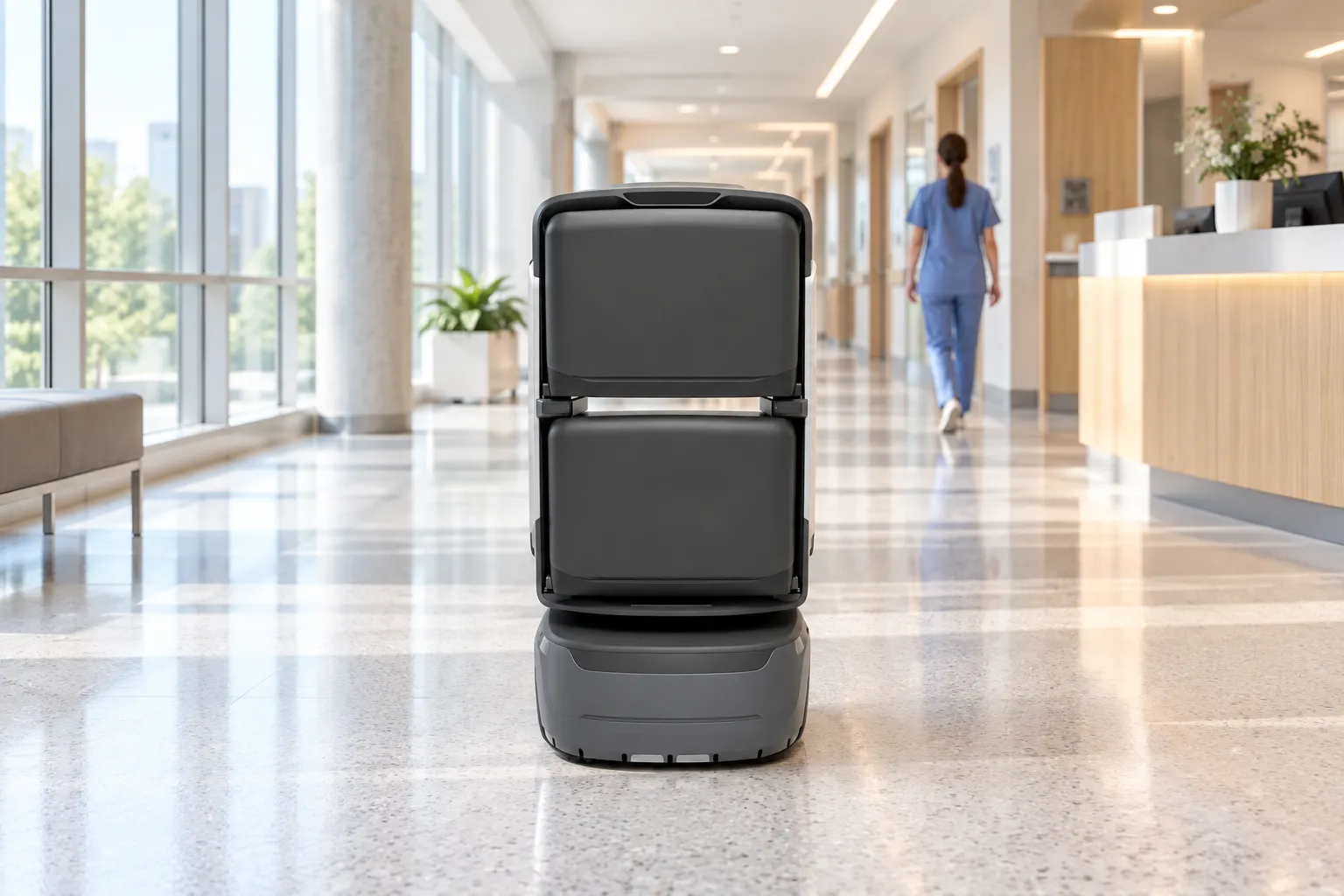
Move documents, parcels and office supplies between configured pickup and delivery points. Staff request collection in the app and load the robot after verification, while recipients receive an arrival notice and verify collection.

  1. Place request
  2. Load & verify
  3. Robot delivers
  4. Notify & collect
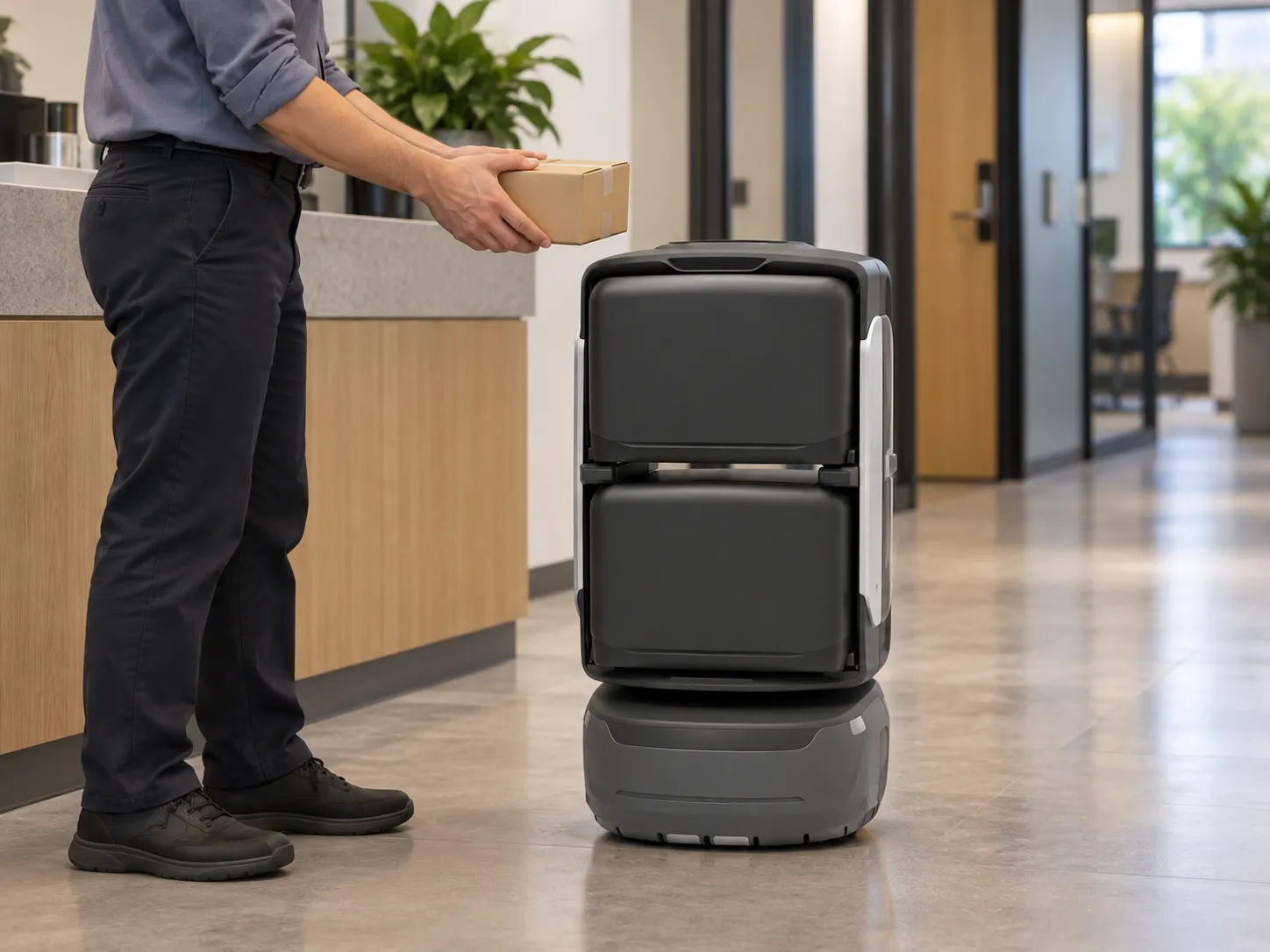
Office staff loads a parcel into KAGO, scenario illustration

Food delivery

  • Coffee & drinks
  • Burgers & meals
  • Snacks & treats

Couriers hand over meals at the downstairs handover point, and the robot carries them to an agreed floor pickup point. Recipients are notified on arrival and verify collection nearby, reducing trips between floors.

  1. Check recipient digits
  2. Courier loads
  3. Robot delivers
  4. Notify & collect
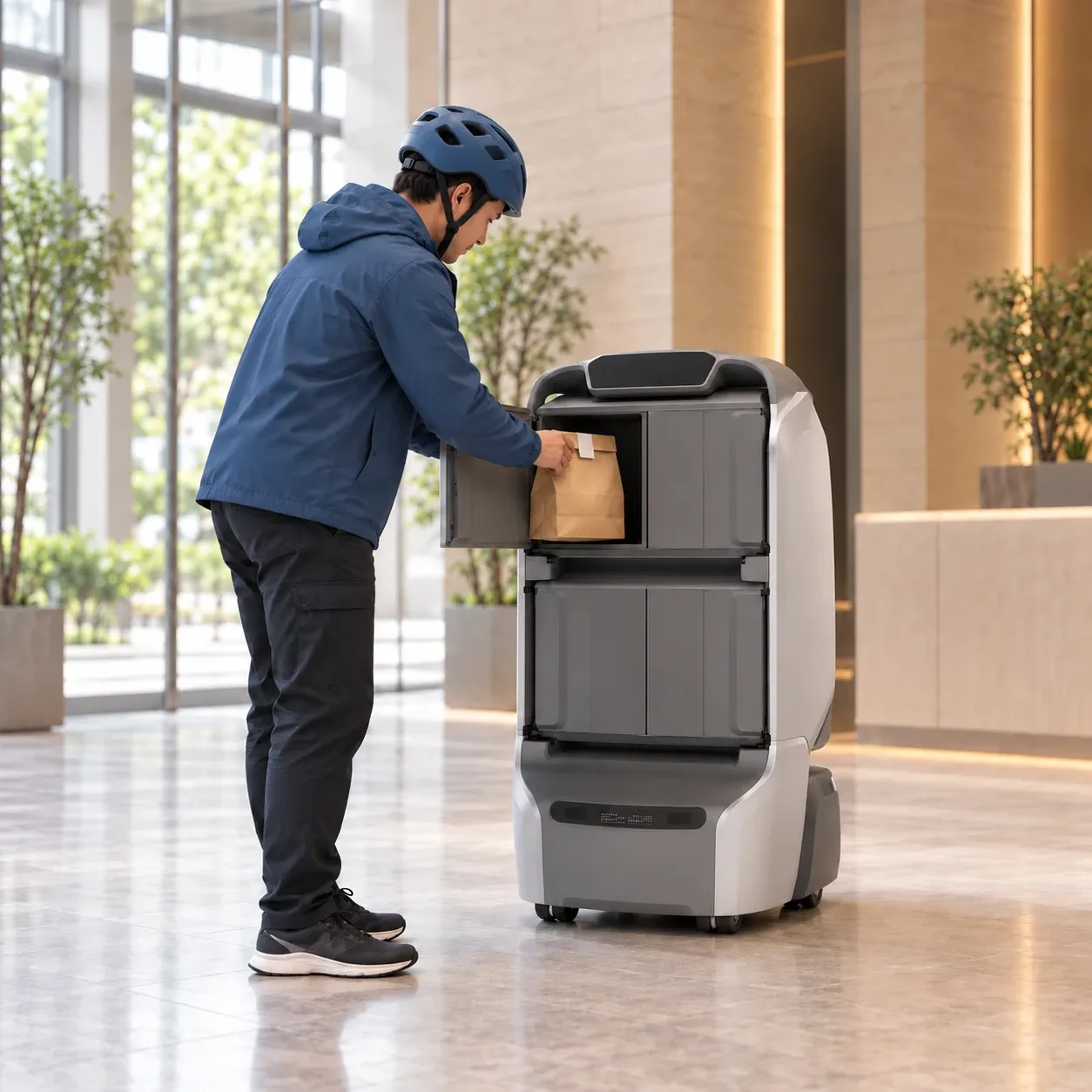
A courier loads a meal into KAGO’s rear compartment, scenario illustration

Shop delivery

  • Coffee & drinks
  • Sweets & snacks
  • Everyday goods

Order from participating merchants in the app and choose a pickup point. Merchants prepare the goods and call a robot for collection, then recipients are notified to verify pickup, connecting shops with customers on different floors.

  1. Place an order
  2. Merchant prepares
  3. Robot delivers
  4. Notify & collect
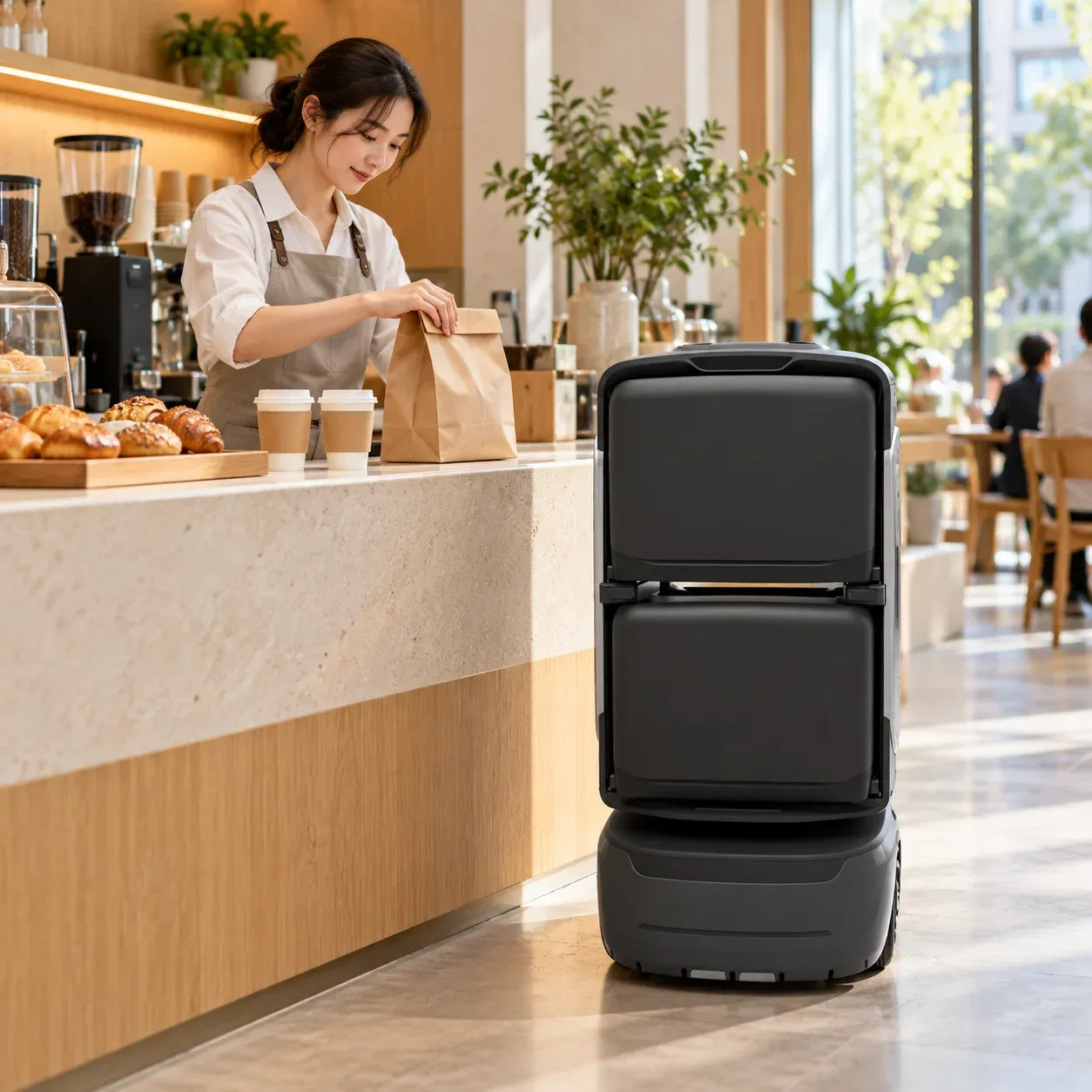
A café merchant prepares goods beside KAGO, scenario illustration

Local delivery

  • Hotel supplies
  • Factory materials
  • Tools & spares

Start deliveries at a hotel front desk or workplace without an app order. Staff choose a configured destination and compartment on the robot screen, verify loading and dispatch it to transport the items and notify the recipient.

  1. Choose destination
  2. Load & dispatch
  3. Robot delivers
  4. Notify & collect
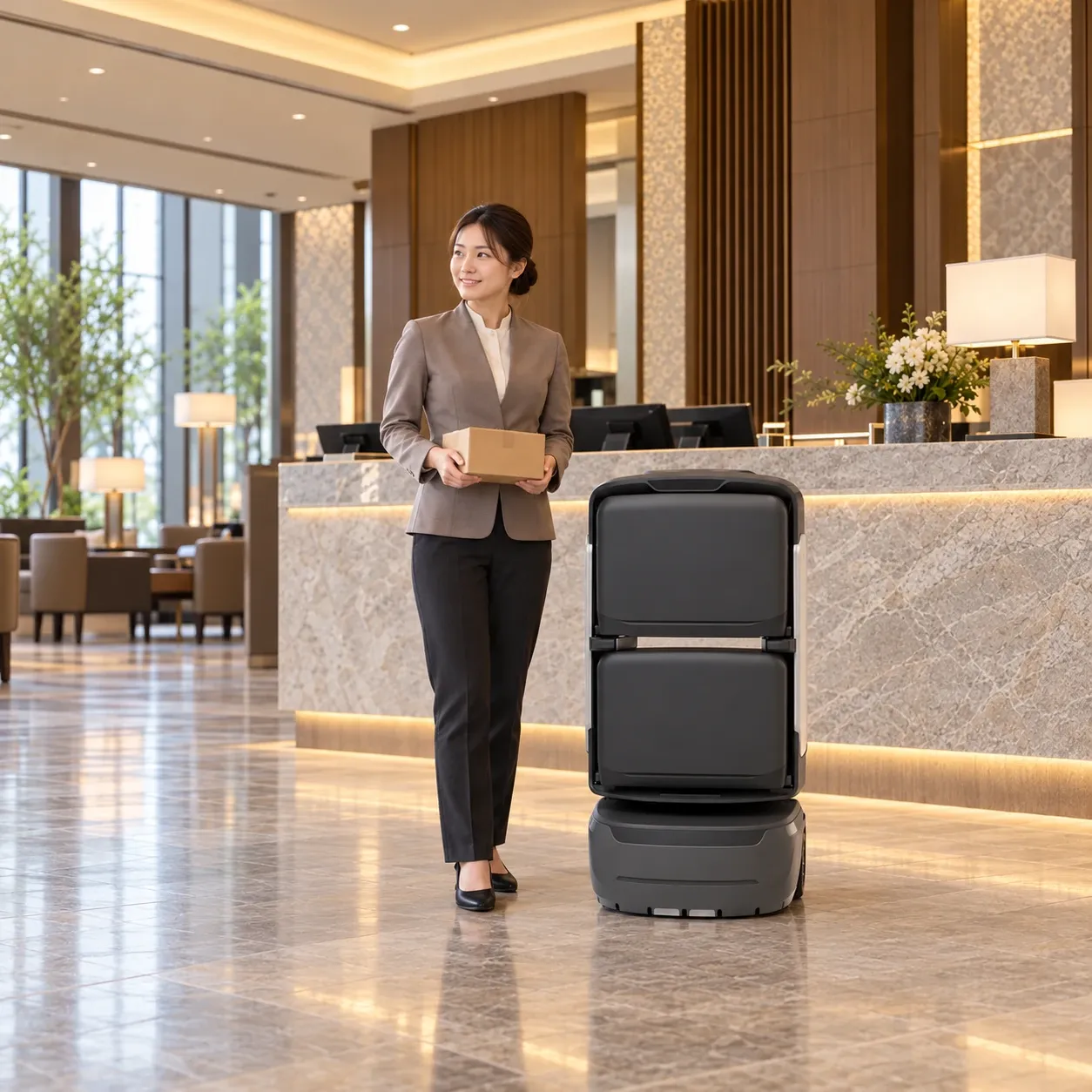
A hotel receptionist holds a parcel beside KAGO at the front desk, scenario illustration

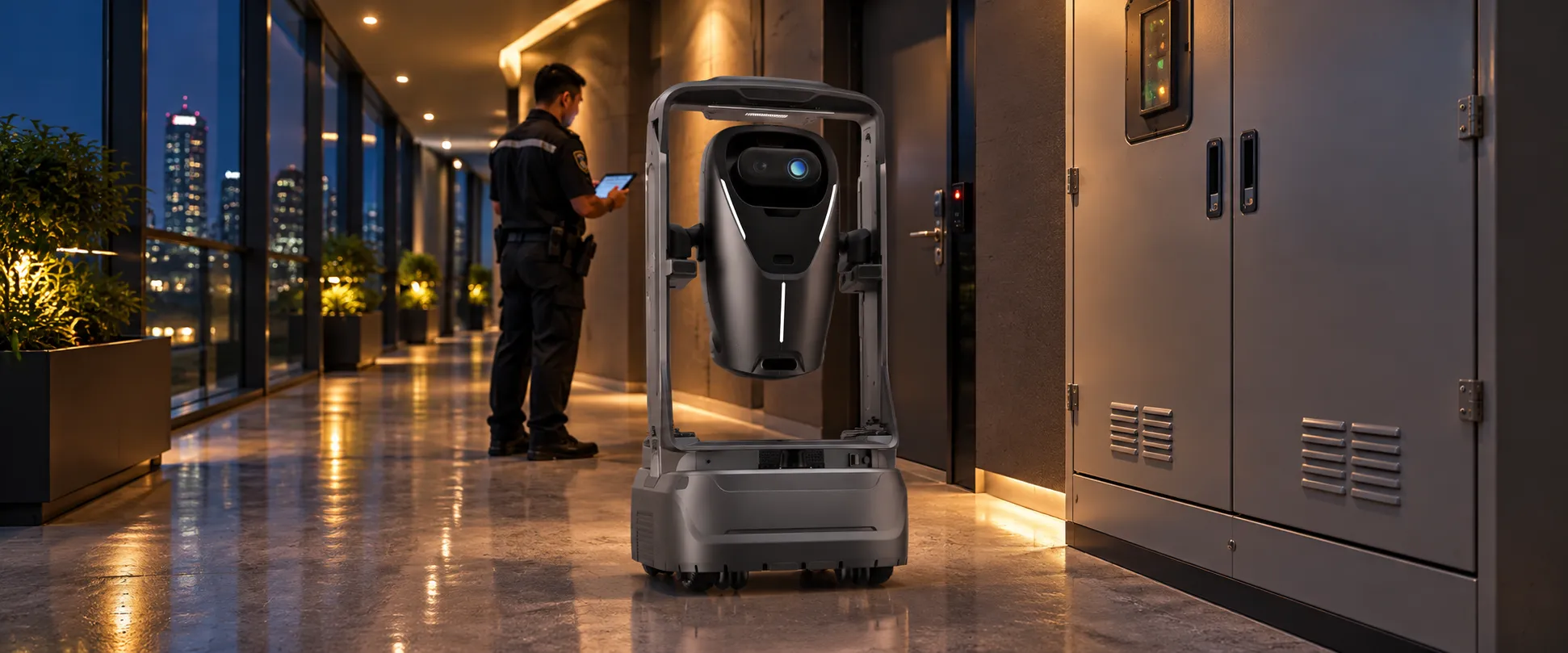
Security patrol

  • Route patrols
  • Site capture
  • Remote audio & video

Schedule indoor patrols to capture images and configured environmental readings. Staff review suspected issues, coordinate a response and keep recheck records to track progress.

  1. Plan the patrol
  2. Capture each checkpoint
  3. Review & respond
  4. Recheck & review the result
ANGO and a duty staff member on an indoor night patrol, scenario illustration

Air purification

  • Mobile purification
  • Zoned operation
  • Scheduled tasks

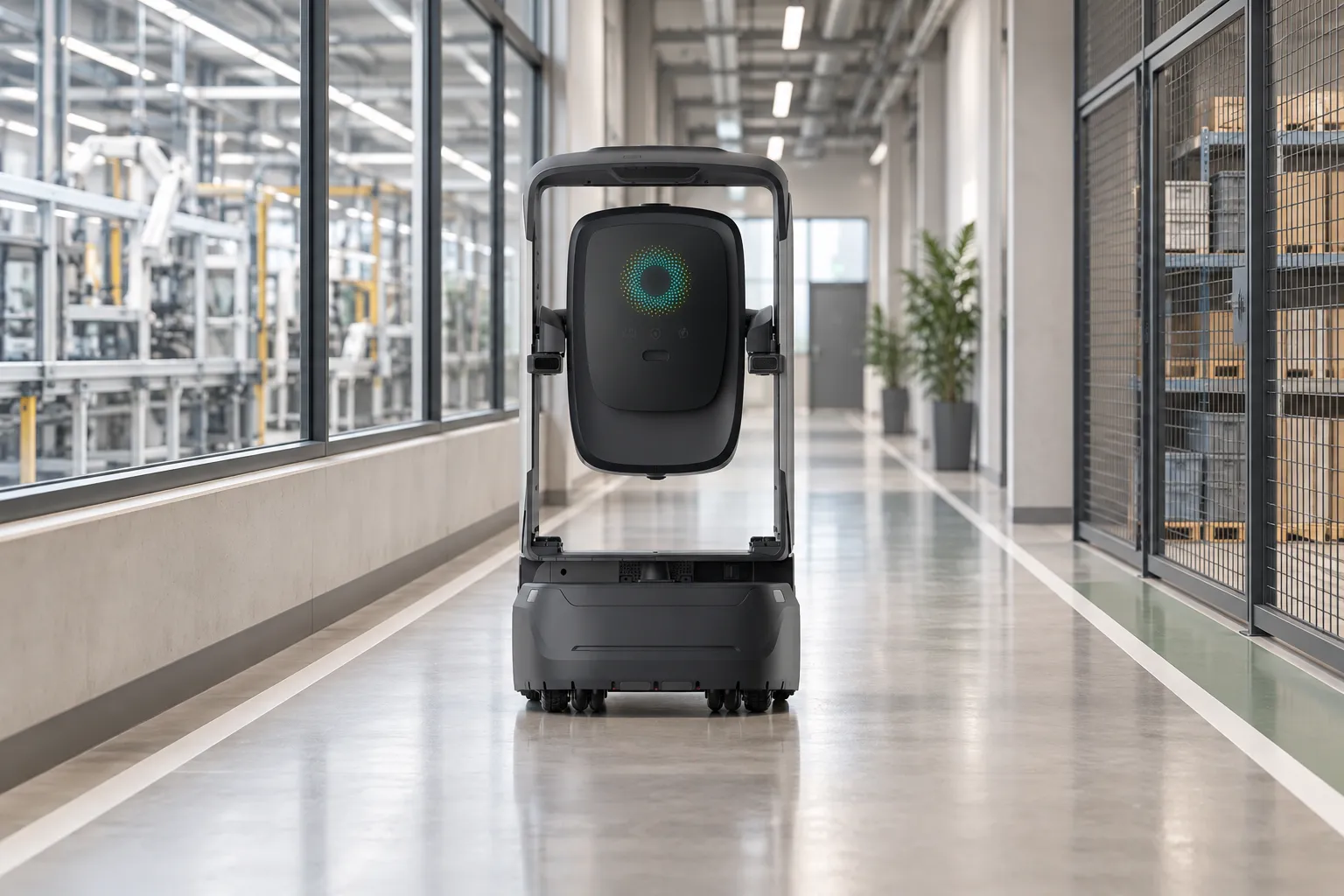
Bring purification to lobbies, meeting rooms and offices with planned schedules, stop durations and airflow settings. The robot follows its route and works by area, with configured monitoring and operating records to support review and maintenance.

  1. Plan the task
  2. Move to each point
  3. Work by area
  4. Review & maintain
AIR working in an indoor factory corridor, scenario illustration

Visitor guidance

  • Office reception
  • Showroom tours
  • Hospital guidance

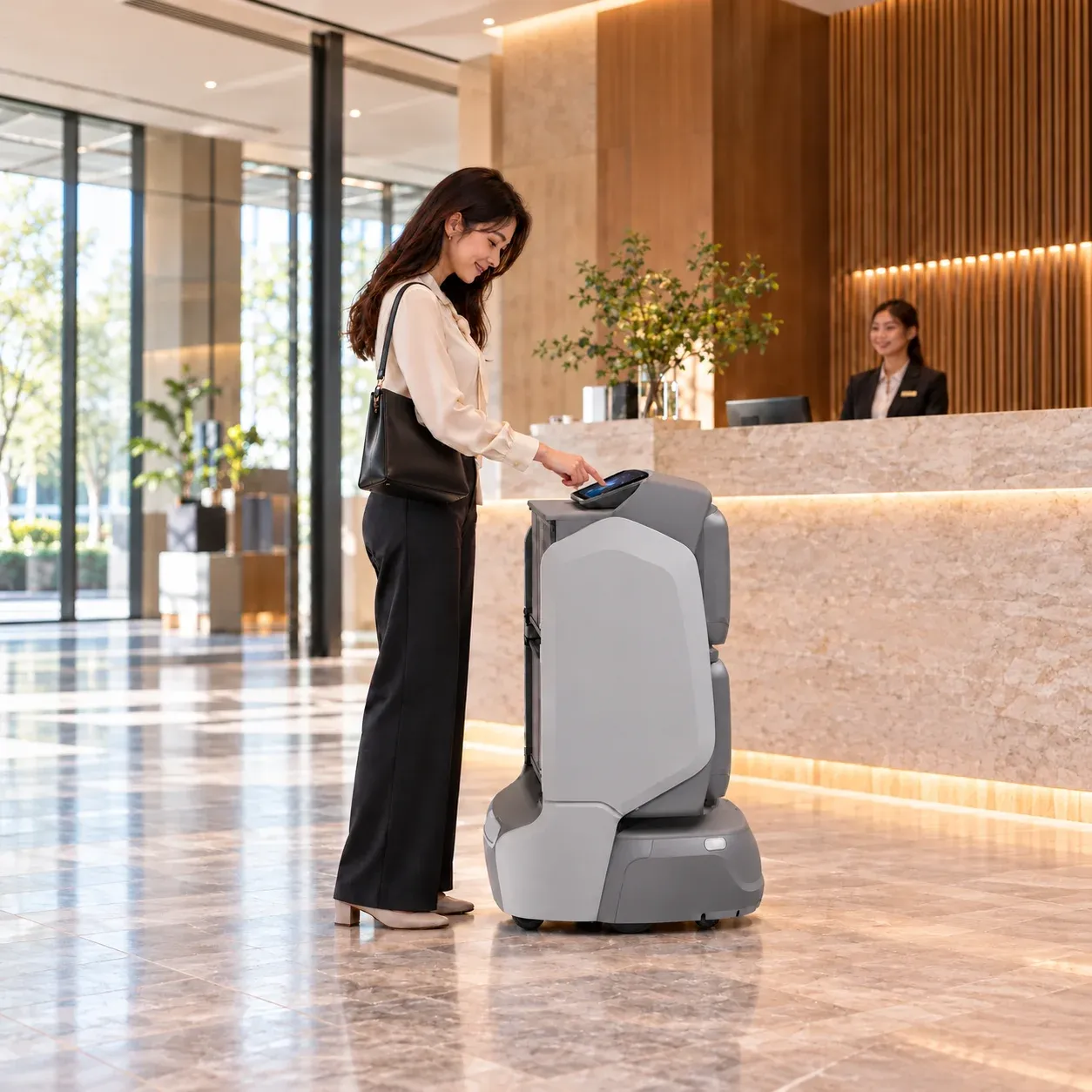
Create a guidance order in the app, choose a configured destination and enter the order code at the robot. It leads visitors along a mapped route with configured voice or screen prompts, then hands over to reception staff.

  1. Create guidance order
  2. Enter code & start
  3. Follow the robot
  4. Arrive & hand over
A visitor uses KAGO’s screen to start guidance at reception, scenario illustration

See how robots make deliveries.

Follow an in-building delivery, from staff handover to robot transport.

Start your project with one application.

Tell us about your building, service tasks and routes. Together, we can assess the right robots and configuration.