KAGO
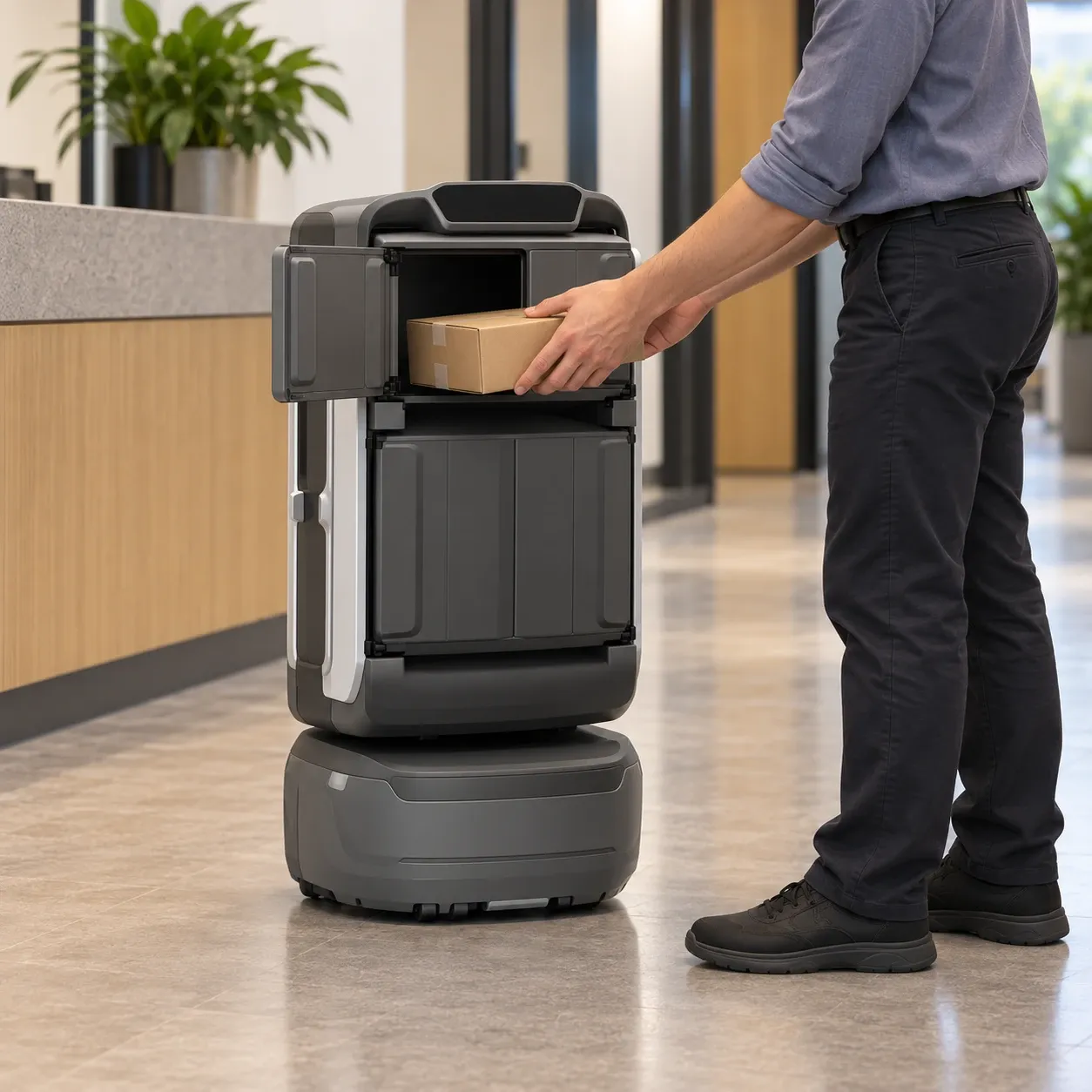
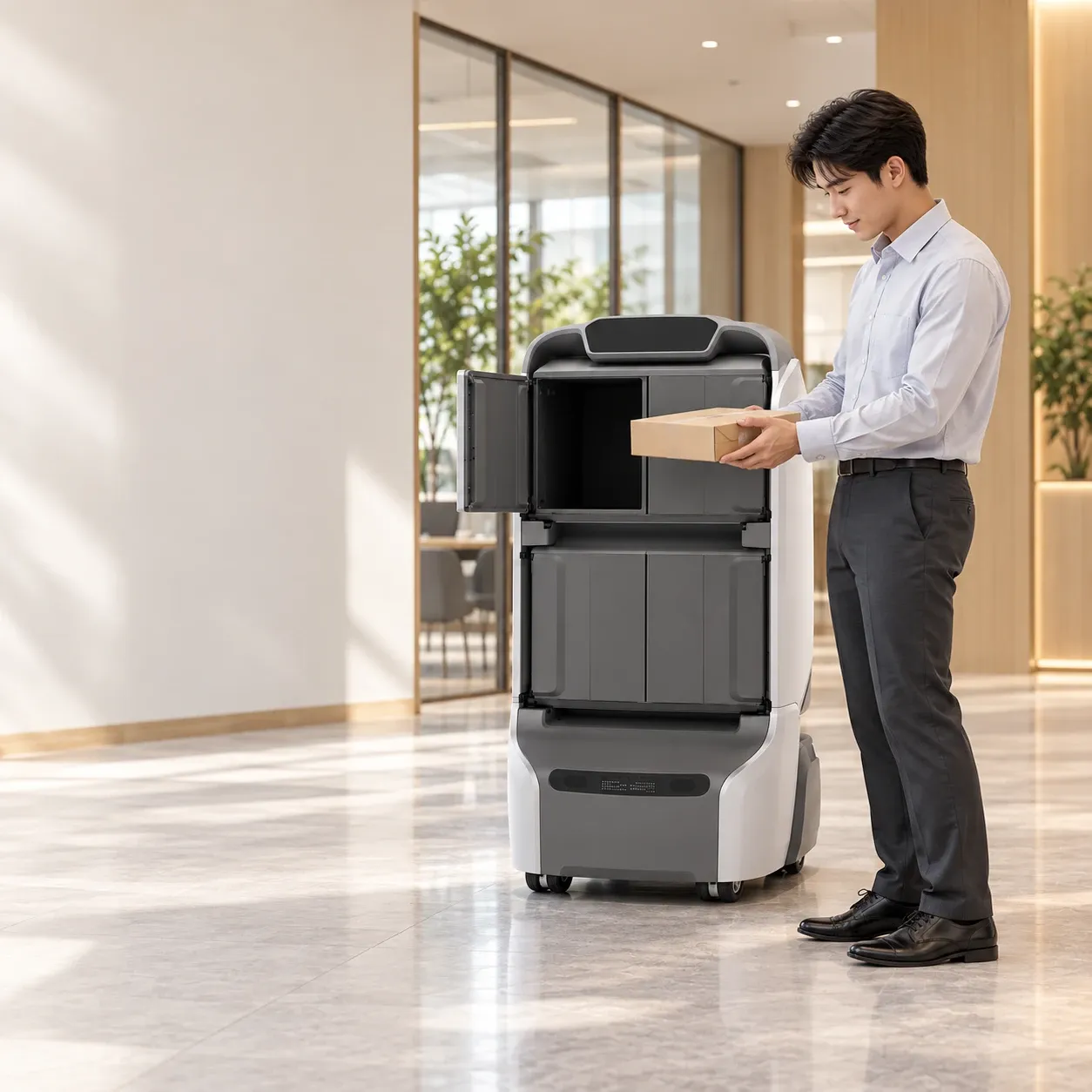
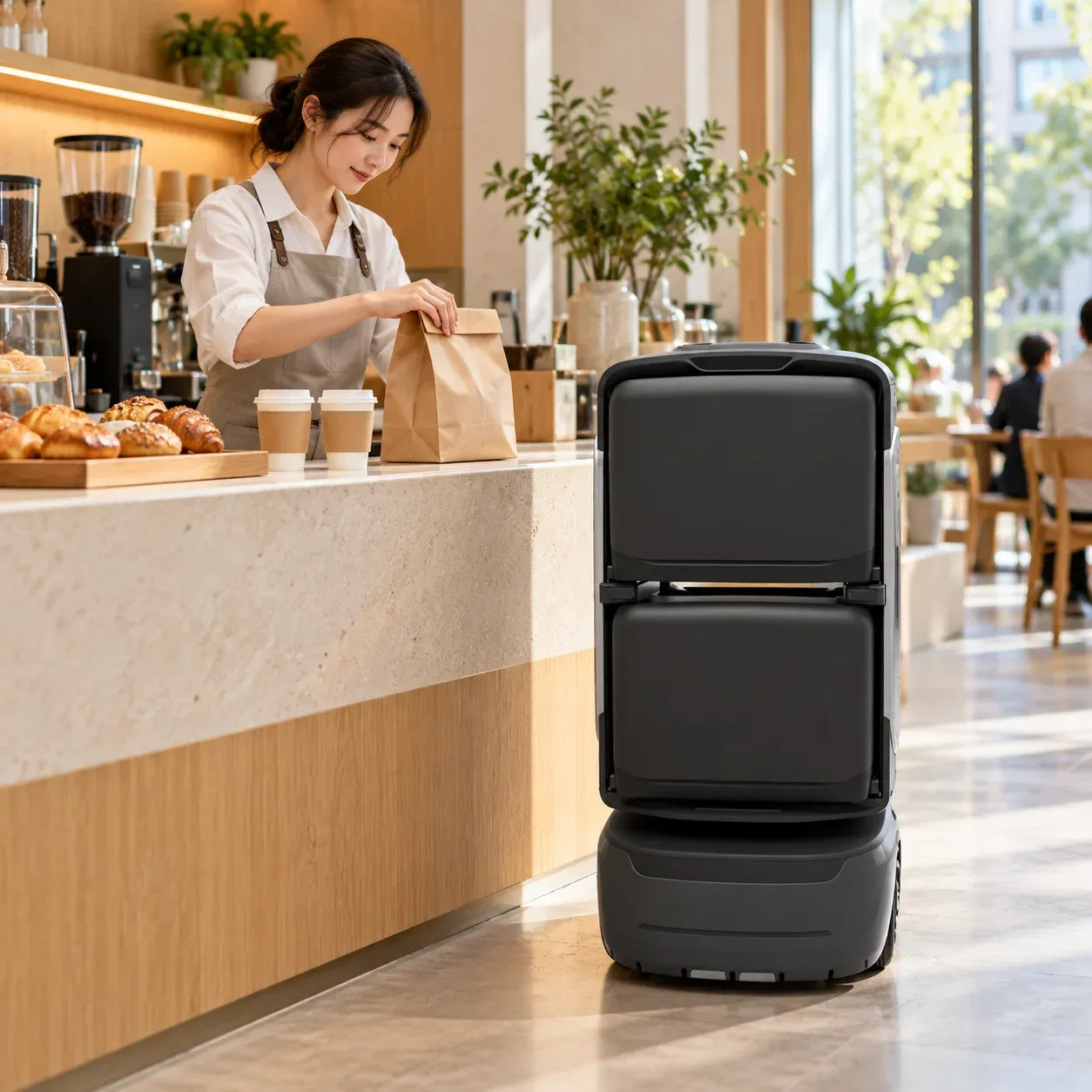
Configurable compartments for everyday deliveries within buildings.
Modular compartments connect indoor deliveries with collection and handover.
Learn more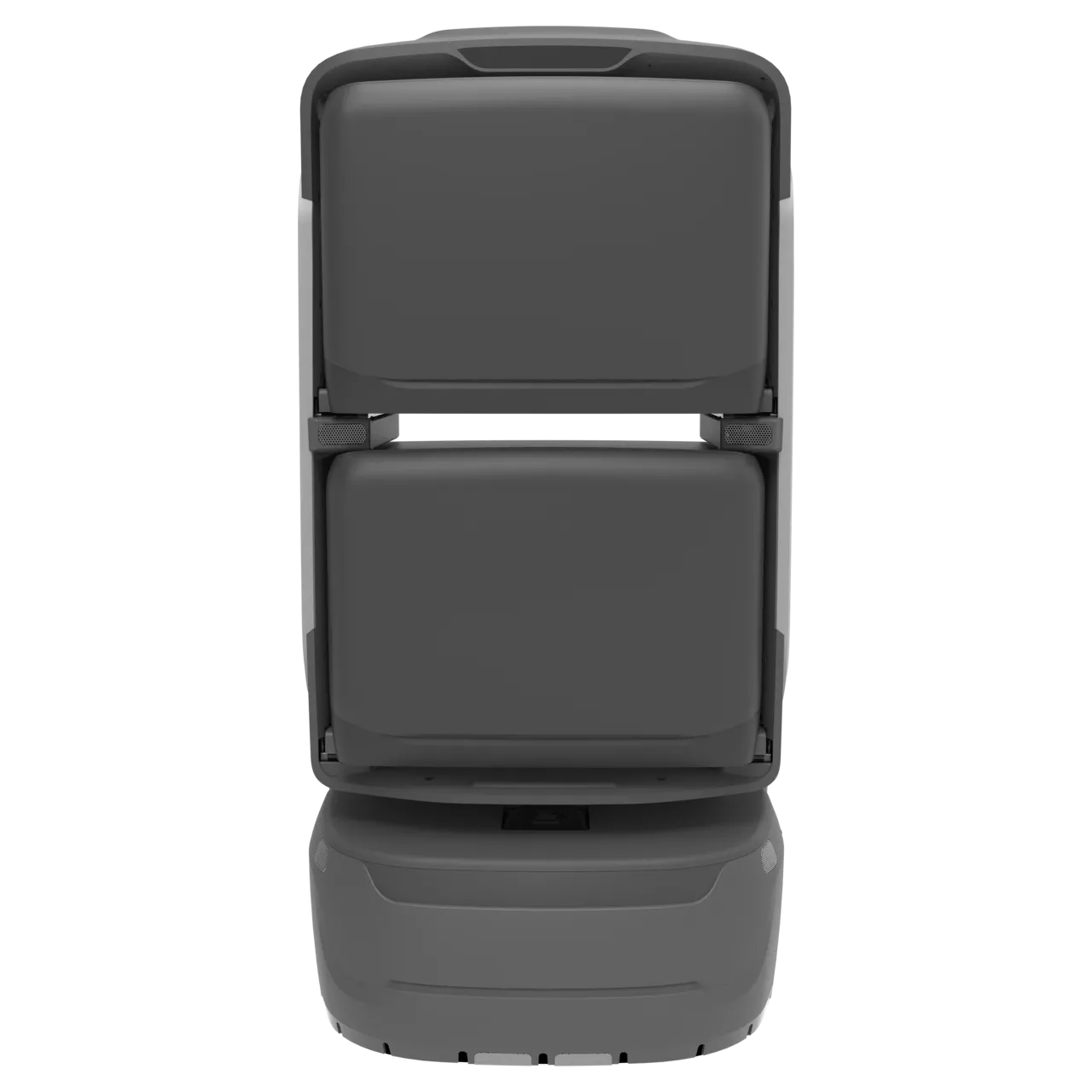
From everyday deliveries to scheduled patrols, YOGO robots work with software and building infrastructure to bring services into your space.
A different partner for every task.
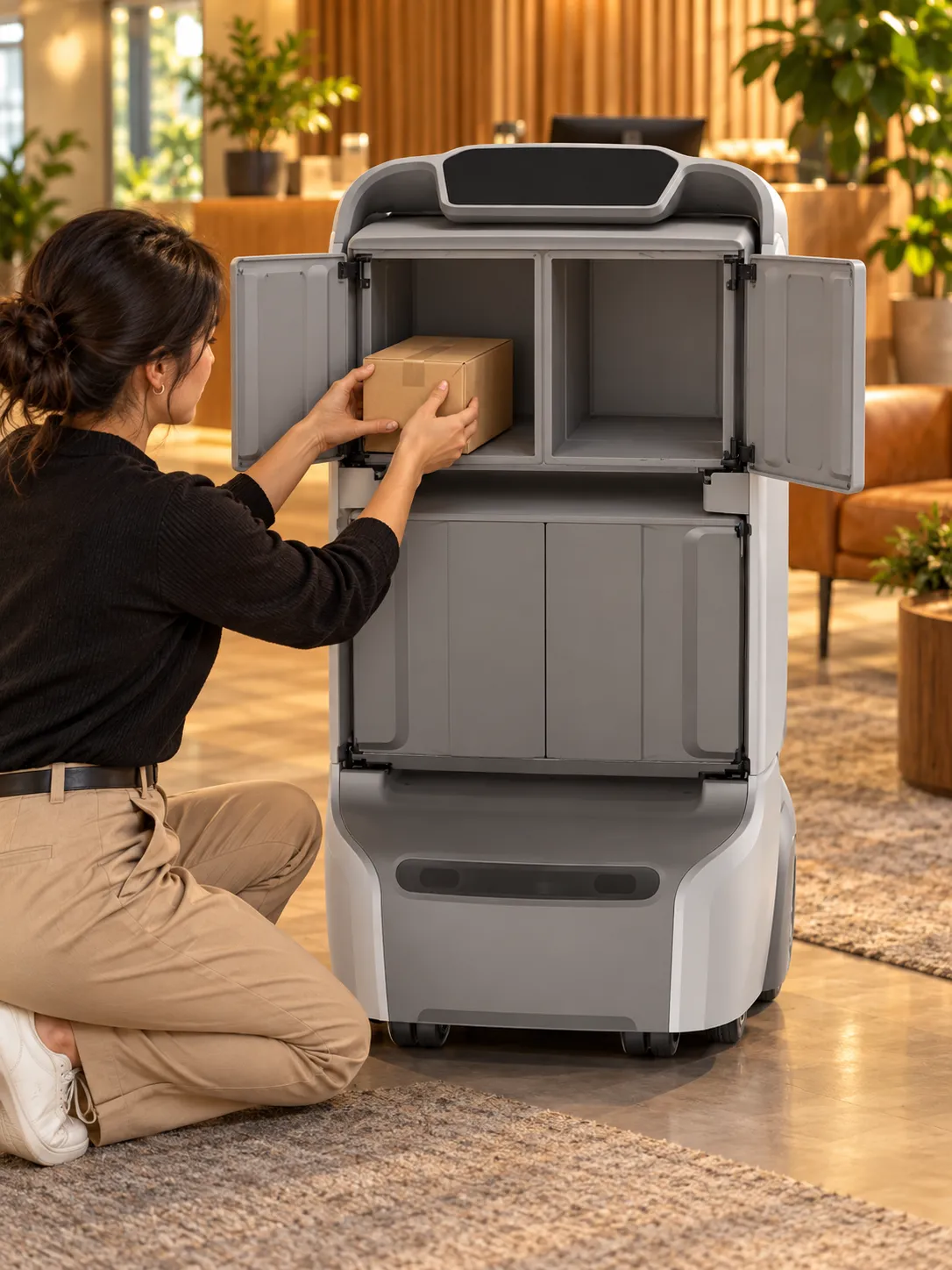
Explore robotsConfigurable compartments for everyday deliveries within buildings.
Modular compartments connect indoor deliveries with collection and handover.
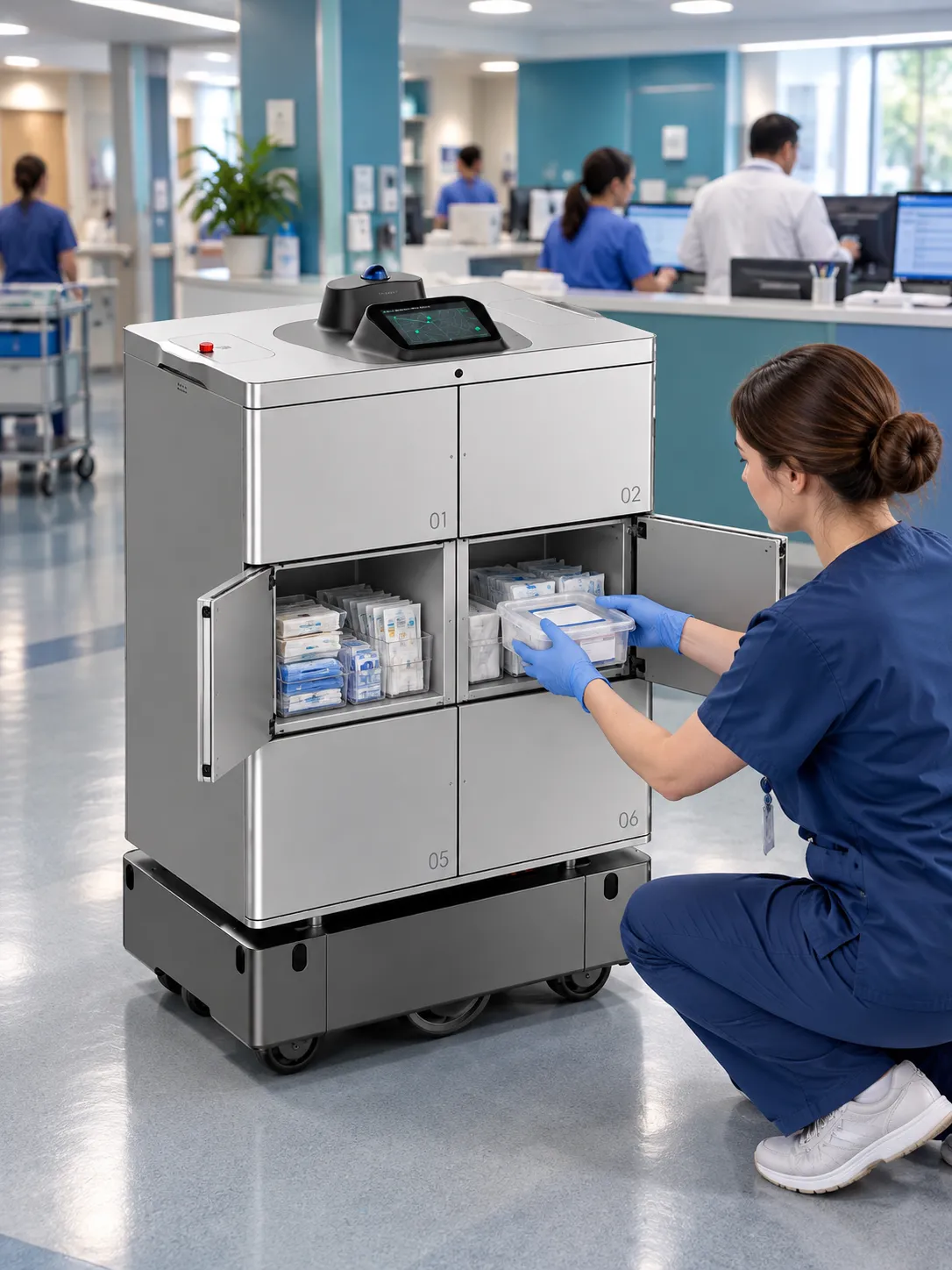
Learn moreHeavy loads and multi-stop deliveries across buildings and campuses.
A six-wheel chassis and separate compartments support heavy deliveries across buildings and grounds.
Learn more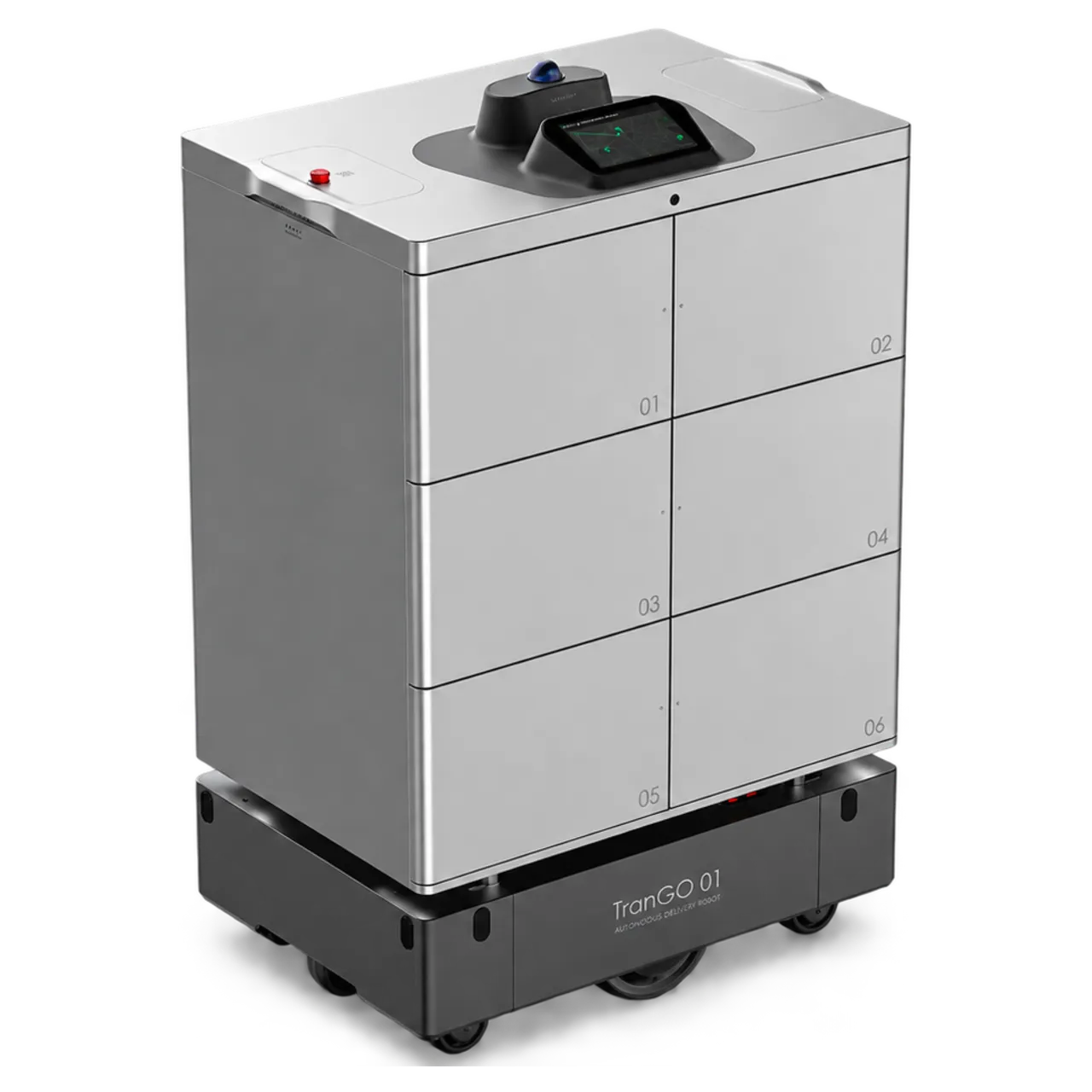
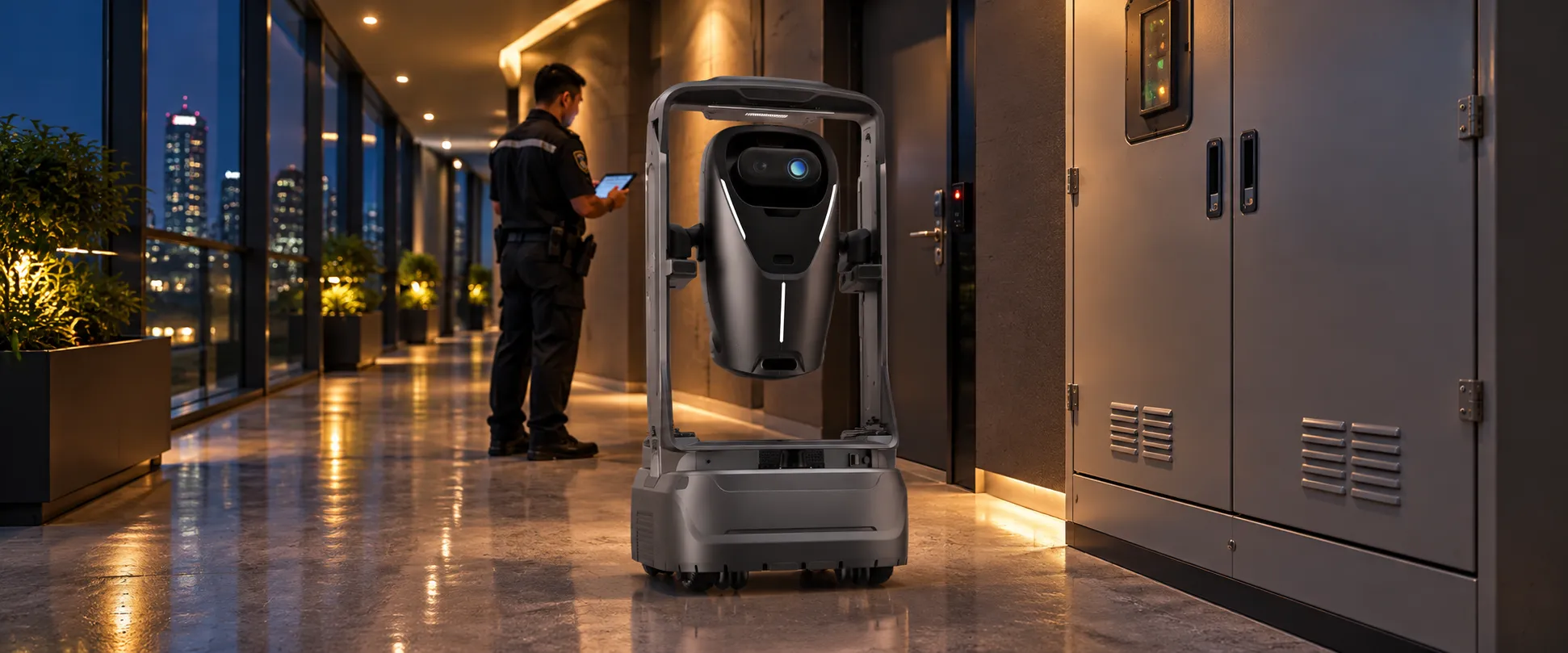
Autonomous patrols and remote collaboration help security teams monitor site conditions.
Night vision, environmental sensing and remote audio/video support everyday patrols.
Learn more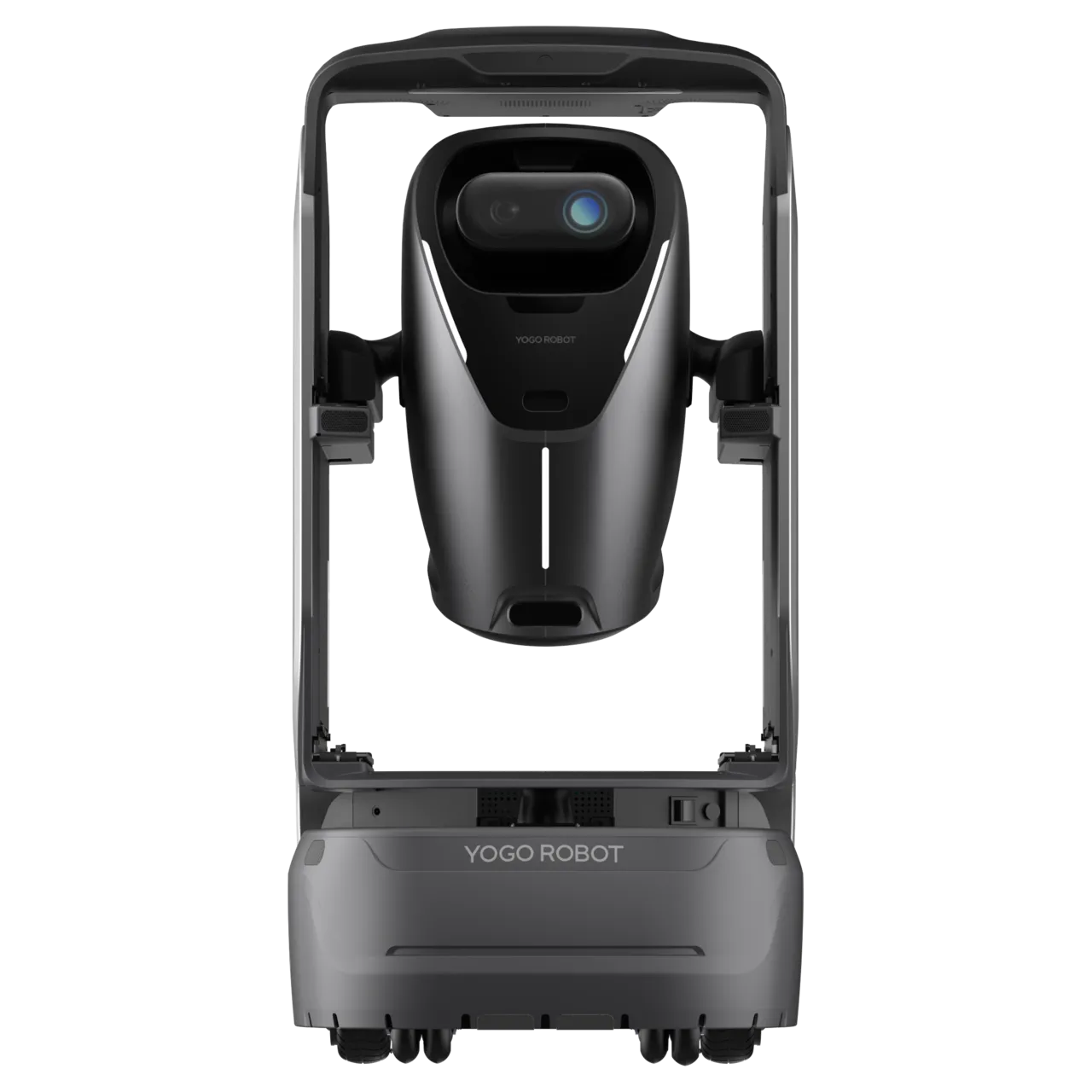
Monitors and purifies indoor air along planned routes or at designated locations.
Autonomous movement brings air purification to different areas as needed.
Learn more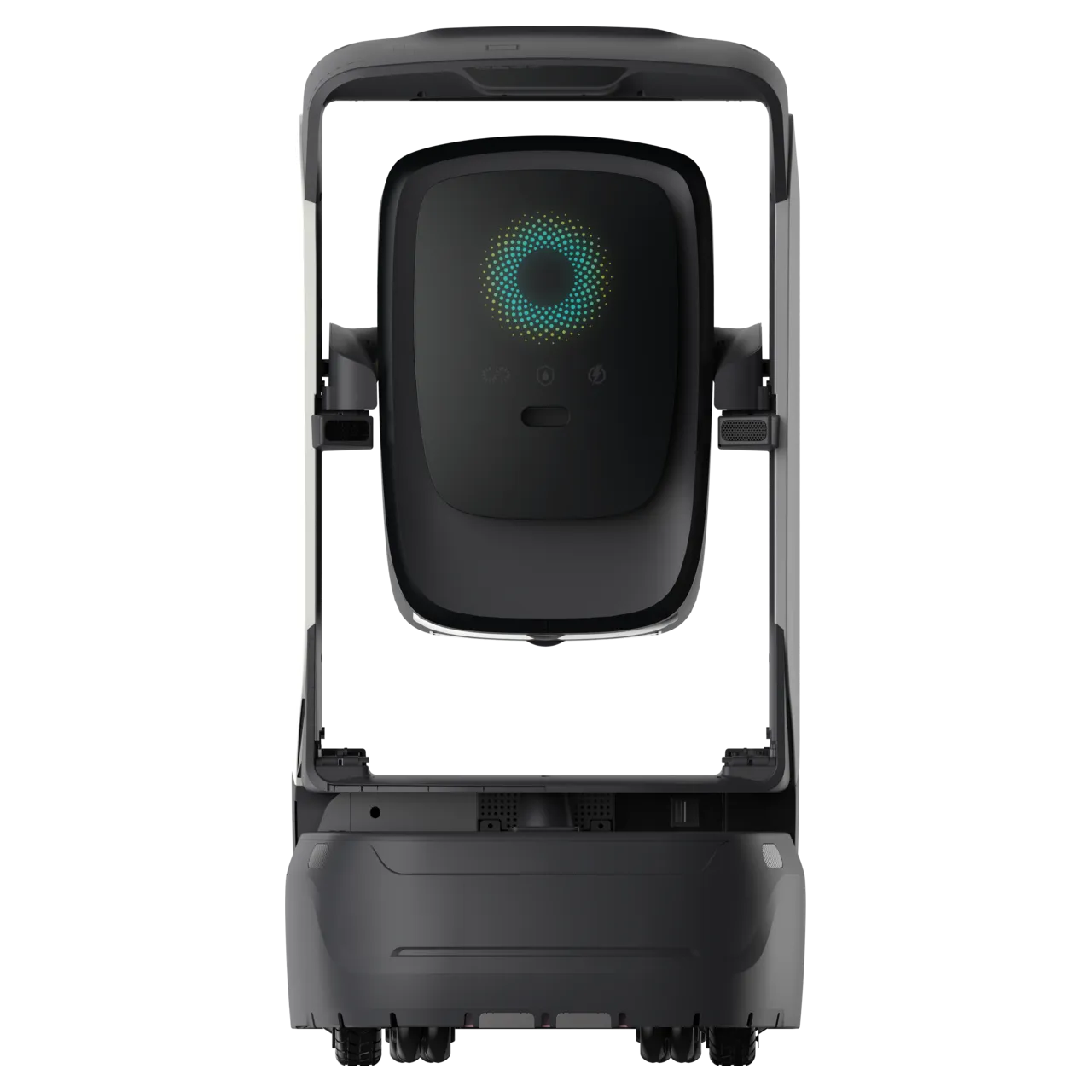
Connect document and parcel deliveries with task dispatch, arrival notifications and authorized collection.
Software, robots, building infrastructure and people work together to complete each service.
4 steps · Swipe to explore
Service application
Staff choose the collection point and destination, and create a delivery task.
Staff + robot
When the robot arrives, staff verify the loading code on the robot screen. The assigned compartment opens automatically and the item is loaded.
Robot + building
The robot follows its route, using lift and door connections configured for the site.
People + notifications
An arrival notification prompts collection. People check the items, complete the handover and handle exceptions.
4 steps · Swipe to explore
Courier + order
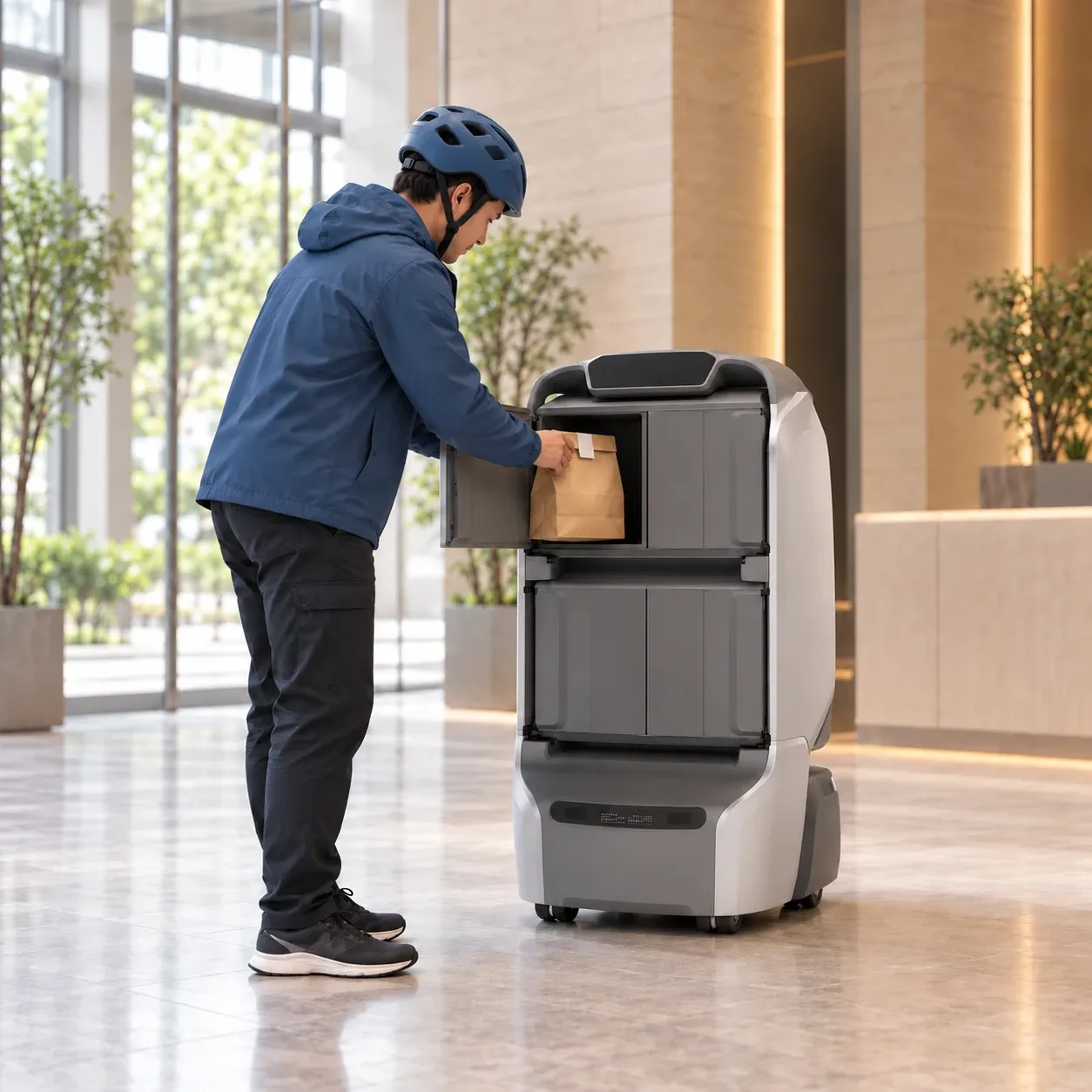
When delivery upstairs is restricted, the courier arrives at the lobby handover point and checks the customer's phone suffix on the order ticket.
Courier + robot
The courier enters the 4-digit phone suffix on the robot screen, and the assigned compartment opens automatically to load the meal.
Robot + building
The robot accepts the task, follows the planned route and uses connected lifts and doors to reach the target floor.
People + notifications
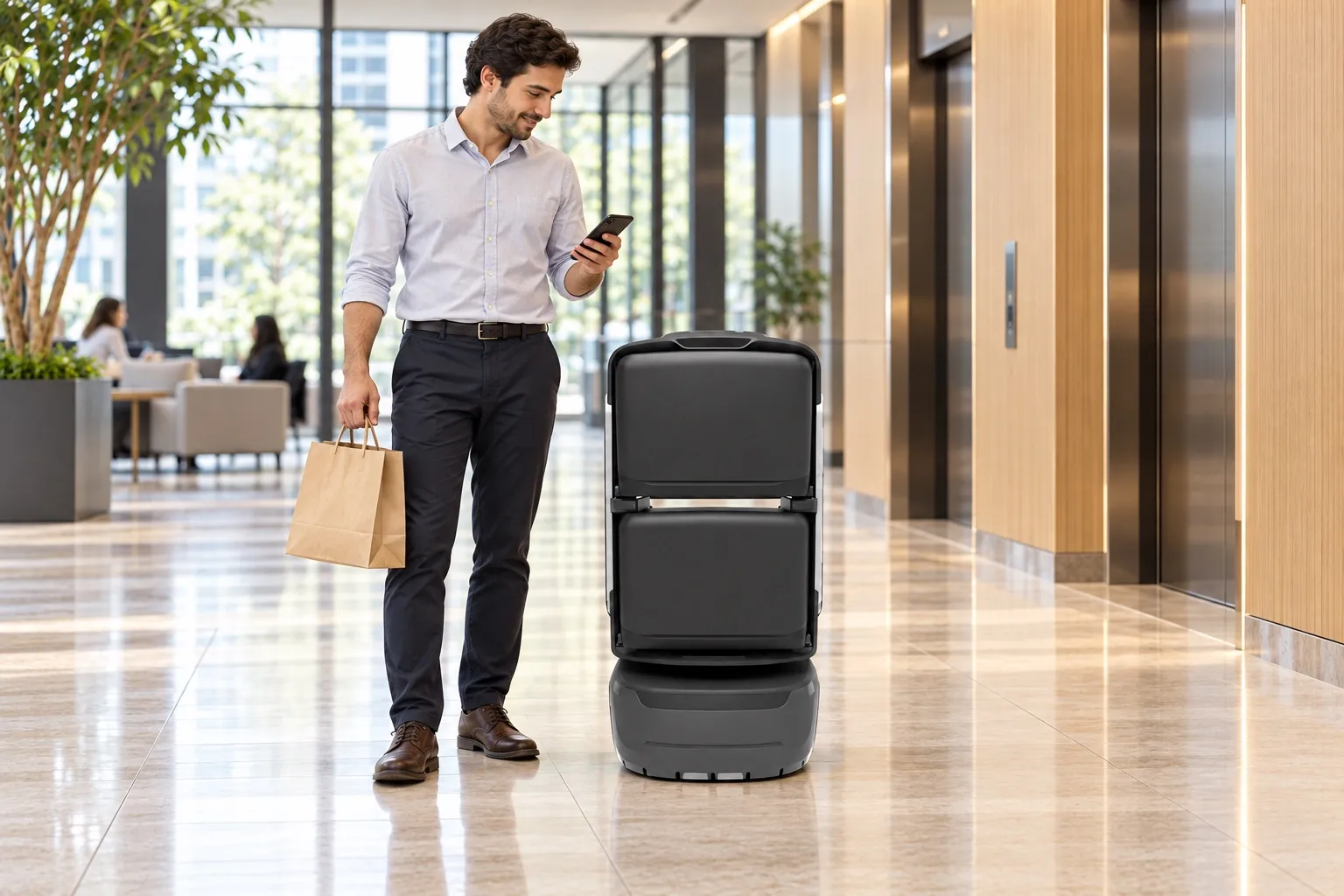
An arrival notification prompts collection. The customer enters their phone suffix on the robot to collect their meal.
4 steps · Swipe to explore
Customer application
The customer chooses goods from a building merchant and places and pays for an order in the application.
Merchant + dispatch
The merchant accepts the order, prepares the goods, calls a robot and uses the loading code to place them in a compartment.
Robot + building
The robot collects the order and follows its route through connected doors and lifts. The customer can check delivery progress.
Notification + collection
Arrival notifications prompt the customer to verify and collect the order. The robot returns after the handover.
4 steps · Swipe to explore
Patrol management
Staff set patrol areas, checkpoints, schedules and frequency to suit the site.
Robot + sensing
The robot follows the scheduled route, collecting live video, checkpoint photos and environmental readings.
Alerts + staff review
Configured rules generate an alert with its location and checkpoint photos. Staff view the live feed and verify the situation.
Alert: fire exit blocked on level 2, exit C03. A checkpoint photo was captured.Response + records
Staff use remote audio or attend the site to respond. Alert records, patrol logs and reports support later review.
See the workflow, the handover and the value for your team.
Coordinate packaged specimens between collection points and the laboratory.
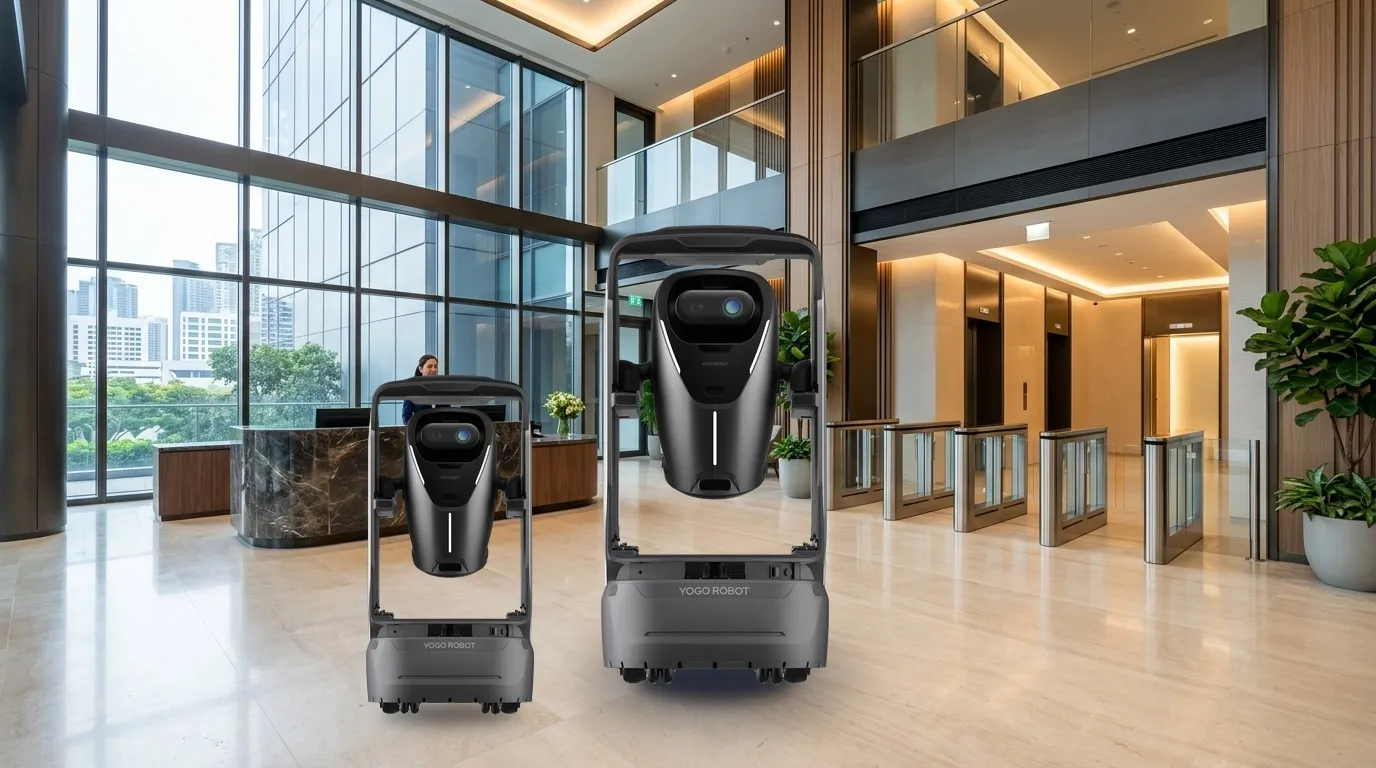
Connect scheduled patrols, remote viewing, alerts and staff review.
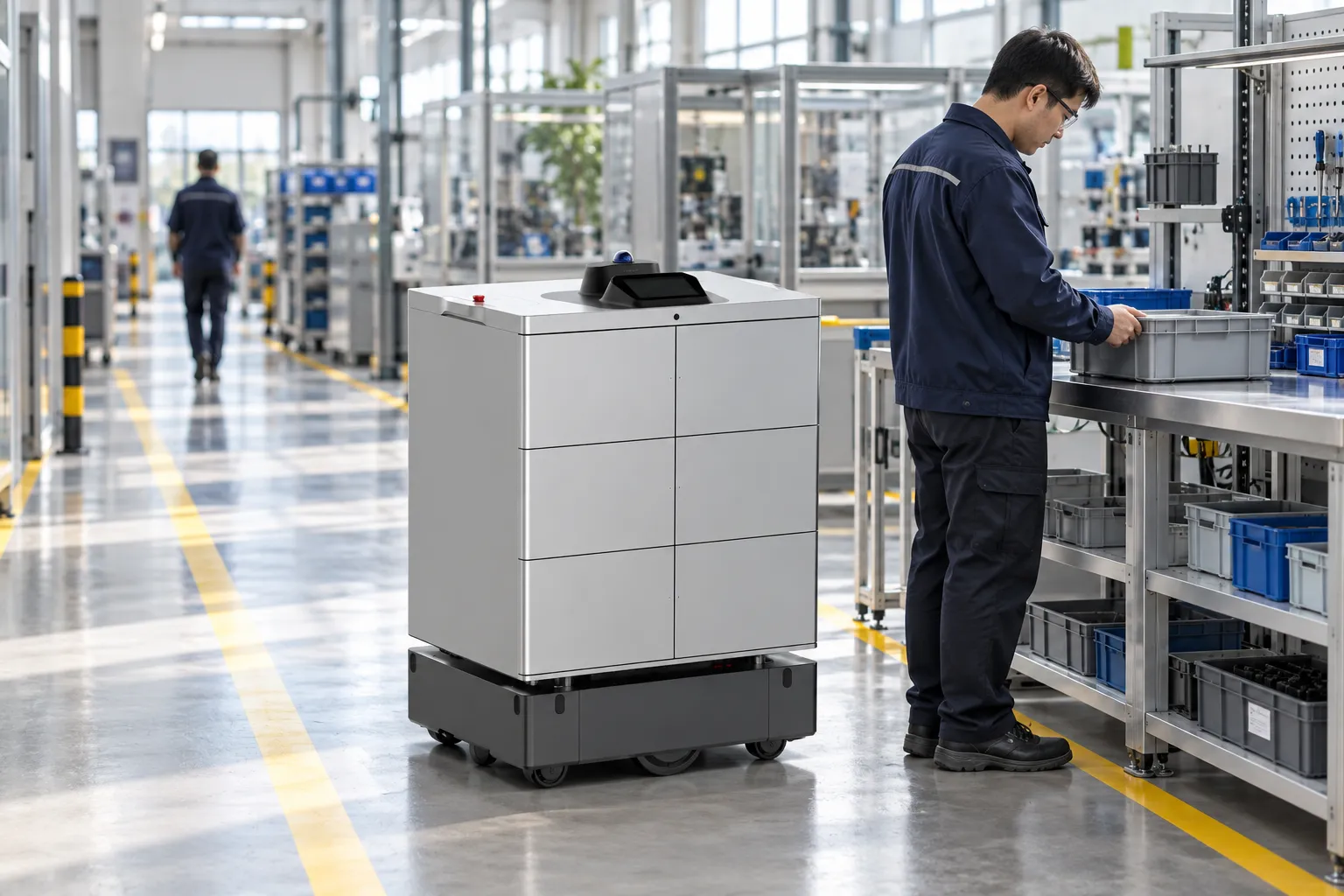
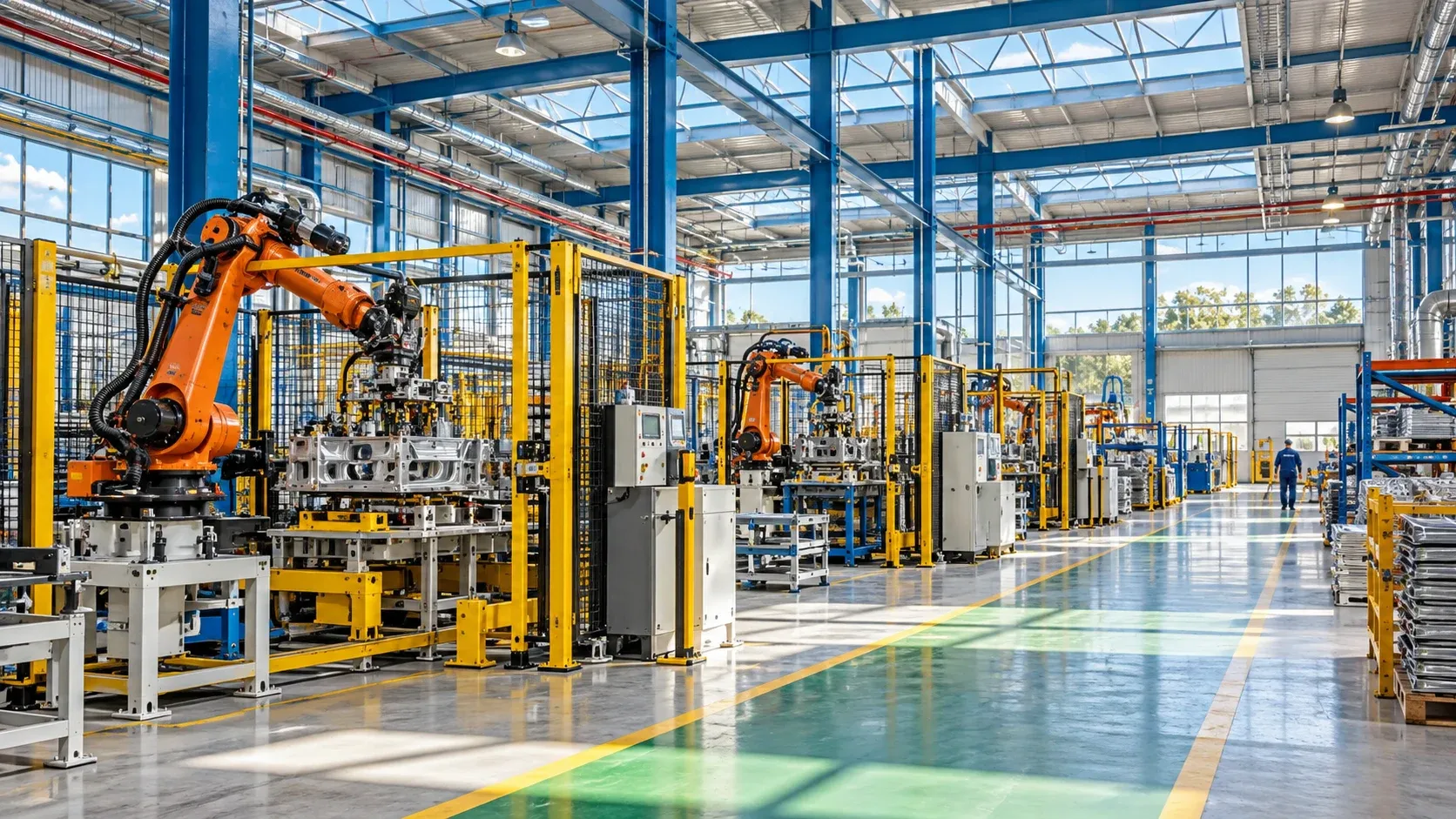
Deliver production supplies to agreed handover points.
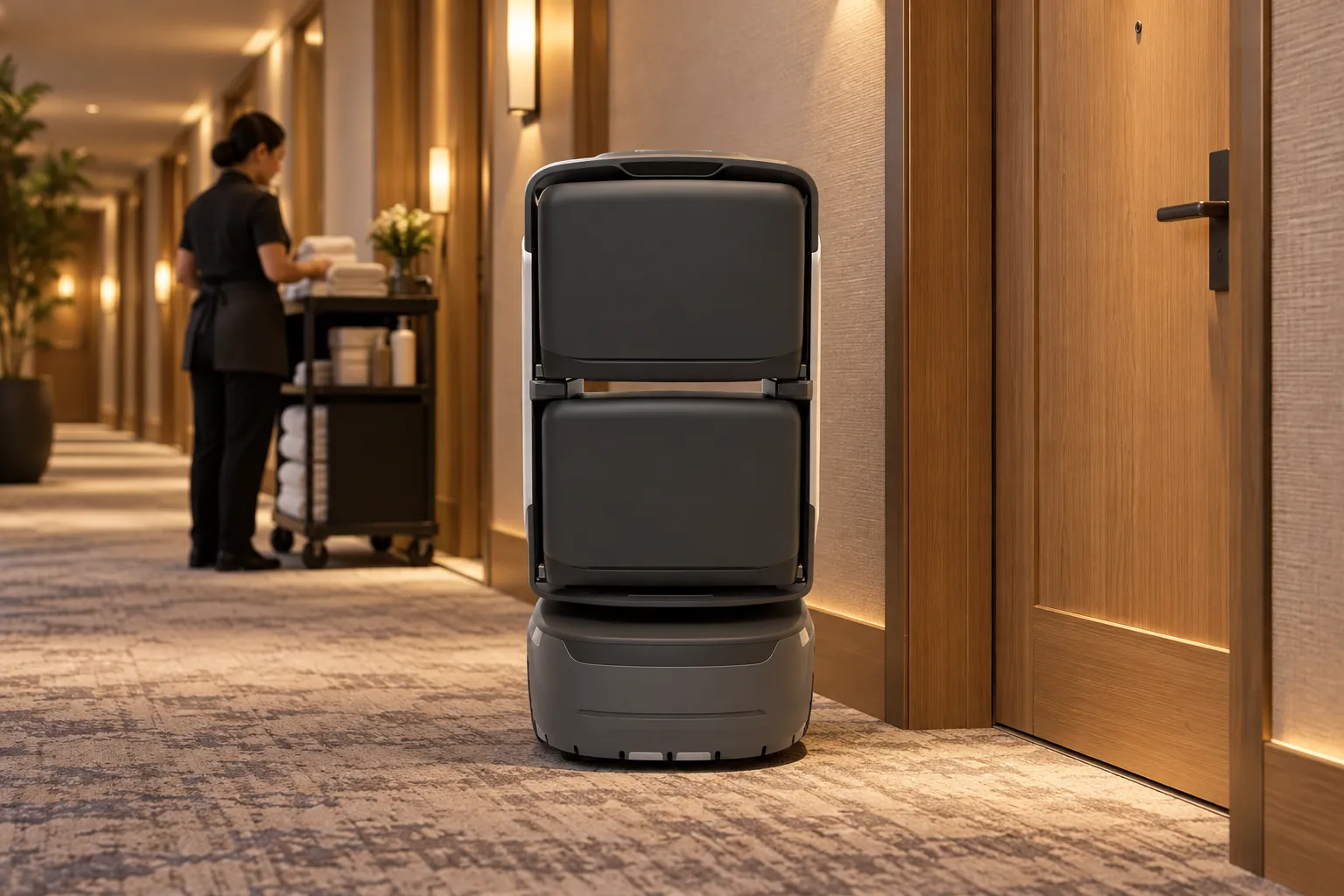
Connect reception handovers with collection at the guest’s door.
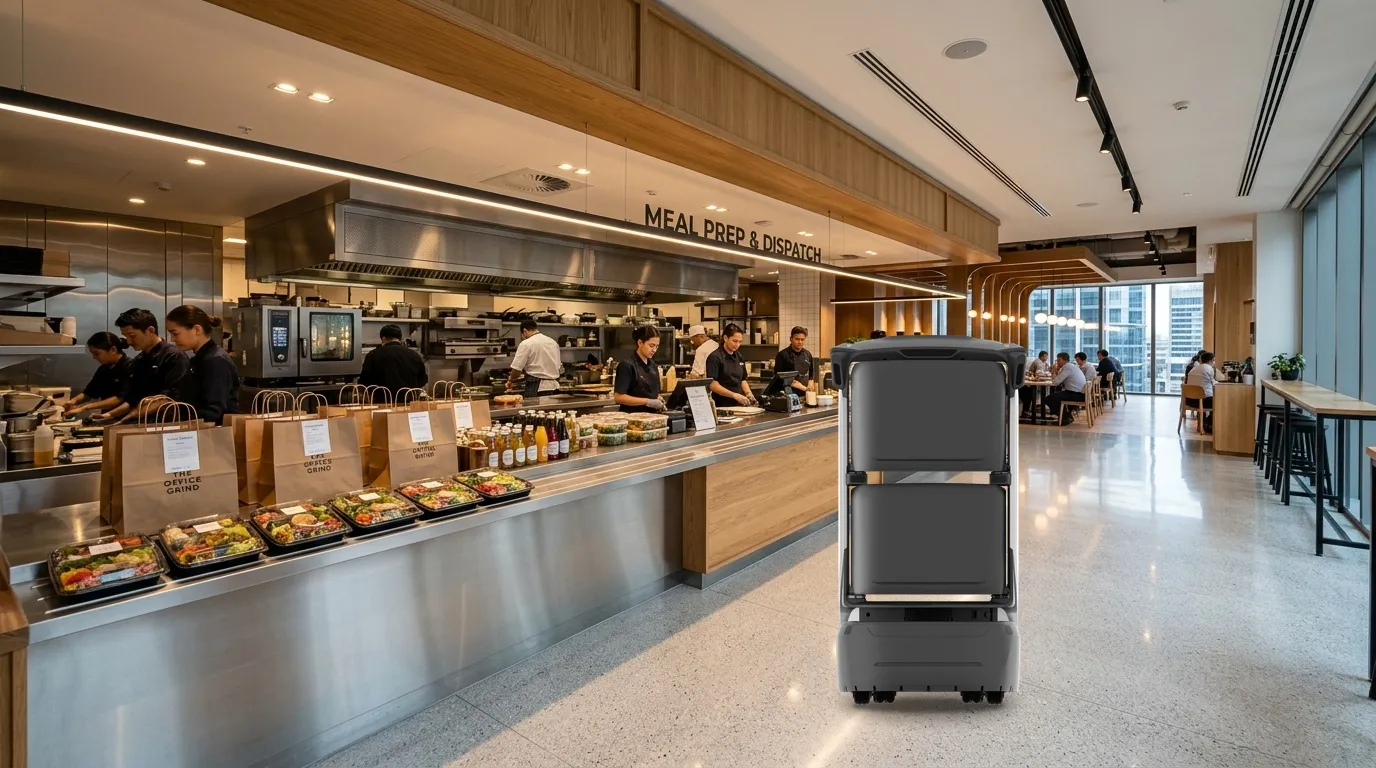
Connect meal preparation and floor handover points.
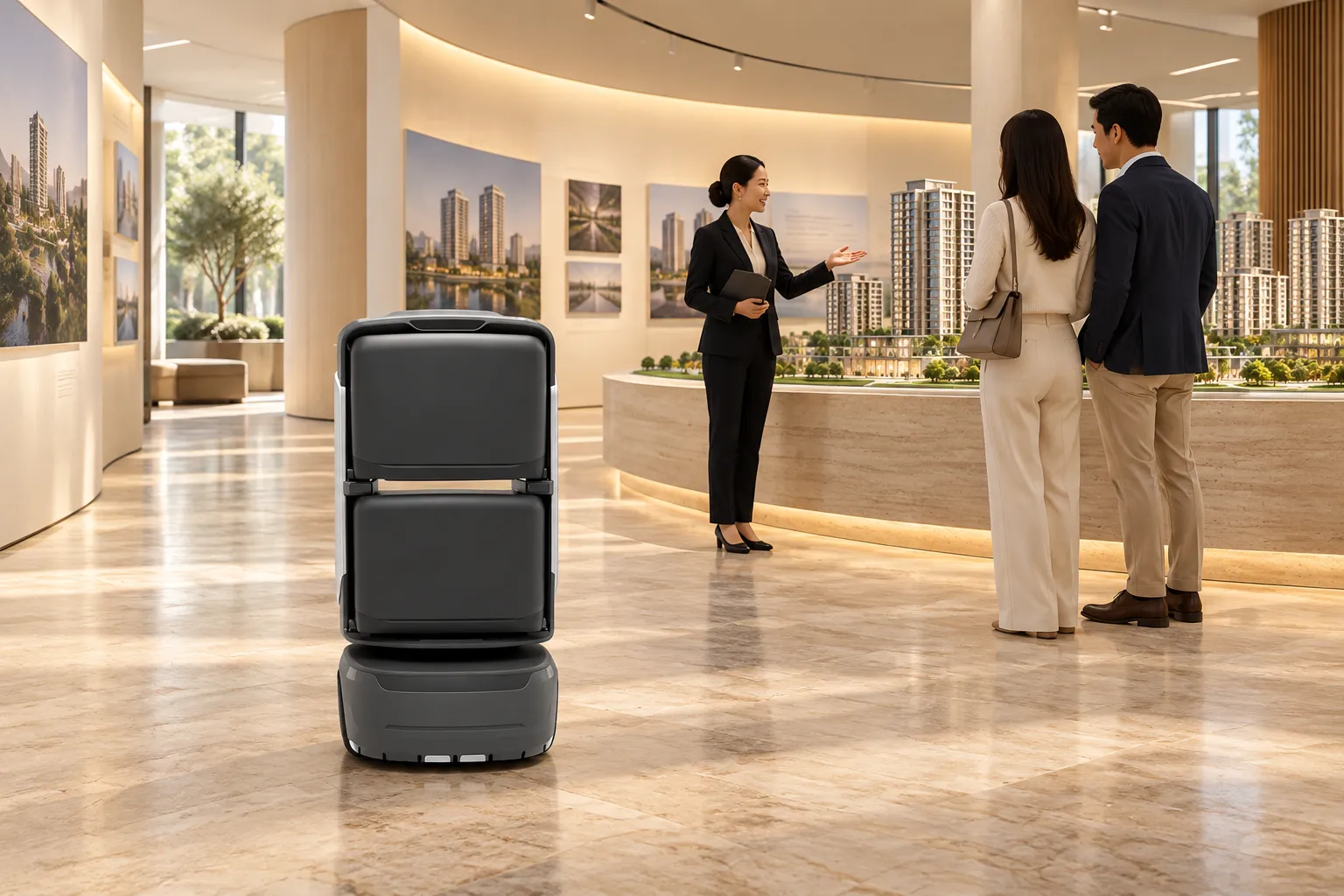
Connect welcome, visitor routes, exhibit commentary and host handover, combining consistent content with deeper human discussion.
See how robots take part in everyday building services.

Commercial complex
Connect online shopping with robot delivery, and support building security with robotic patrols.

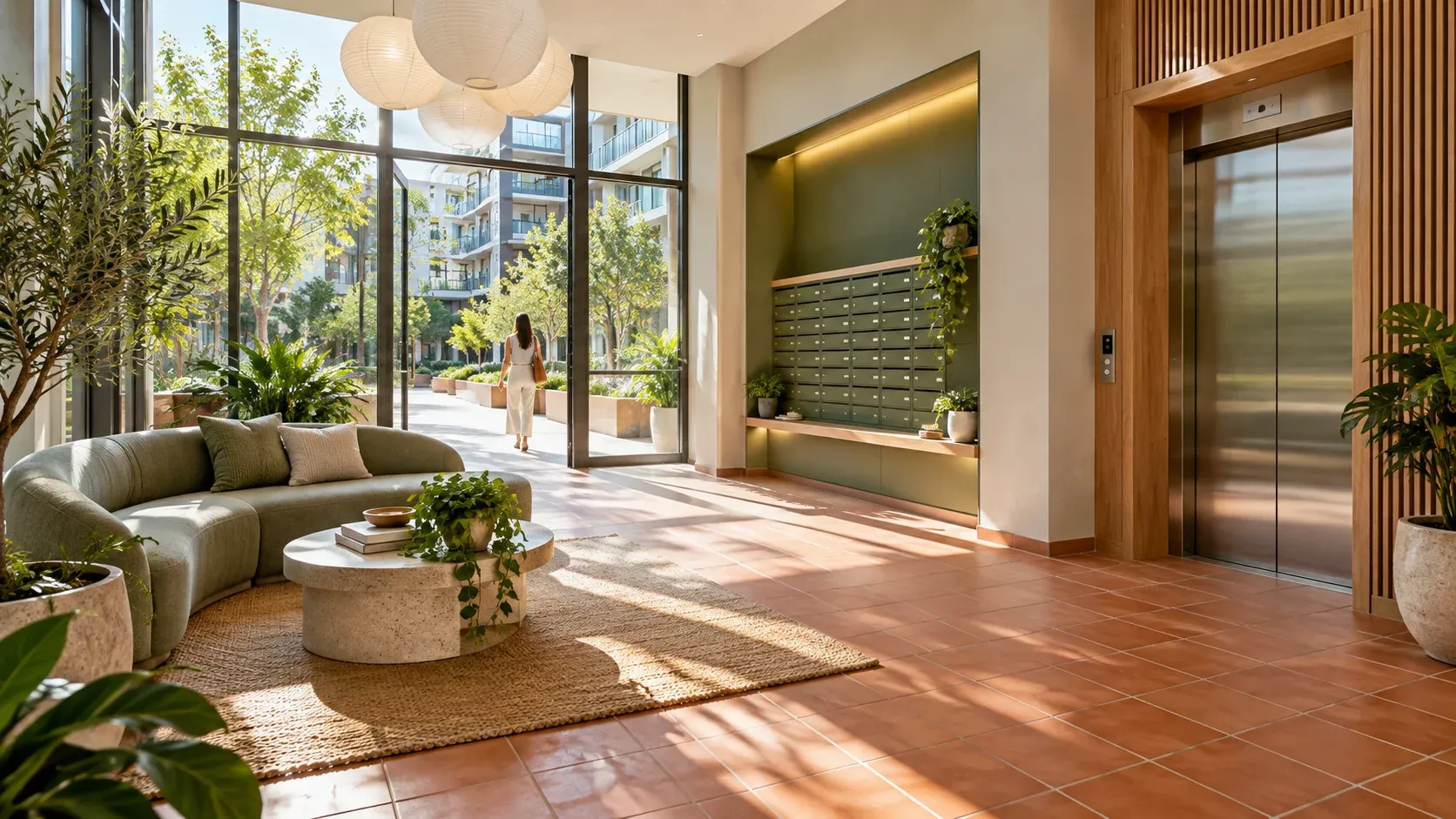
Residential apartments
Bring external parcels to residents by robot, reducing direct contact during late-night deliveries.

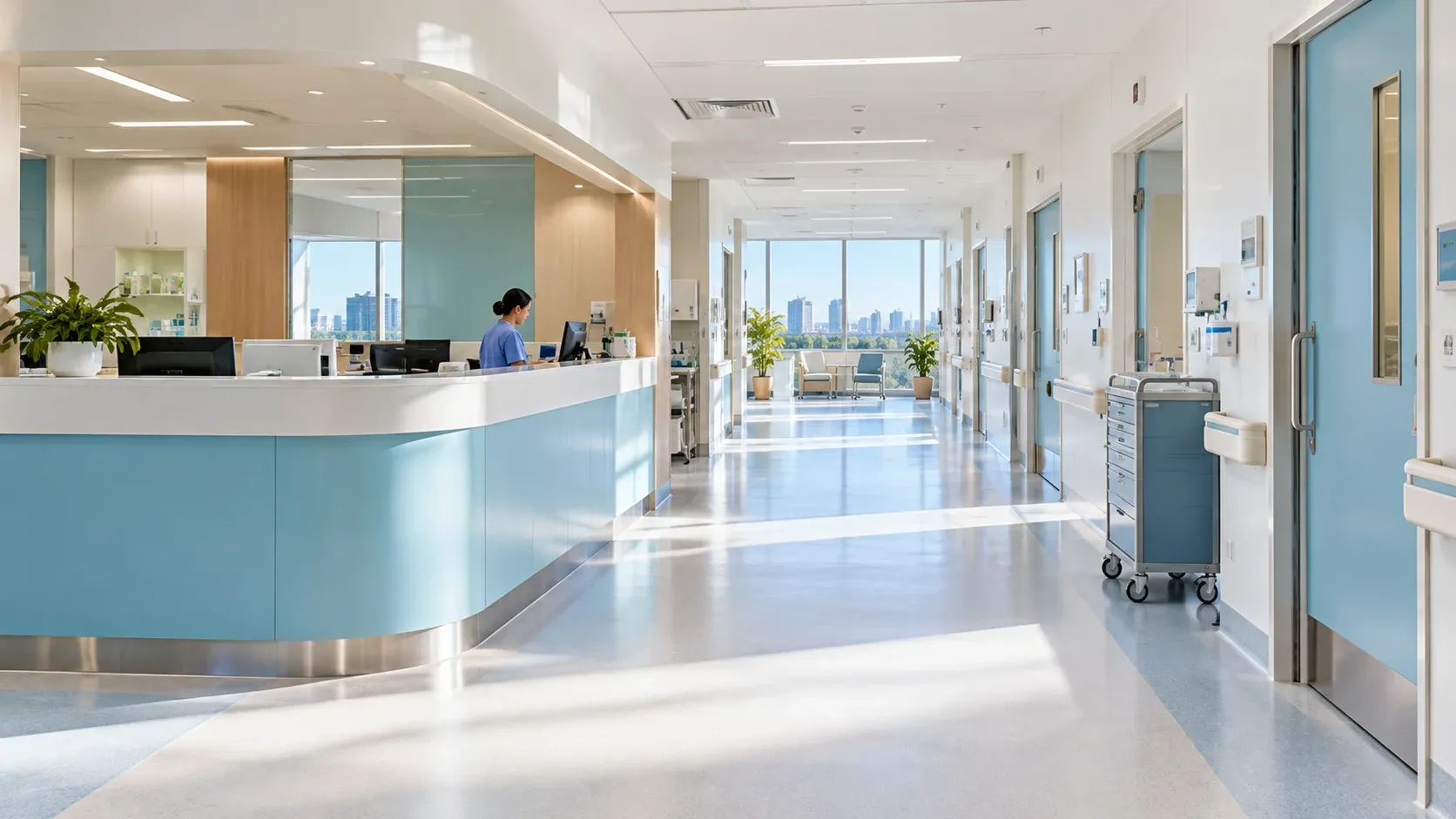
Hospital
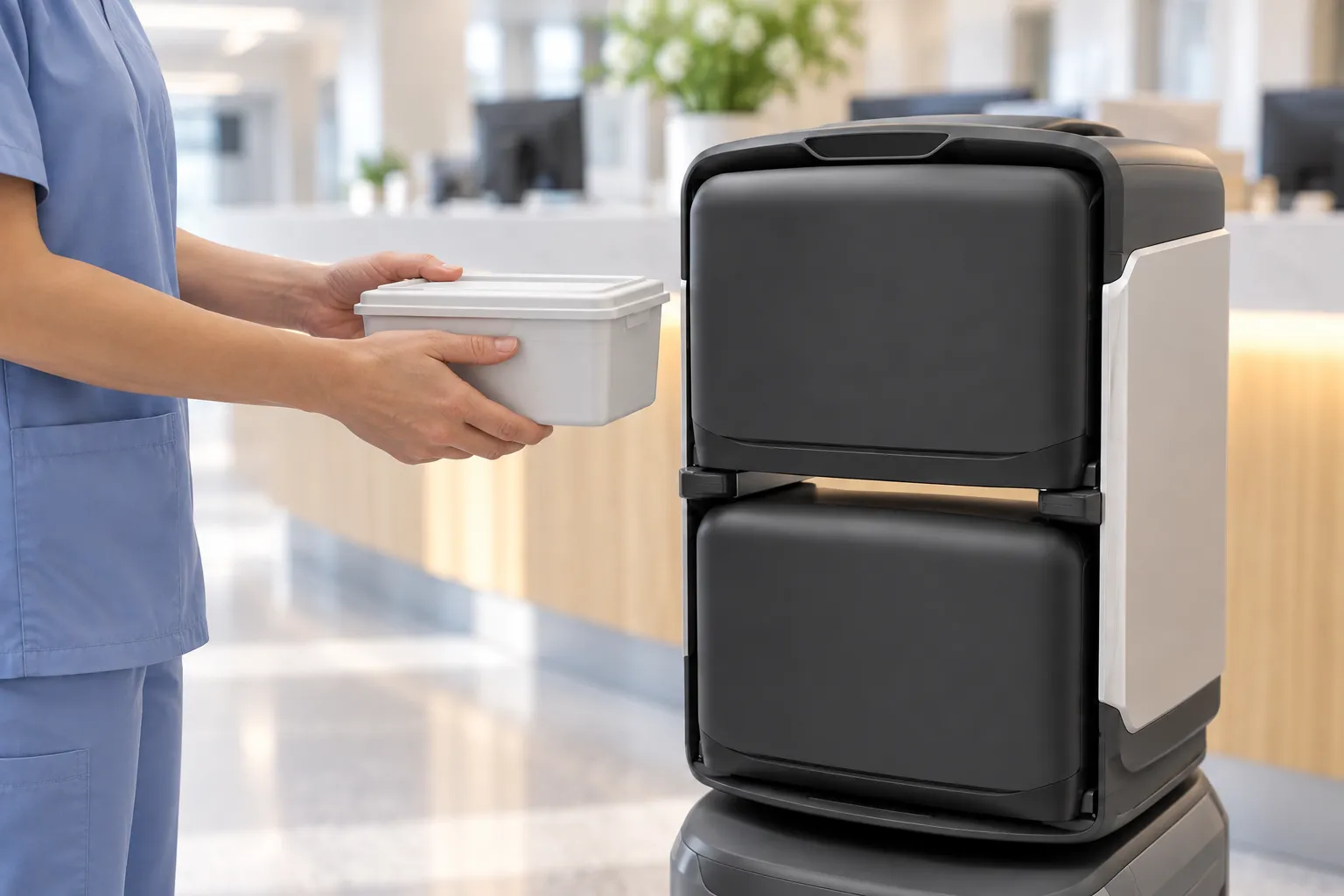
Connect pharmacies and nursing stations with robot deliveries, giving nursing staff more time for patient care.
Find the right robot services for the places where people work and live.
Assess your site, agree the workflow and validate it in a pilot before expanding.
Discuss your projectAssess routes, facilities and handover points.
Configure tasks and train the people involved.
Review pilot results before expanding.