Skip to content

Visitor guidance

Choose a destination.Let us lead the way.

  • Office reception
  • Showroom tours
  • Hospital guidance

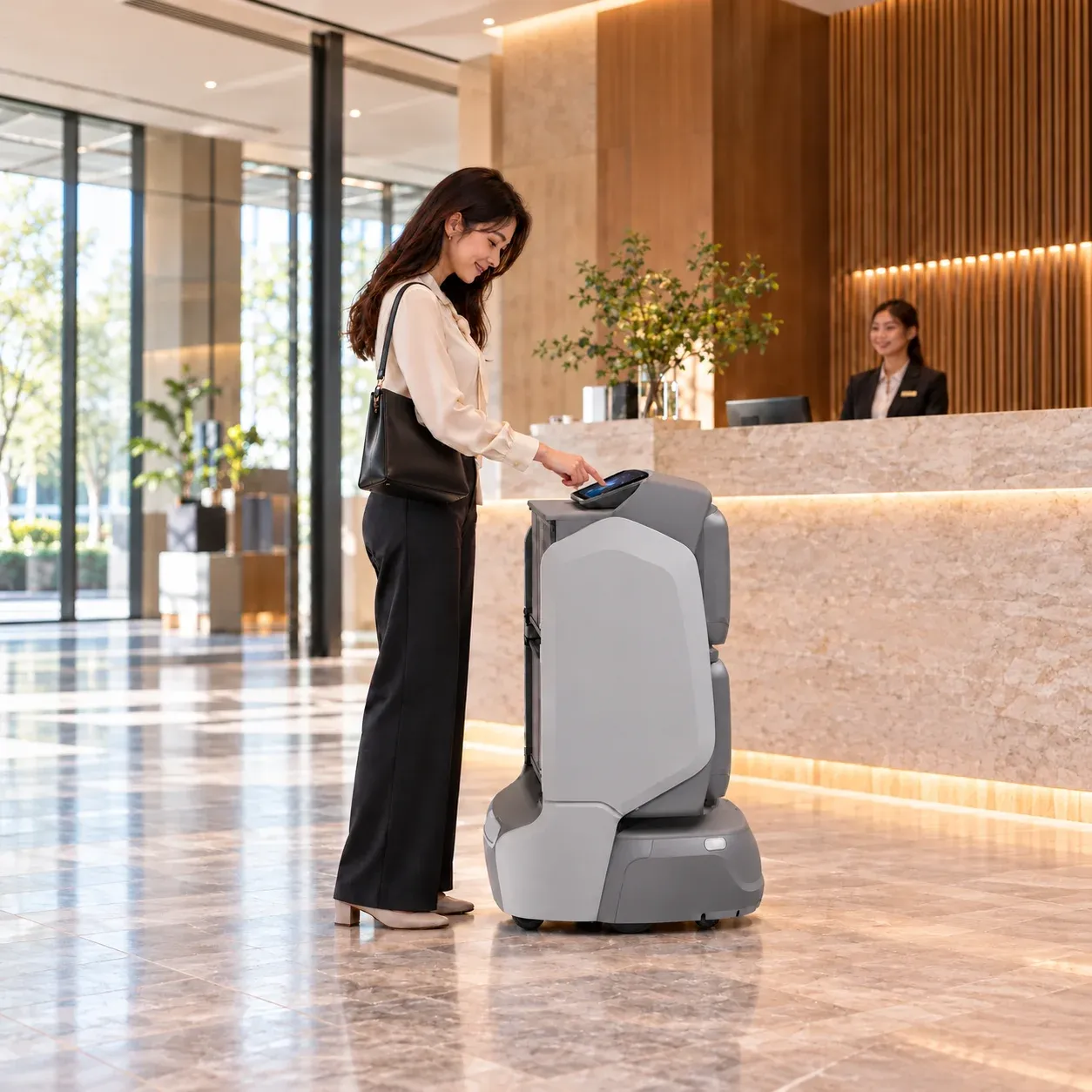
Create a guidance order in the app, choose a configured destination, then enter its verification code on the robot screen to start. The robot leads the way with voice or screen prompts as configured. On arrival, reception staff welcome the visitor and continue the service.

Visitor uses KAGO’s screen to start a guidance order at reception, conceptual scene

From a first helloto the right place.

From ordering in the app and entering the code to following the robot and meeting reception staff, each stage connects the visitor, robot and reception team.

01

Create guidance order

Choose in the app.Get your verification code.

Enter your name and choose a destination in the app. Tap Start service to create a guidance order and receive your verification code.

Keep the order’s code to enter on the robot screen. Available destinations are configured for the building in advance.
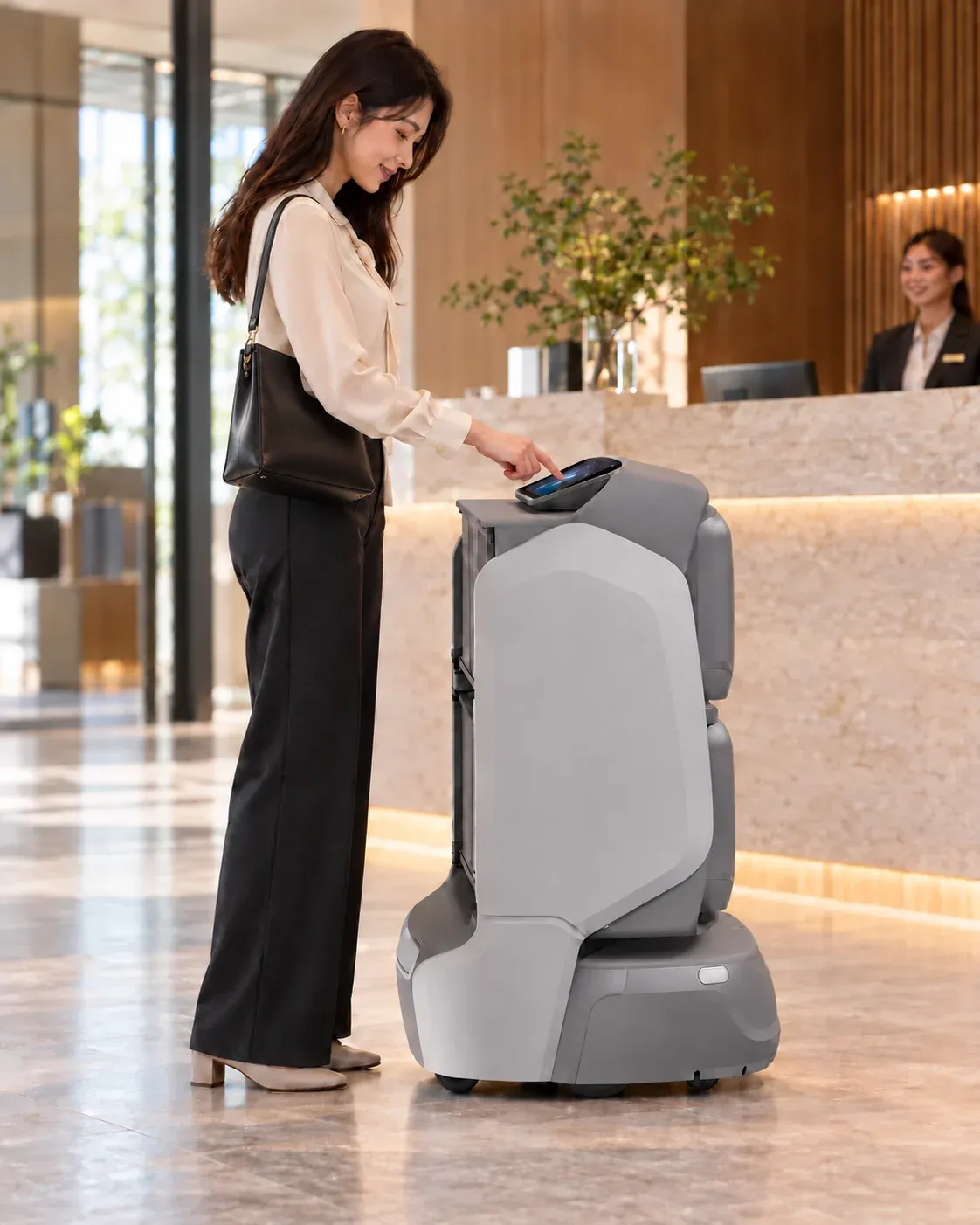
Visitor enters the order verification code on KAGO’s screen to start guidance, conceptual scene
02

Enter code & start

Enter your code.Follow the robot.

Enter your order’s verification code on the robot screen. Once verified, follow the robot to the destination in your order.

The code connects the order to the guidance task. There is no need to choose the destination again on the robot screen.

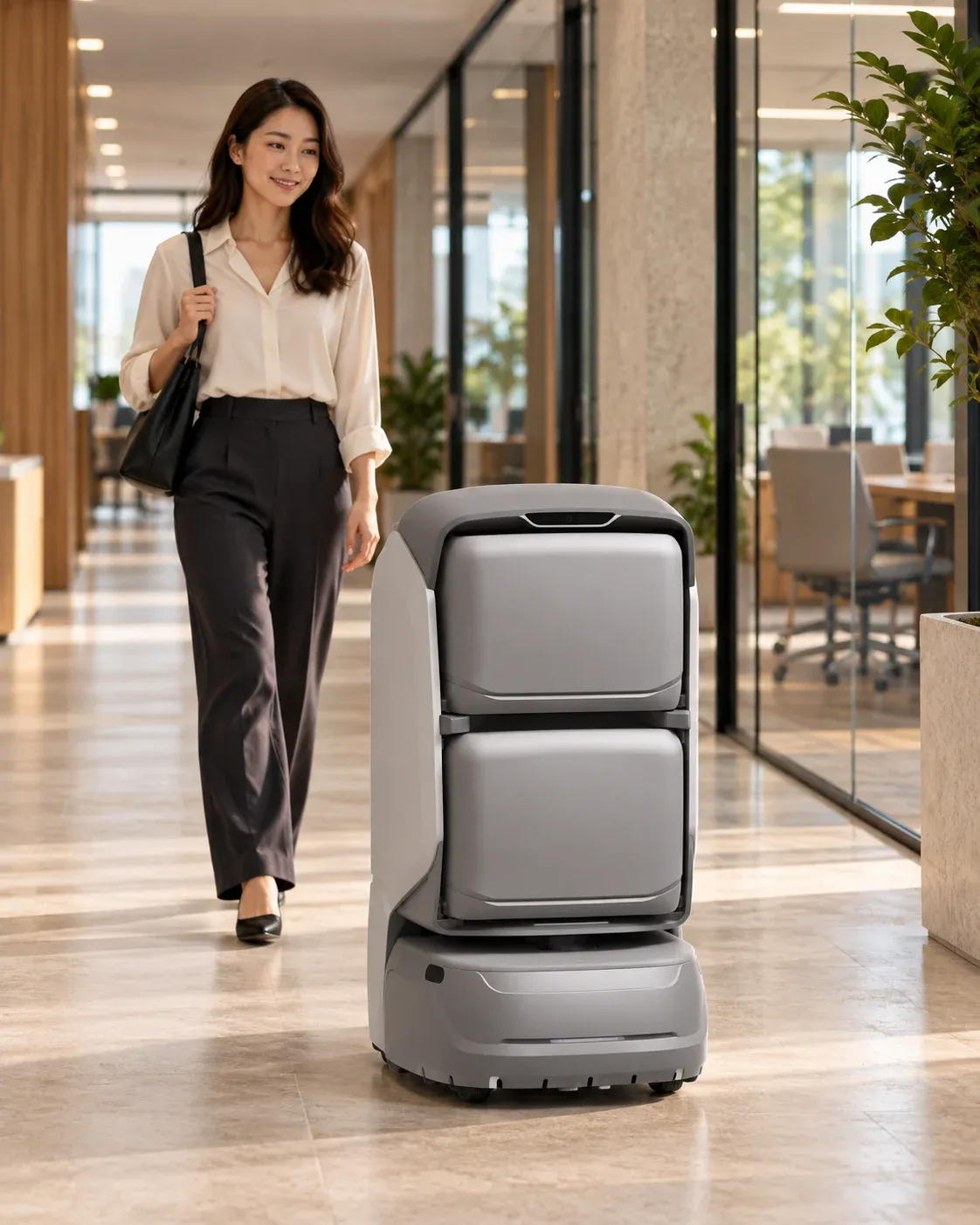
KAGO leads a visitor along an office corridor, conceptual scene
03

Follow the robot

A familiar route.Even on your first visit.

The robot follows a mapped, accessible route, with screen and audio prompts as configured. Staff assist when visitors need help.

Doors and lifts need compatible project integration. Blocked routes or visitors needing additional support call for staff assistance.

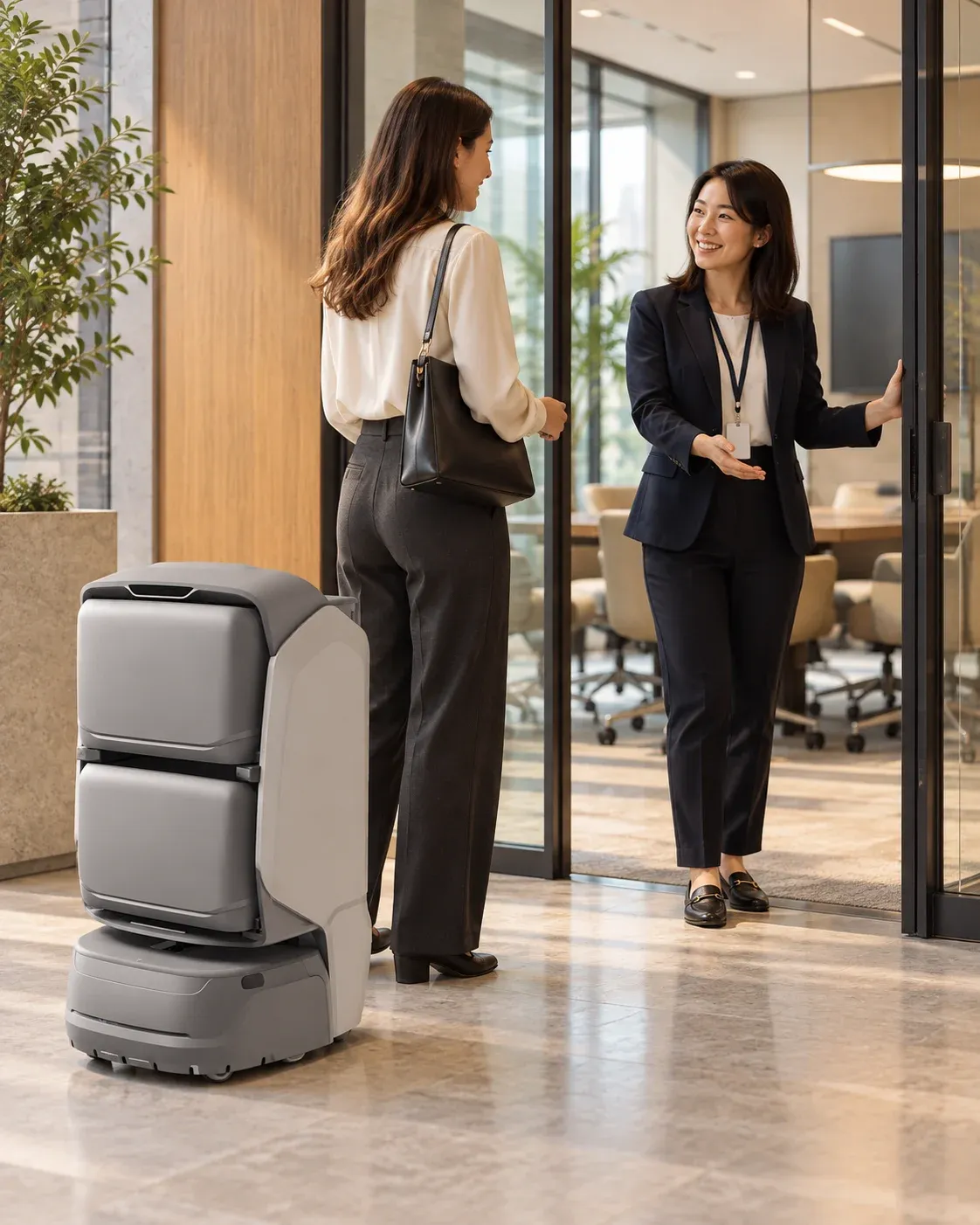
KAGO stops beside a meeting-room entrance as staff welcome the visitor, conceptual scene
04

Arrive & hand over

You’ve arrived.Your host takes it from here.

On arrival, the robot announces the destination and prompts visitors to meet reception staff. It then ends the task or returns to standby as configured.

Agree the handover location in advance. Reception staff take over the rest of the visit.

Create a guidance order.Start the journey with a code.

Watch the full process play automatically, from creating an order and receiving a code to starting guidance and meeting reception staff. Switch between 2D and 3D views.

YOGOApp

Guidance order

Name
Lin Yue
Destination
Meeting room A

Submit your name and destination to receive a verification code.

Choose in the app. Get your verification code.

Enter your name and choose a destination in the app. Tap Start service to create a guidance order and receive your verification code.

From verification to arrival.

1F · Lobby reception → 12F · Meeting room A

1FReception deskRECEPTIONGateLiftLobby reception12FOFFICELiftMeeting room ALift linkVisitorHost
RouteStartDestination
00:00 / 00:37
Actions
  1. Enter the order code on the robot screen. Verification starts guidance; every compartment stays closed.

  2. KAGO turns towards the route. The visitor follows behind.

  3. Follow KAGO through the lobby gate towards the lift.

  4. The visitor and robot enter the same lift car before the doors close.

  5. The lift carries both KAGO and the visitor to the destination floor.

  6. The opposite lift doors open at 12F.

  7. Leave the lift and continue to meeting room A.

  8. The visitor meets their host at the agreed reception point.

  9. The visitor has arrived. The guidance task ends.

  1. 01Visitor · AppCreate guidance order

    Submit your name and destination to receive a verification code.

  2. 02Visitor · KAGOEnter code & start

    Enter the code from your order to start guidance.

  3. 03KAGO · VisitorFollow the robot

    Follow the robot along the agreed route.

  4. 04Host · VisitorArrive & hand over

    Please meet your host at the reception point.

App, screen and route illustrate the service; no real order is submitted. Concept building with compressed floor spacing.

App, screen and route illustrate the service; no real order is submitted.

See the robotin a real space.

Watch on-site footage to see how the robot leads visitors through an indoor space.

KAGO, ready to show the way.

The app order sets the destination, and verification on the robot screen starts guidance. Configure the service around your reception arrangements.

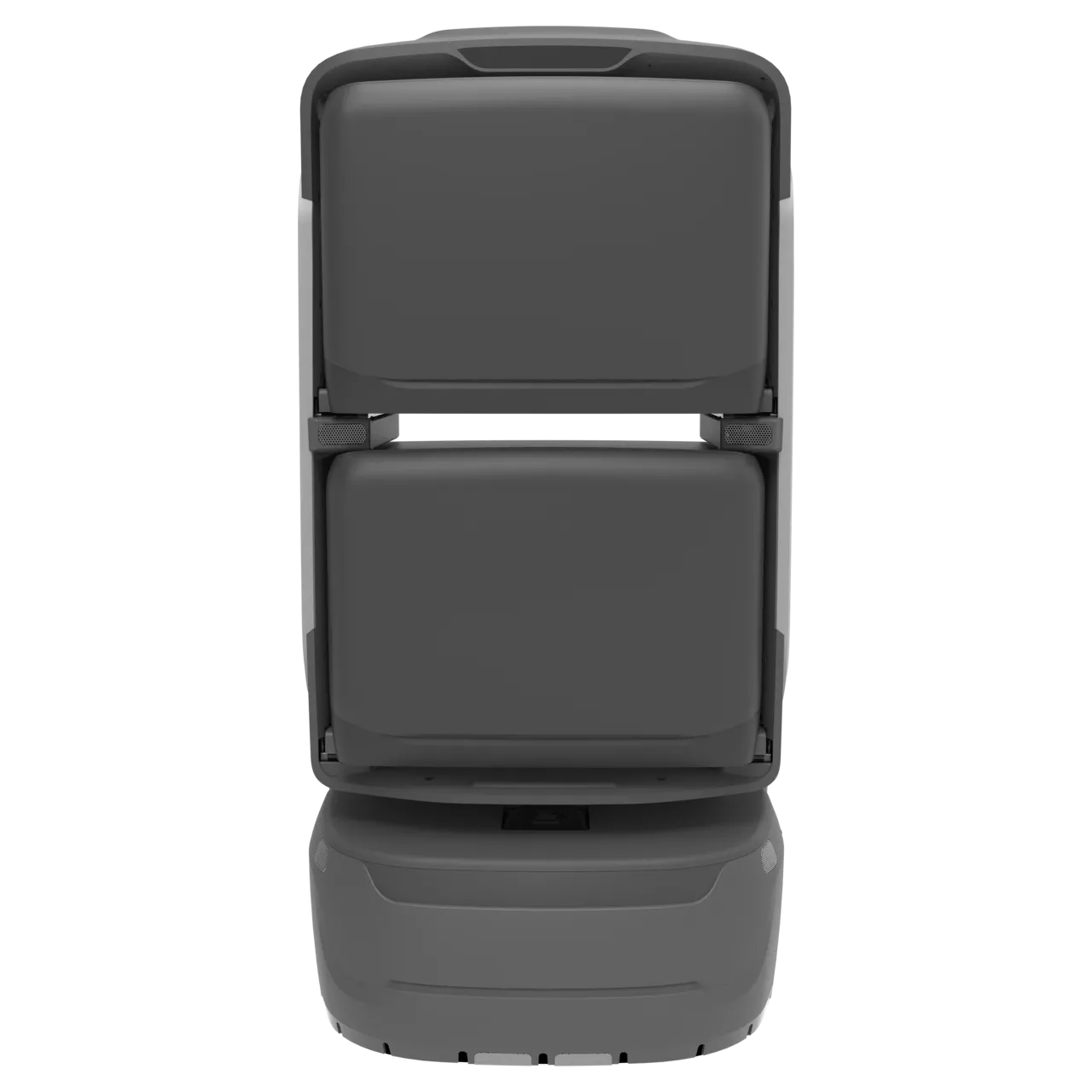
KAGO robot

KAGO

Indoor directions and autonomous guidance between reception and preconfigured destinations.

  • Screen interaction
  • Route guidance
  • Audio prompts
Learn more

Validate points, passage clearance, crowds, screen usability, audio levels, network and charging on site. Available controls and return behaviour depend on the delivered configuration.

A clearer welcome.A more connected visit.

For visitors

Less uncertainty on the way.

Connect destination selection, route prompts and arrival, helping first-time visitors understand where to go.

For reception teams

More time to welcome visitors.

Let the robot lead suitable repeated routes while staff confirm requests, receive visitors and handle exceptions.

For building operators

Keep guidance organised.

Maintain destinations, routes and prompts together. Use available task records to adapt the service as the building’s needs change.

Illustrative office building space

Your reception.Your routes.

Start with the destinations visitors use most. Plan guidance points, access requirements and staff handovers around your reception arrangements.

Discuss your needs

Destinations must be configured and reachable. Guidance does not establish visitor identity, grant access or continuously verify that everyone is following. Appointment and identity systems require separate integration. Agree staff takeover for interruptions and additional assistance.