Employee booking
Large buildings and concentrated lunch peaks
Capacity stays easier to plan
- BookChoose a time and place
- AcceptThe system assigns the task
- DeliverThe robot goes to that floor
Office takeaway delivery solution
At lunch, couriers load meals at a fixed handover point. Robots carry them through the building, and employees collect near their floor after verification. Property teams follow every order in the management view.
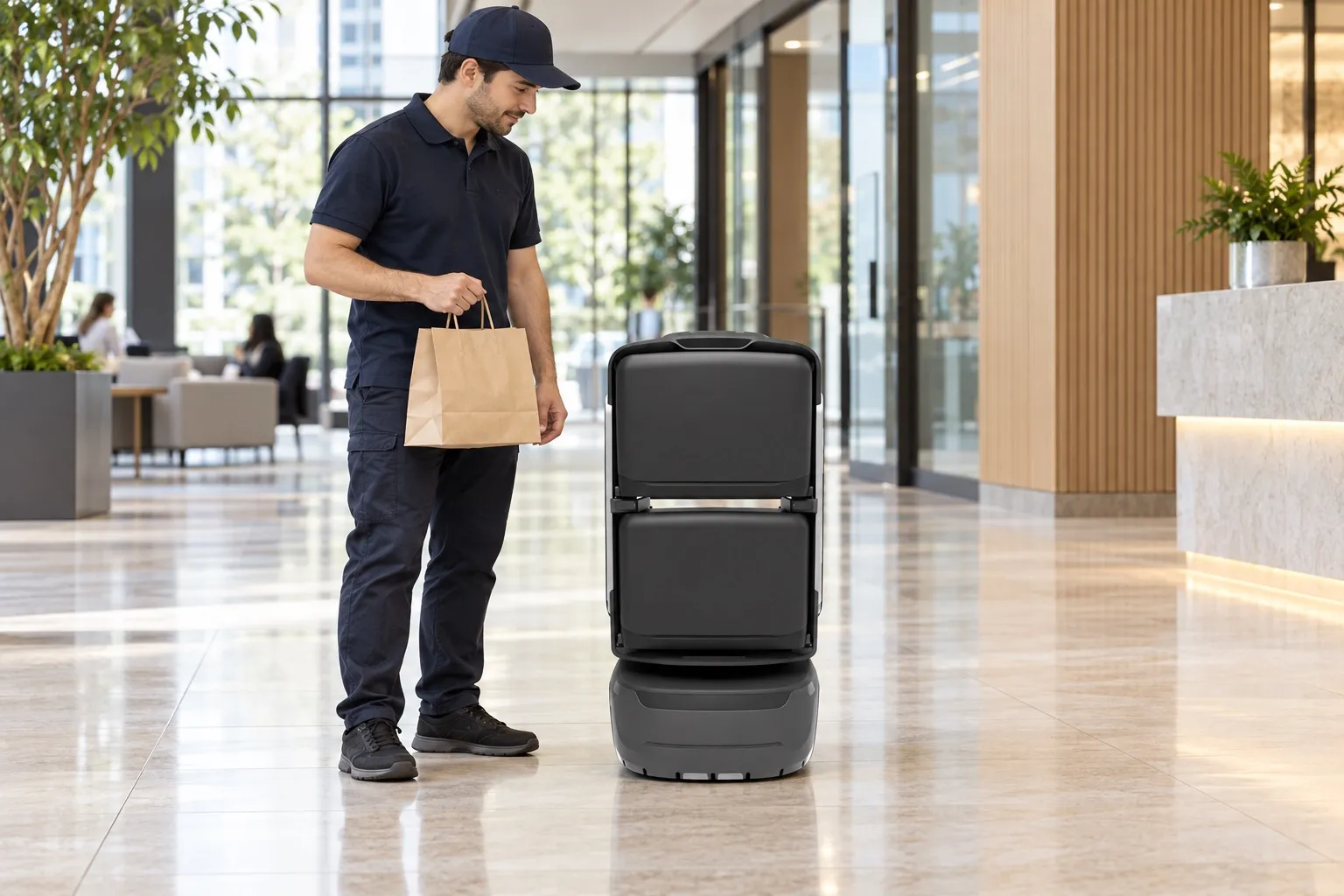
Courier
On the robot screen or in the mini program, enter the building, floor and phone suffix, then place the meal in the assigned compartment.
Robot
Follow the authorized route through turnstiles and lifts to the destination floor.
Employee
After the arrival notice, open the compartment with a phone suffix or a collection code.
The handover has no transfer rack and no staff stationed there. Collection points, access and verification are confirmed for each project.
The service
Loading, travel, arrival, collection and return are recorded. The management view and the employee’s phone follow the same order.
1F handover → 8F collection → 1F standby. The demo plays on entry. Select a step to replay that action.
Concept layout and simulated order. Intermediate floors are omitted and the floor gap is compressed. The hatch motion is illustrative, with no device or service connection.
Courier
The meal is in the assigned compartment and the task exists.
Robot
The robot is travelling, including its position along the route.
Robot
The robot has reached the floor and the employee is notified.
Employee
The employee has verified and taken the meal.
Robot
The robot is back at its standby point.
Notification channels and how long a meal may wait are set for the project. After collection, the robot returns to the standby point configured for it.
Find the robot, enter the order and load the assigned compartment. The handoff ends there.
Register a floor and collection details, then verify and collect after the arrival notice.
Set the handover point, route and connected equipment. The management view shows tasks, robots, exceptions and the day’s orders. Staff step in when a meal waits too long or the route is blocked.
An order can begin with the employee, the courier, or the robot screen. Use the combination that fits the building.
Employee booking
Large buildings and concentrated lunch peaks
Capacity stays easier to plan
Courier booking
A standard office building
Employees do little, and the handover leaves a record
Screen entry
A first route, brought online quickly
Fastest interaction and the lowest barrier
For a standard office, use courier booking and screen entry. Add employee booking when the building is large or lunch orders arrive in a short window.
From loading to collection, the compartment stays tied to that order. Other doors stay closed.
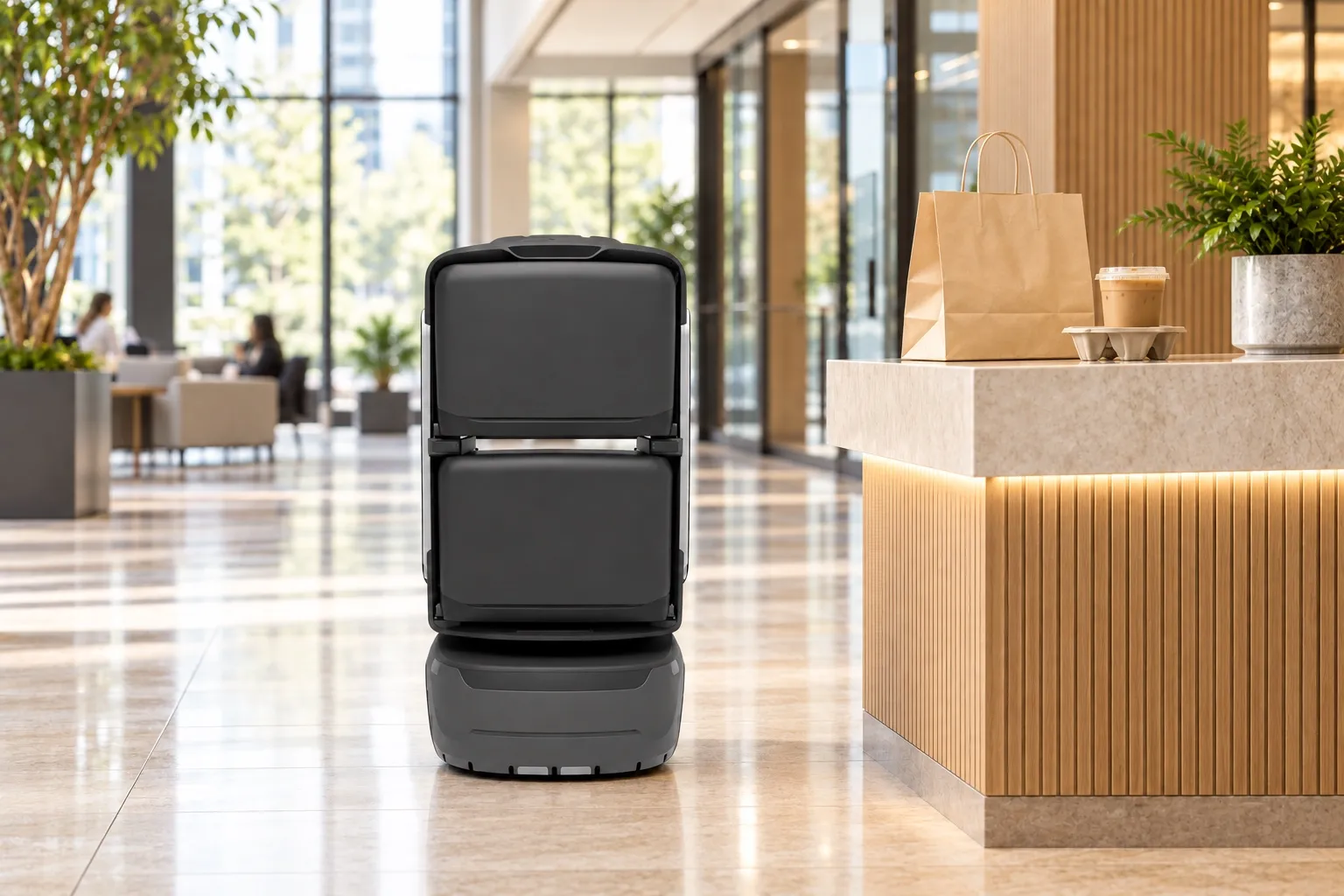
One trip can carry more than one order. A meal and a drink can sit in different compartments.
The plan specifies independent powered doors and verified collection. Confirm the robot variant, door hardware and software integration before purchase. Show the assigned compartment number and keep the other doors locked.
The arrival notice includes the compartment number. A phone suffix or a collection code opens that compartment.
Loading, collection and exceptions stay on the order record.
An uncollected meal raises an alert. Staff can recall the robot or handle it on site, using the rule set for the project.
Suitability
Best suited to offices where couriers stop downstairs, lunch orders concentrate in a short window, and employees can collect at an agreed point near their floor.
One tower or an authorized group of buildings; a visible courier handover point; reachable floor collection points; property staff who can own service rules and respond to exceptions.
Lift and access integration, mobile coverage, clear routes, meal packaging, peak orders, loading space and whether employees can collect promptly. Survey and trial the route before sizing the fleet.
Stairs or inaccessible thresholds on the route, unavailable access authorization, no safe handover space, or no exception contact. Door-to-desk delivery and unattended collection need separate assessment.
Once couriers stop at the entrance, the pressure moves to the lobby and to the people waiting upstairs.
| Lobby issue | Direct impact |
|---|---|
| Couriers stay outside | Meals collect downstairs. |
| Employees go down to collect | The lobby fills during lunch. |
| Bags sit in the open | Searching, mix-ups and lost meals become more likely. |
| Nobody can see the order | Employees do not know where the meal is. |
| Property teams lack a tool | Staff can only keep the lobby in order by being there. |
Tenants can tell the building offers the service, and the lobby is no longer a pile of meals.
Takeaway moves from standing in the lobby to tasks, robots and exceptions in the management view.
Staff spend less of the lunch break walking down together.
Collect near the floor, with less walking down and less waiting.
Finish at the handover point, with less waiting and less searching for the recipient.
Building route
Couriers need a point they can find. Employees need a collection point they can name. Lifts, turnstiles and doors are connected on site.
The courier arrives
Enter the order and load
Pass on the authorized path
Travel to the destination floor
Notify, verify and collect
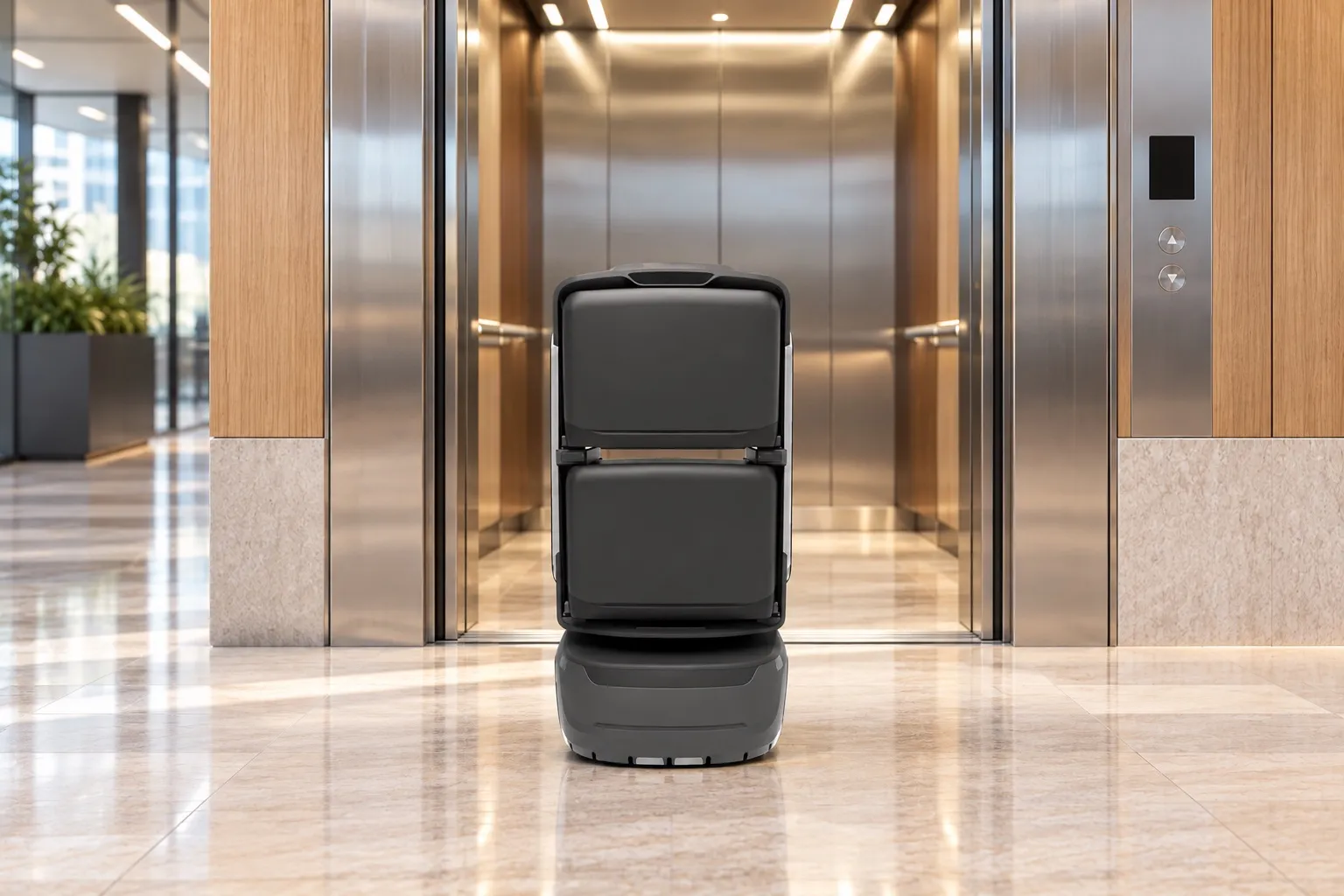
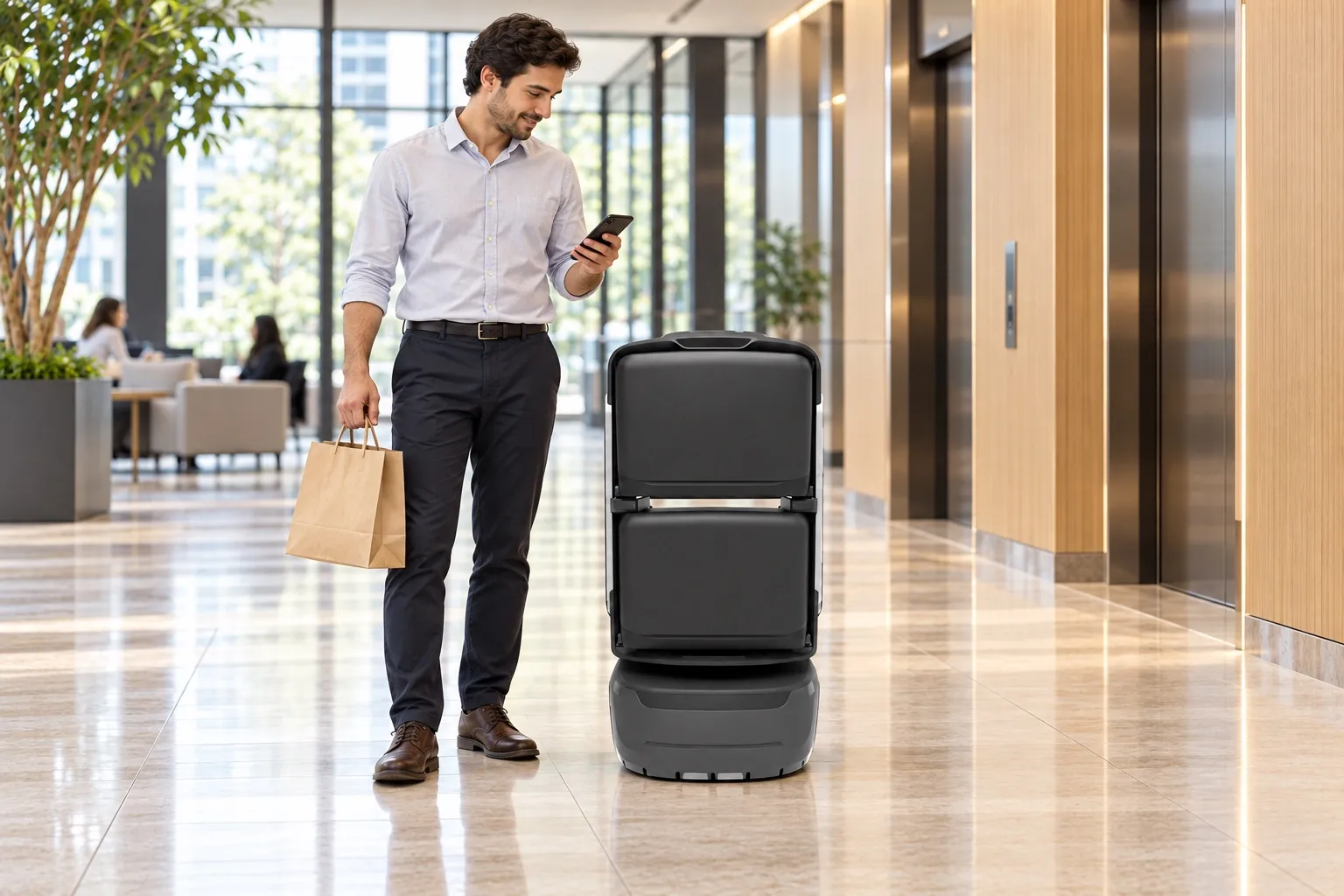
The courier is identified by a scan or the collection details, then loads the assigned compartment. The robot takes the order upstairs, and the handoff stays on the order. One entrance draws the queue away from the main path.
Delivery ends at the collection point configured for the project. Service to an office door depends on the mapped route.
Calling a lift, choosing a floor, riding up or down, and passing a turnstile or a door all follow the path authorized for this building.
Call the car, choose the floor, and ride up or down.
Pass only on the authorized path.
Open according to the floor or zone permission set for the project.
The plan uses onboard 4G. Check coverage in lift cars, lobbies and the charging area; building Wi-Fi is not a core prerequisite. Lifts, turnstiles and doors still require compatibility checks, authorization and on-site integration.
Swipe horizontally to see all columns.
| Item | Confirm before deployment | Who needs to take part |
|---|---|---|
| Delivery area | Identify the buildings, floors, operating hours and collection points. Confirm whether the destination is a lift lobby, reception or an office entrance. | Property team and tenant companies |
| Lifts and access | Check equipment models, available interfaces, integration permission and the authorized route. Trial lift entry, floor selection, exit and the return journey during the peak. | Property team, equipment providers and delivery team |
| Route and charging | Survey clear widths, turning space, thresholds, slopes and lift gaps against the selected model. Reserve a safe charging location with power and clear access. | Property team and delivery team |
| Communication and notices | Test 4G along the whole route. Agree notification channels, recipient contact details and a fallback when a notice is not received. | Delivery team and operating contact |
| Meals and compartments | Trial real meal bags, drinks and larger orders. Confirm compartment dimensions, load limits, leakage prevention and how many orders fit while remaining identifiable. | Operating contact, couriers and delivery team |
Fleet planning
Recommended robots = target peak orders ÷ effective orders delivered by one robot in that window, rounded up. Include both completed round trips and actual orders per trip. The three ranges below are recommendations from the source plan, not capacity guarantees.
2–4 robots, 1–2 lifts, one turnstile group and one handover point. User, management and dispatch tools. Courier booking and screen entry.
4–8 robots, 2–4 lifts, one or two turnstile groups and one or two handover points. Add a courier tool. All three ways to start an order.
Eight or more robots, grouped by building. Lifts are connected per building. Turnstiles cover several entrances and link the buildings. Each building has its own handover point. Dispatch covers the group. Employee booking comes first, with courier booking and screen entry added. User and management tools are included.
| Sizing input | Effect on capacity |
|---|---|
| Headcount | Estimates the building’s base demand. |
| Lunch orders | Shows how much has to move at once. |
| Peak window | Usually 1.5–2 hours. |
| Compartments | Set how many orders one trip can keep apart. Layouts are on the KAGO page. |
| Trip time | Floors, lifts and collection all change it. |
| Lifts in use | Change how fast a robot can turn around. |
| Collection wait | Changes when the robot can take the next order. |
Read the count together with compartments, lift connections and the lunch roster. These ranges come from the office handover plan. Measure the route, then design the scheme for this building.
Put the robots on delivery when orders arrive together, and charge them when the lobby is quiet.
Before 10:30
Check the robots, charge them and have the compartments ready.
11:00–13:30
The fleet delivers and turns around.
13:30–16:30
Charge in turn and keep a few robots available for scattered orders.
16:30–18:30
Cover the later round.
Night
Maintain the fleet and review the day’s orders.
Release the fleet at the peak, charge between peaks, and keep robots available throughout the agreed service hours.
The management view shows tasks, robots, exceptions and the day’s orders.
| System layer | Responsibilities |
|---|---|
| People | The employee app, the courier tool and the robot screen. |
| Orders | Booking, order creation, arrival notices and collection checks. |
| Dispatch | Task assignment, the lunch roster, routes, status and exceptions. |
| The building | Lifts, turnstiles and doors, connected on site. |
| The robot | Accept the task, open a compartment, deliver, arrive, return and charge. |
Pilot & operation
Deployment duration depends on site readiness and equipment integration. Agree milestones after survey rather than promise a fixed number of days.
Collect peak orders, arrival patterns, floor distribution and meal sizes. Map the handover, collection and charging points.
Output: service scope, route survey and initial capacity estimate.
Confirm the robot variant and door configuration; connect lifts, gates, notifications and dispatch. Configure floors, collection checks and exception contacts.
Output: equipment list, authorized map and integration checklist.
Start with one handover point and a limited set of floors. Train couriers, employees and the operating contact. Exercise waiting, uncollected meals and access failures.
Output: peak-hour observations, exception records and revised sizing.
Review agreed indicators and close pilot issues. Confirm the service roster, cleaning, charging and support handover before adding floors or buildings.
Output: acceptance record, operating procedure and expansion plan.
The source plan includes overdue collection alerts and remote recall or manual handling. The following is a proposed operating checklist; actions, thresholds and escalation contacts must be agreed and tested before launch.
Swipe horizontally to see all columns.
| Situation | Proposed handling rule | Close-out evidence |
|---|---|---|
| No robot or compartment available | Show the next available service arrangement. Agree whether the courier waits, books another slot or uses a designated manual handover; avoid leaving meals beside the robot. | Record the queue or manual handover and tell the recipient how to collect. |
| Wrong details or meal loaded | Pause the affected handover and ask the operating contact to verify the order and compartment. Use an authorized correction process; do not open unrelated compartments. | Corrected destination and recipient, with a handover record. |
| Lift or route unavailable | Check the lift connection, access permission and obstruction. Use an authorized alternative only after confirmation; otherwise arrange manual delivery or recall. | Confirm where the meal is and record who completed the handover. |
| Notice missed or meal uncollected | Use the agreed reminder channel and waiting limit. After expiry, apply the agreed recall or manual collection process; notify the recipient of the new location. | Collection or return confirmed; the meal has a known custodian. |
| Connection, battery or device issue | The operating contact checks task and device status, locates the robot and arranges recovery. Confirm which actions remain available when disconnected; do not assume remote control works offline. | Affected orders reconciled, device checked and service restored. |
| Spillage, damage or suspected mix-up | Pause use of the affected compartment, verify the handover, and arrange cleaning and customer handling under the project rules. | Cleaning check and complaint outcome recorded; responsibility agreed from evidence. |
These are suggested acceptance measures, not published SLAs. Define targets, observation periods, sample sizes and exclusions before the pilot; retain failed and manually completed orders in the review.
Swipe horizontally to see all columns.
| Measure | How to evaluate it | Decision it supports |
|---|---|---|
| Peak throughput and queue | Count orders accepted and collected in the agreed peak window; record maximum queue length and loading wait by interval. | Whether fleet size, handover points and booking rules handle the peak. |
| Delivery and collection times | Measure from loading confirmation to arrival, then arrival to collection. Review the median, 95th percentile and overdue orders separately. | Whether the experience meets the tenant’s expected wait. |
| Completion and intervention | Collected orders ÷ accepted orders; also report autonomous completions, manual interventions, cancellations and failures with their causes. | Whether routine operation and staffing assumptions are realistic. |
| Access, notices and verification | Trial every authorized floor, lift and gate; confirm notices reach recipients and collection opens only the assigned compartment. | Whether the full handover works rather than just the robot journey. |
| Exceptions and operations | Exercise the agreed failure cases. Check escalation, meal custody, cleaning, charging and the daily order reconciliation. | Whether the operating team can recover service and account for every meal. |
Authorize the route and points, communicate the new collection method, keep access clear and nominate an operating contact and escalation cover for the service hours.
Define supplied hardware and software, integration work, training, maintenance scope, response hours, spare-device arrangements and the process for changing routes.
Agree equipment purchase or rental terms, integration and communication costs, ongoing service fees, meal-loss handling, access to order records and data retention. The source plan provides no prices or fixed response commitments.
Questions
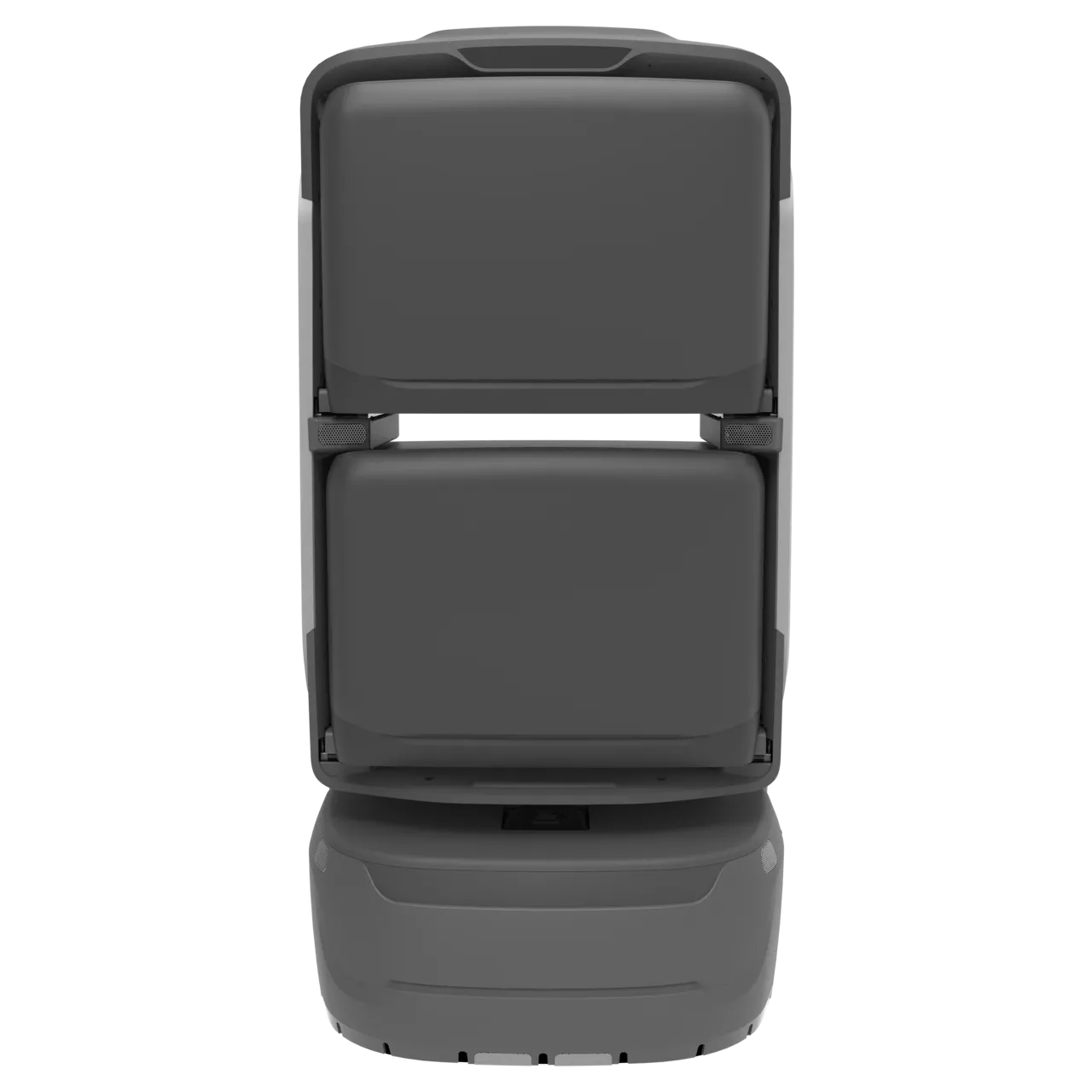
KAGO supports flexible compartment layouts. The source plan also specifies powered doors and verified collection; confirm the required variant and integration. The product pages distinguish KAGO from KAGO MAX and list loading limits.
Explore KAGOReference values reproduced from page 8, not a guarantee for every KAGO configuration. Confirm the supplied model, total and per-compartment load limits and test conditions. Unloaded runtime and maximum speed do not establish lunch throughput; food temperature control is not specified in this plan.
The baseline is collection near the floor. An office doorway is possible only if the mapped route, access permission and agreed service scope support it. Desk delivery is not specified.
There is no fixed transfer worker or intermediate rack. An operating contact is still needed for exceptions, cleaning, daily checks and service recovery.
No. 4G supports communication; it does not provide permission to call a lift or pass a gate. Check both coverage and equipment integration.
The plan describes employee booking, courier scanning and robot-screen entry. Automatic synchronization with takeaway platforms or existing tenant systems requires separate interface confirmation.
The source plan does not specify heating, refrigeration or a temperature guarantee. Confirm packaging, allowable journey and wait times, and any food-specific requirements separately.
The source plan proposes parcels, documents, merchant orders and meeting supplies as later extensions. Each needs its own workflow and capacity review; prioritize the agreed lunch service and assess patrol or cleaning as separate robot tasks.
Plan a project
Choose one handover point and one collection floor. Run loading, the lift, collection and the return through a real lunch peak, then add floors and points.
Discuss a projectExpress, shop orders, files and meeting supplies each keep their own handover. Patrol and cleaning run as separate tasks in the building.
The shared delivery flow across offices and apartments.
A courier loads at a handover point. The robot finishes the trip inside the building.
Drinks, meals and shop goods can use the same in-building route.
Departmental files use their own handover checks.
Meeting rooms use their own delivery and return points.
Scheduled patrols through lobbies, gates and lift halls.