Floor-to-floor
Separate internal documents/invoices between reachable A/B points.
Building document delivery solution
The sender requests a delivery and loads the assigned compartment. The robot travels between departments using the authorized lift and access route. After the arrival notice, the recipient verifies and collects; the task retains its handover status.
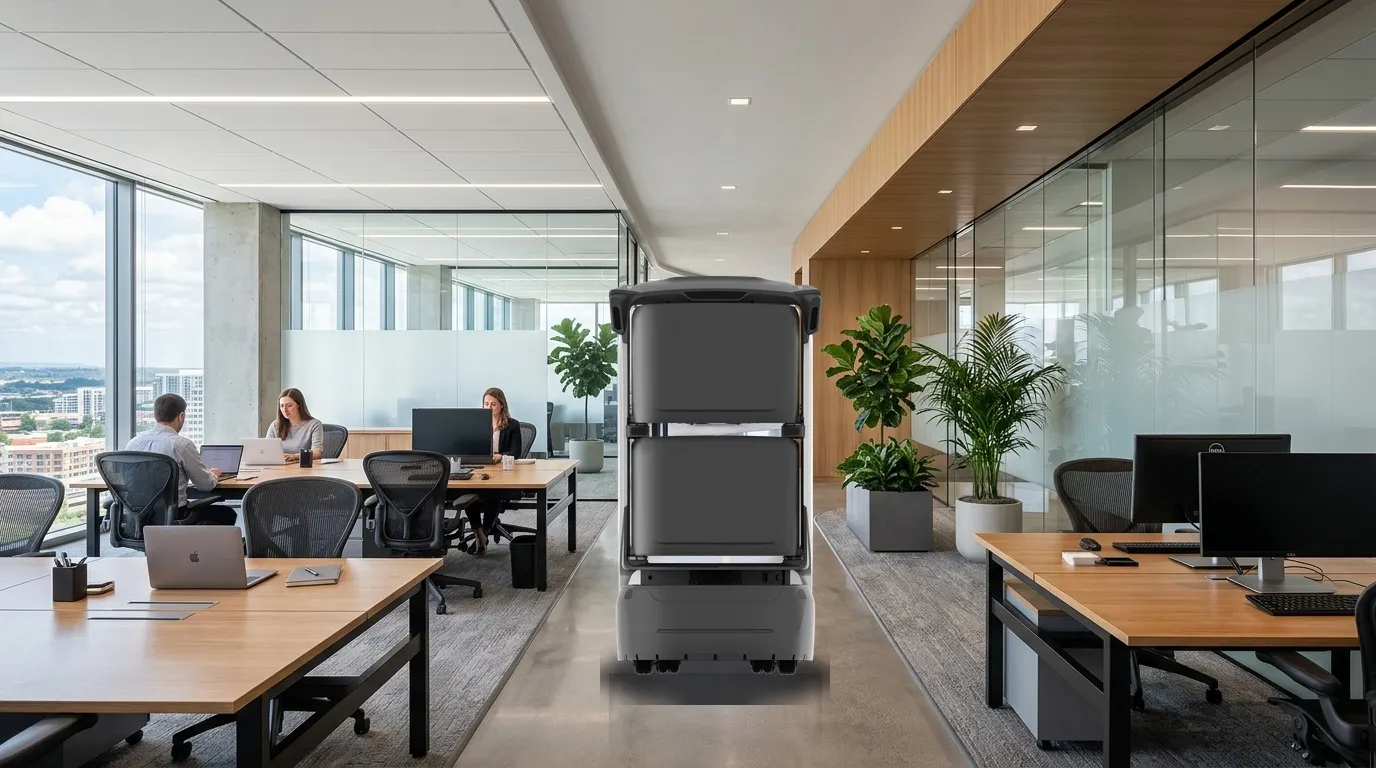
Sender
Request a delivery, identify the recipient, load the document and close the compartment.
Robot
Follow the authorized lift and access route to the agreed handover point.
Recipient
After the arrival notice, verify, take the document and confirm the handover.
Collection points, compartment hardware, verification and record retention are confirmed for each project.
The service
Start with one sender and one recipient. Follow the request, loading, lift journey, collection and return on the same order.
3F administration → 8F finance → 3F standby. Play the route or select a step.
Concept layout and simulated order; intermediate floors are omitted. Doors, verification, notifications and records illustrate the workflow without connecting to devices or business systems.
Confirm execution separately from human handover/review; assigned staff take over exceptions.
Request, prepare, load, verify and acknowledge receipt.
Transport, notify and return status within the configured scope.
Maintain points, schedules, equipment, exception handling and records.
Select modes for the workflow; agree extensions separately.
Separate internal documents/invoices between reachable A/B points.
Bulk entry without recipient preregistration.
Employee booking/loading code to fixed mailroom.
Schedule meeting and urgent documents under dispatch rules.
Task records do not establish confidentiality certification, seal custody or legal guarantees. Assess OA and other interfaces separately; they are not required for standalone operation.
Check the document packaging against the actual opening, compartment dimensions and load limits.
Keep the order, recipient and compartment associated throughout the delivery.
Confirm powered doors, locking and recovery behavior with the actual model and configuration.
Keep papers in a closed folder or envelope and verify that hands and packaging clear the door.
Confirm which events are recorded, who can view them and how long they are kept.
Suitability
Support floor-to-floor documents, reception bulk dispatch, reverse pickups to mailrooms and urgent tasks, with human packaging/recipient/handover checks.
Separate internal documents/invoices between reachable A/B points.
Bulk entry without recipient preregistration.
Employee booking/loading code to fixed mailroom.
Schedule meeting and urgent documents under dispatch rules.
Reduce repeated trips around these tasks and define on-site handovers.
| Service area | Service scope |
|---|---|
| Floor-to-floor | Separate internal documents/invoices between reachable A/B points. |
| Reception dispatch | Bulk entry without recipient preregistration. |
| Reverse pickup | Employee booking/loading code to fixed mailroom. |
| Urgent tasks | Schedule meeting and urgent documents under dispatch rules. |
Measure time spent by staff before and during the pilot.
Identify the sender, recipient and the point at which each handover finishes.
Track requested, loaded, arrived, collected and returned states.
Agree record fields and access permissions; compliance requirements need separate review.
Building route
Configure routes for the actual site; diagrams explain the workflow.
Mini-program request/loading code with human recipient checks.
Suffix/mini-program; badge, password or remote access if configured.
Fixed desk phone notifications, reverse receipt and exceptions.
Check the destination, designated recipient and compartment before dispatch, and confirm the handover after collection.
Test navigation, floor surfaces, thresholds and route clearance with the selected equipment on site.
Confirm how delivery requests, notifications and building access can connect to the project.
Confirm the request and notification interfaces with the organization before connecting an OA or workplace app.
Confirm compatibility and authorization, then test calling, boarding, floor selection and exit.
Choose the code or card workflow supported by the equipment; verify badge compatibility separately.
Agree event fields, access permissions, retention and exception handling.
Confirm compatibility, access authorization, notification channels, data permissions and retention rules before integration.
Swipe horizontally to see all columns.
| Item | Scope | Confirmation |
|---|---|---|
| Scope and points | Sender, Recipient, Mailroom | Confirm accessible scope and responsible staff on site. |
| Routes and access | Maps, passages, doors/lifts, network and charging. | Commission cross-floor and controlled-door access as needed; diagrams do not replace site tests. |
| Handover and exceptions | Dispatch and receiving staff, Robot, Management and support | Agree notifications, staff takeover, records and review rules. |
Fleet planning
Start with a fixed sender and frequent floors. Source 5–10-minute trips and 2–4 destinations are planning references requiring site measurement.
Begin with one sending department and one receiving department; measure a full round trip and actual request volume.
Measure peak requests, floor distribution, lift waiting and collection delays before sizing the fleet.
Evaluate outdoor travel and handover boundaries separately before extending the indoor route.
| Sizing variable | Effect on capacity |
|---|---|
| Task cycle | Measure request, execution, handover, return and charging time. |
| Site scope | Sender, Recipient, Mailroom |
| Staff coordination | Allow for available receiving, reviewing and exception-response staff. |
Source configurations/data refer to their stated scenario; confirm final sizing through site validation.
Pilot & operation
The following are project assessment and acceptance suggestions, subject to site confirmation.
Site preparation
Start with a fixed sender and frequent floors. Source 5–10-minute trips and 2–4 destinations are planning references requiring site measurement.
When ready
Check devices, routes, points, accounts and necessary access/system interfaces.
By project agreement
Validate real tasks, staff coordination, exceptions and records before expansion.
The following are project assessment and acceptance suggestions, subject to site confirmation.
Swipe horizontally to see all columns.
| Condition | Action | Ownership and records |
|---|---|---|
| Task cannot continue | Pause, wait or hand over to staff under site rules. | Managers record cause, owner and recovery conditions. |
| Handover/review incomplete | Contact the assigned staff; automatic task closure does not replace their confirmation. | Record the reason and follow-up. |
| Device/access exception | Follow support procedures and use staff service if required. | Support and site staff coordinate and validate recovery. |
The following are project assessment and acceptance suggestions, subject to site confirmation.
Swipe horizontally to see all columns.
| Check | Status | Verification |
|---|---|---|
| Task execution | Suggested acceptance item | Complete tasks within agreed routes/scope and record success, failure and reasons. |
| Staff coordination | Suggested acceptance item | Verify notification, permissions, human review/handover and exception takeover. |
| Operational records | Suggested acceptance item | Sample tasks, times, points and outcomes; agree metrics and targets with the project team. |
Task records do not establish confidentiality certification, seal custody or legal guarantees. Assess OA and other interfaces separately; they are not required for standalone operation.
Dispatch and receiving staff, Robot, Management and support
Agree device models, options, interfaces, timing and targets in project documents.
Questions
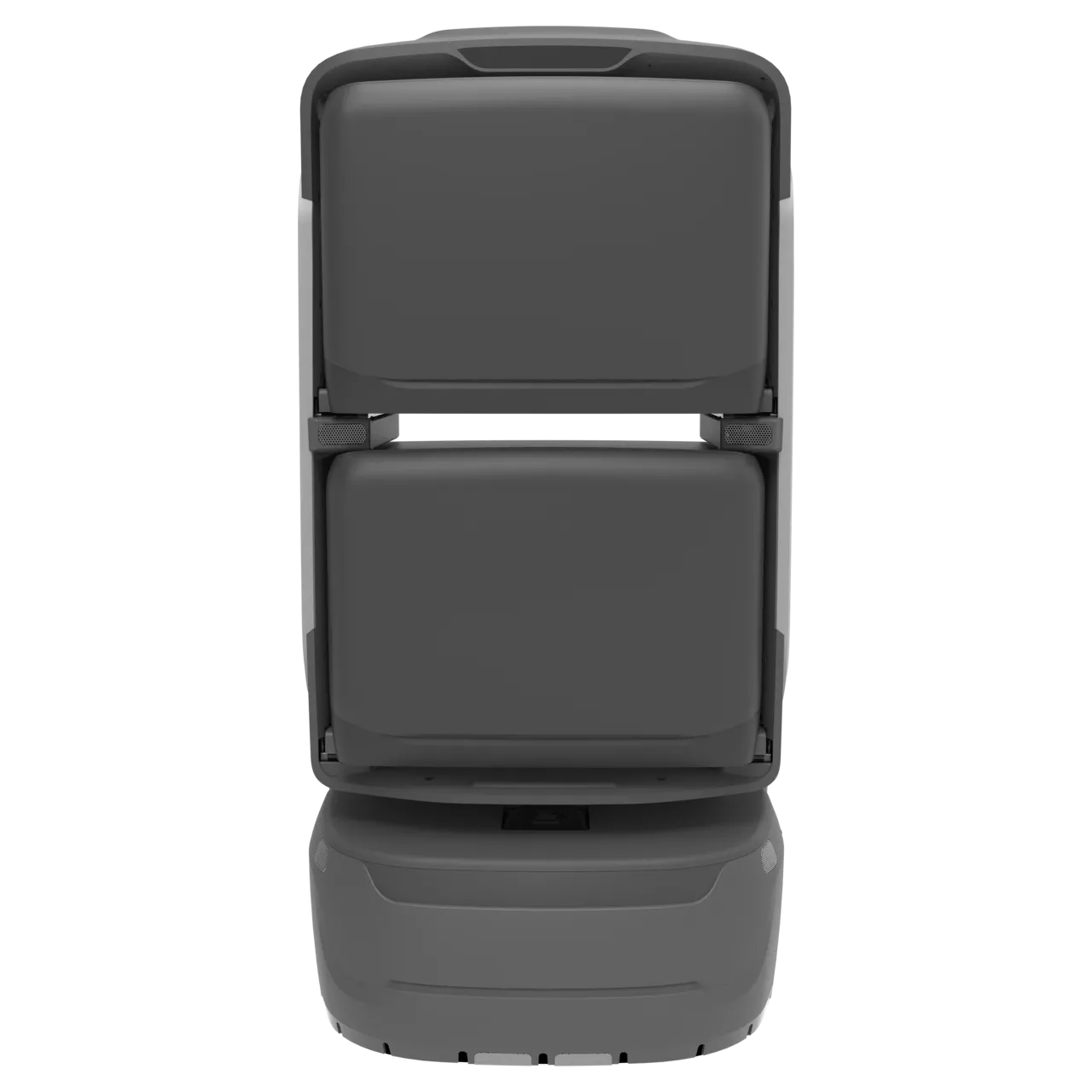
Choose compartment hardware and verification methods for the route. Motorized doors and card-based collection depend on the model and project configuration.
View KAGO Document Fleet SpecsDocument and current product versions may differ; confirm supplied specifications and project configuration.
Start with a fixed sender and frequent floors. Source 5–10-minute trips and 2–4 destinations are planning references requiring site measurement.
Dispatch and receiving staff:Request, prepare, load, verify and acknowledge receipt. Robot:Transport, notify and return status within the configured scope. Management and support:Maintain points, schedules, equipment, exception handling and records.
Task records do not establish confidentiality certification, seal custody or legal guarantees. Assess OA and other interfaces separately; they are not required for standalone operation.
Use source recommendations as a starting point, then confirm against site routes, supplied equipment and trial data. Suggested checks do not establish fixed performance or service guarantees.
Plan a project
Start with a fixed sender and frequent floors. Source 5–10-minute trips and 2–4 destinations are planning references requiring site measurement.
Discuss the solutionChoose a dedicated solution for each workflow.
Support bulk reception/mailroom deliveries to company reception desks or workstations and employee-requested pickups back to a fixed mailroom.
Deliver documents and refreshments before meetings, ad hoc supplies during sessions and permitted returns afterwards, with staff handover outside meeting rooms.
Connect headquarters reception, employees and floor service points through reservations, loading, arrival notifications, authorized collection and redelivery.