Skip to content

Shop delivery

Shop downstairs.Delivered upstairs.

  • Coffee & drinks
  • Sweets & snacks
  • Everyday goods

Browse goods from participating merchants in the building and choose a collection point in the app. The merchant prepares the order and calls a robot to collect it. The robot transports the goods and notifies you to verify and collect them, connecting shops with collection points on your floor.

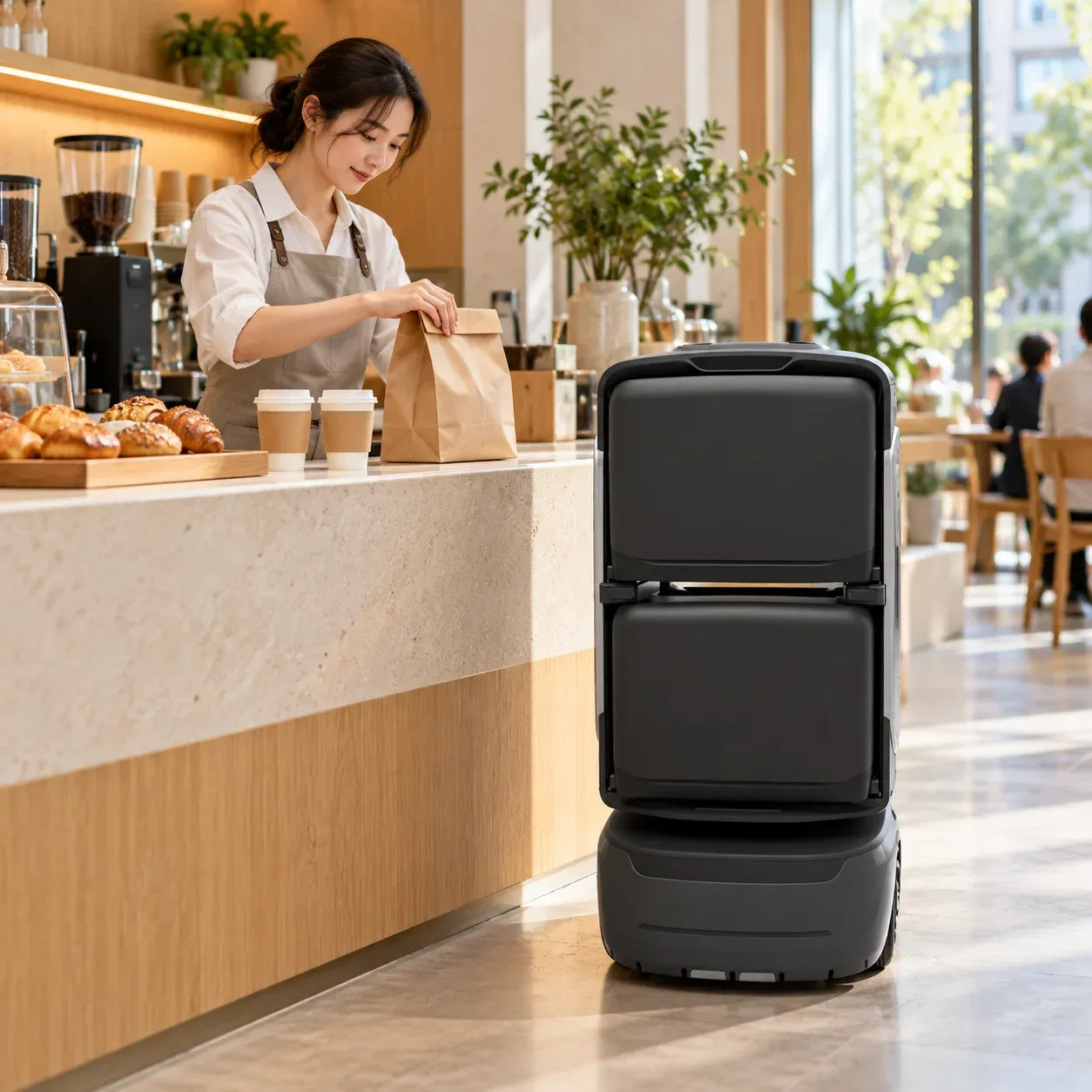
A café merchant prepares a purchase beside a KAGO delivery robot

A small purchase.A connected service.

Follow an order from purchase to collection and see how the customer, merchant and robot work together.

01

Place an order

Your favourites.Just a few taps away.

Browse participating shops in the customer app, choose your goods and confirm the collection point. Your order goes to the merchant, ready to be prepared.

A coffee between meetings. A little something for the afternoon. Everyday shopping fits around the people in your building.
Merchant loads goods for robot collection at the café counter
02

Merchant prepares

Prepared with care.Handed over with clarity.

Once the goods are prepared, the system generates a loading code. The merchant calls the robot to the shop, chooses an available compartment and enters the code. After the door opens, they load the goods and close it to complete the handover.

The merchant prepares and loads the goods. The robot handles delivery so staff can keep serving customers in the shop.

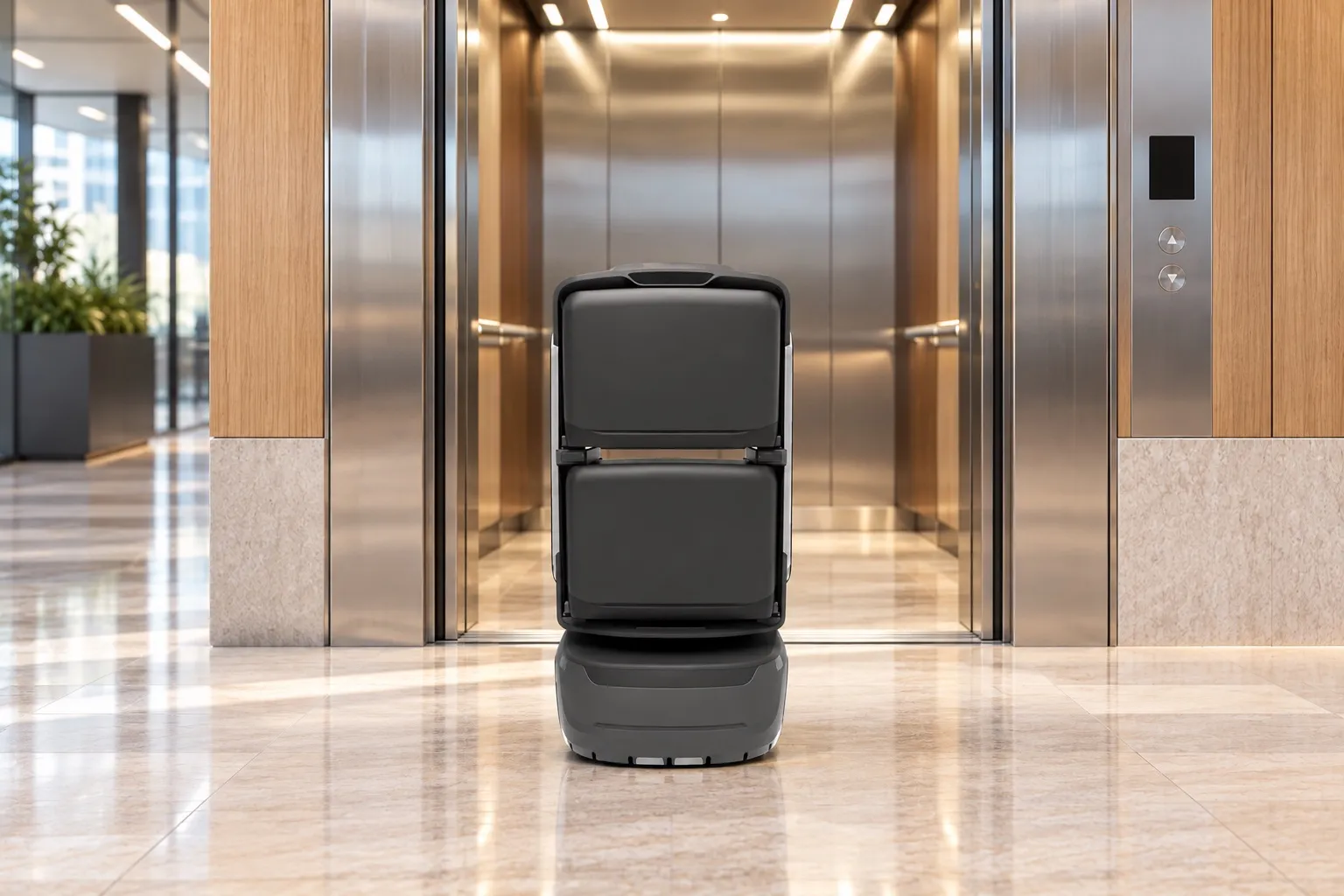
KAGO delivery robot using the building lift
03

Robot delivers

From the shop counterto your floor.

With the purchase on board, the robot follows the mapped route and uses project-integrated doors and lifts to reach the designated collection point.

Connect downstairs shops with upstairs collection points, saving customers a separate trip.

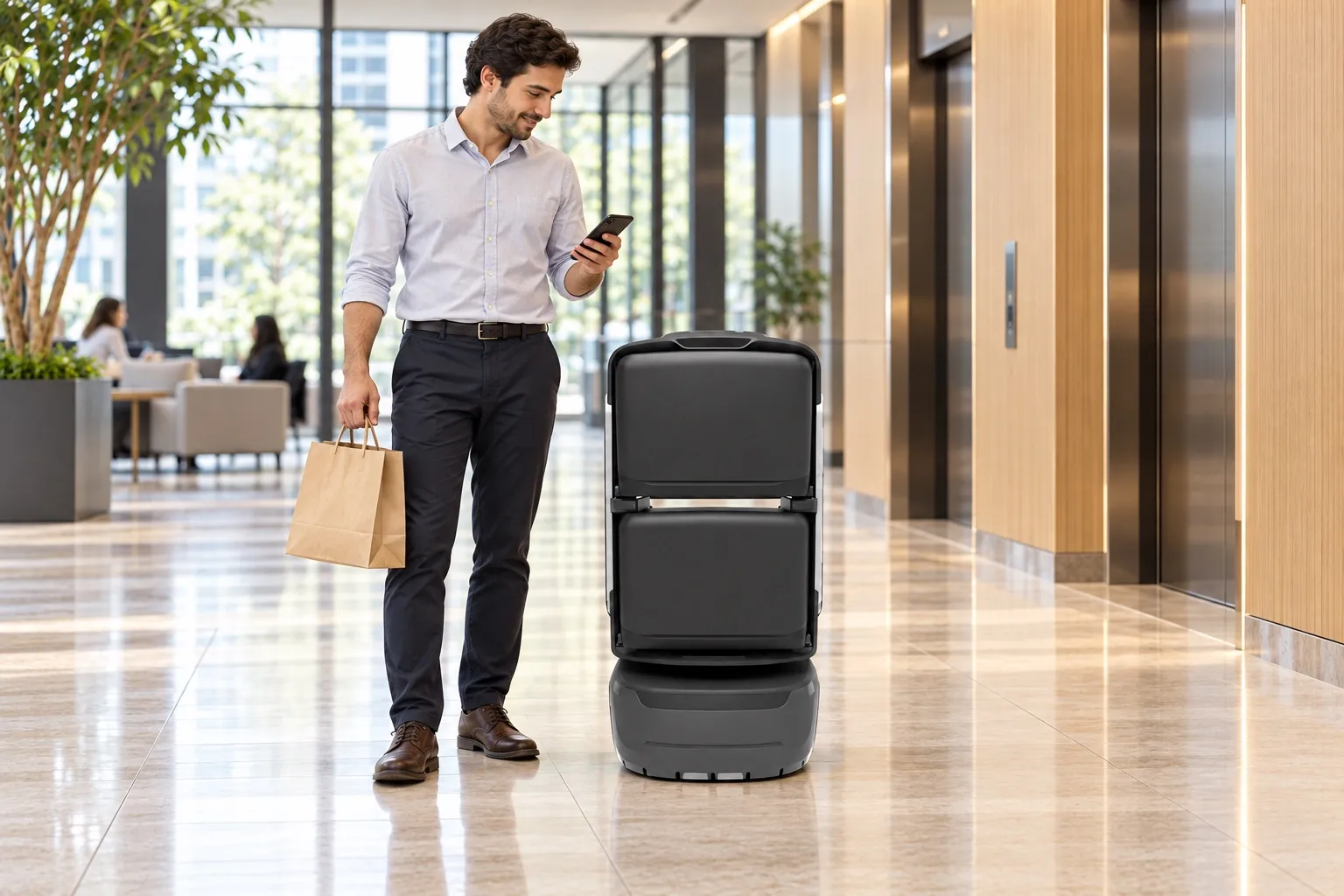
Customer collects a bag from the robot at a floor collection point
04

Notify & collect

A timely notification.A nearby collection.

An arrival notification by voice or SMS, as configured, tells the customer where to collect. They verify on the robot, open the order’s compartment and take their goods.

The notification identifies the collection point. Verification opens the right compartment, so customers know where to go and how to collect.

Follow an order.From ordering to collection.

Try ordering and merchant preparation, then watch delivery and collection in 2D or 3D.

Oat latteRegular · Warm
1
🥐
Butter croissantFreshly baked
1
Deliver to8F collection point

Start with your daily favourites.

Choose an oat latte and a butter croissant, confirm the 8F collection point and place your order.

Downstairs caféGoods ready1
Order details8F

Oat latte× 1

Butter croissant× 1

8F collection point
Loading code2580
OrdersRobots

Prepare the order, then call the robot.

Once the goods are ready, the system generates a loading code. The merchant calls the robot to the shop, chooses an available compartment and enters the code. After the door opens, they load the goods, withdraw their hands and close the door to complete the handover.

From the merchant’s counter to your floor.

1F merchant → 8F collection → 1F standby

1FShop counterSHOPGateLiftMerchant8FOFFICELiftCollectionLift link
RouteStartDestination
00:00 / 01:22
Actions
  1. After preparation, the system generates the loading code and the merchant calls the robot. Choose an available compartment, then enter the code to open it automatically.

  2. Check the goods and packaging, place the shopping bag in compartment 01, then confirm and close.

  3. Carry the prepared purchase through the integrated gate along the authorized route.

  4. Call the integrated lift and travel to the customer’s collection floor.

  5. Leave the lift and carry the goods to the designated 8F collection point.

  6. Send the configured arrival notification with the collection point and compartment number.

  7. Enter the four-digit collection code on the robot screen to open the order’s compartment.

  8. Retrieve the shopping bag from compartment 01 and close the empty compartment.

  9. The goods have been collected. Order changes and after-sales are handled through the configured commerce service.

  10. Follow the authorized route and ride the lift back to the 1F merchant collection point.

  11. Return confirmed. Wait at the merchant collection point for the next task.

  1. 01Shop assistantLoad the purchase

    Check the goods and packaging, place the shopping bag in compartment 01, then confirm and close.

  2. 02Robot + liftRide to 8F

    Call the integrated lift and travel to the customer’s collection floor.

  3. 03RobotNotify the customer

    Send the configured arrival notification with the collection point and compartment number.

  4. 04CustomerCollect the purchase

    Retrieve the shopping bag from compartment 01 and close the empty compartment.

  5. 05RobotReturn to the merchant point

    Follow the authorized route and ride the lift back to the 1F merchant collection point.

Demo time is not delivery time. Access, compartments and verification depend on project configuration.

Simulated orders and routes.

Now see itin a real building.

Watch on-site footage of merchant loading, robot travel through the building and customer collection.

Choose a delivery robot.

Choose a model to suit item size, handover method and delivery routes.

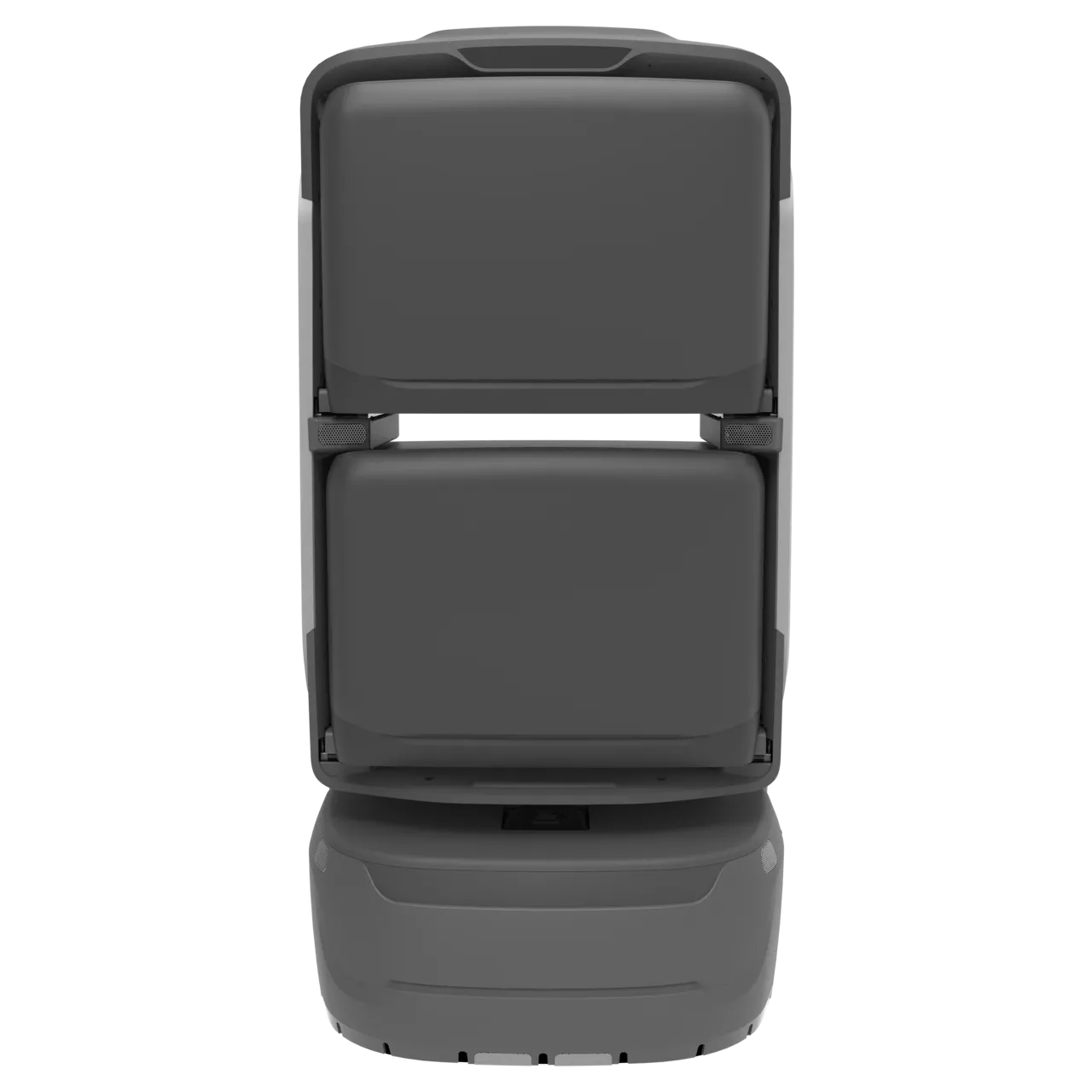
KAGO delivery robot

KAGO

For coffee, bakery goods and everyday small purchases delivered within a building.

  • 4 compartments
  • 8 h
  • Travel speed 2 m/s
Learn more KAGO
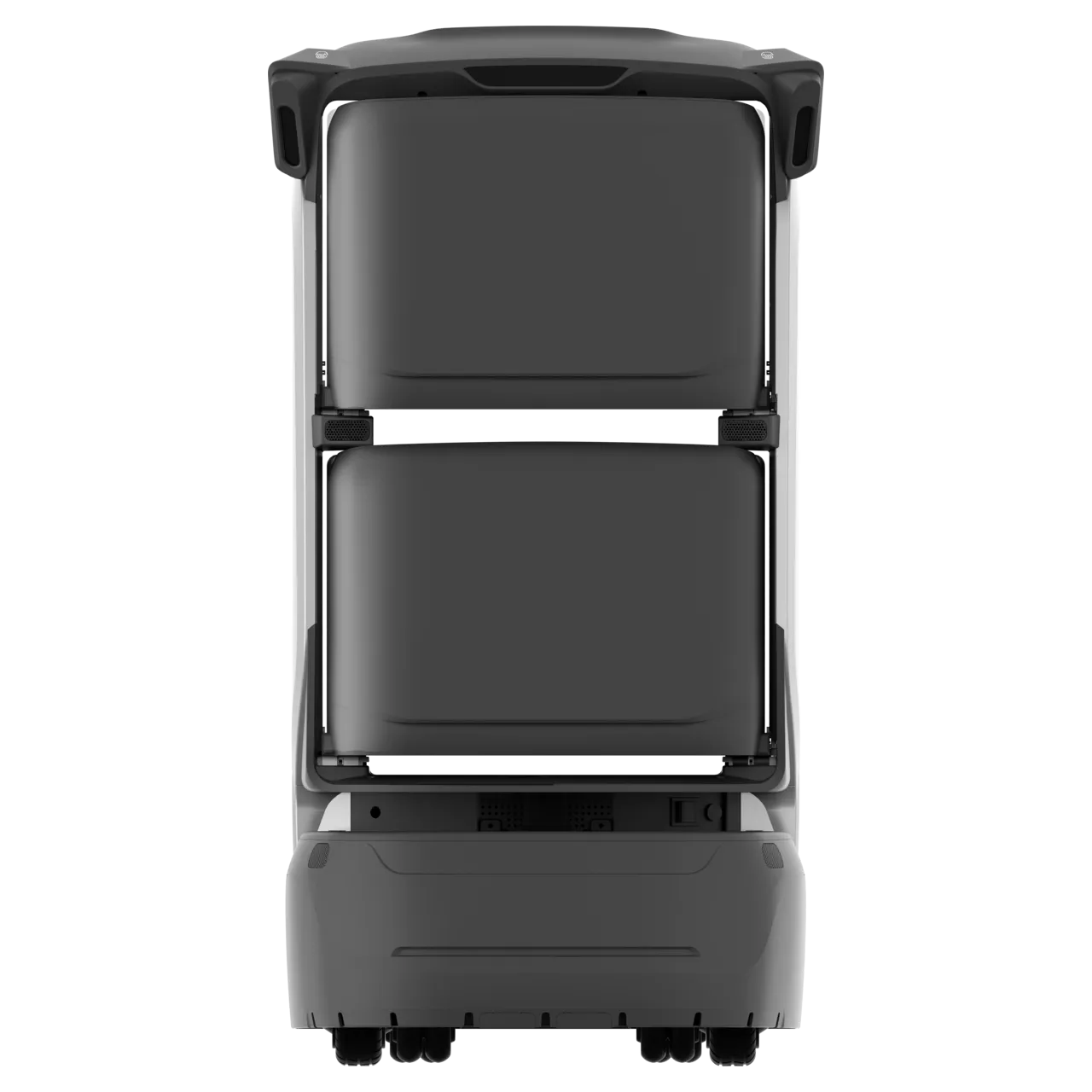
KAGO MAX delivery robot

KAGO MAX

For indoor deliveries requiring card verification.

  • 4 compartments
  • 8 h
  • RFID card-based collection
Learn more KAGO MAX
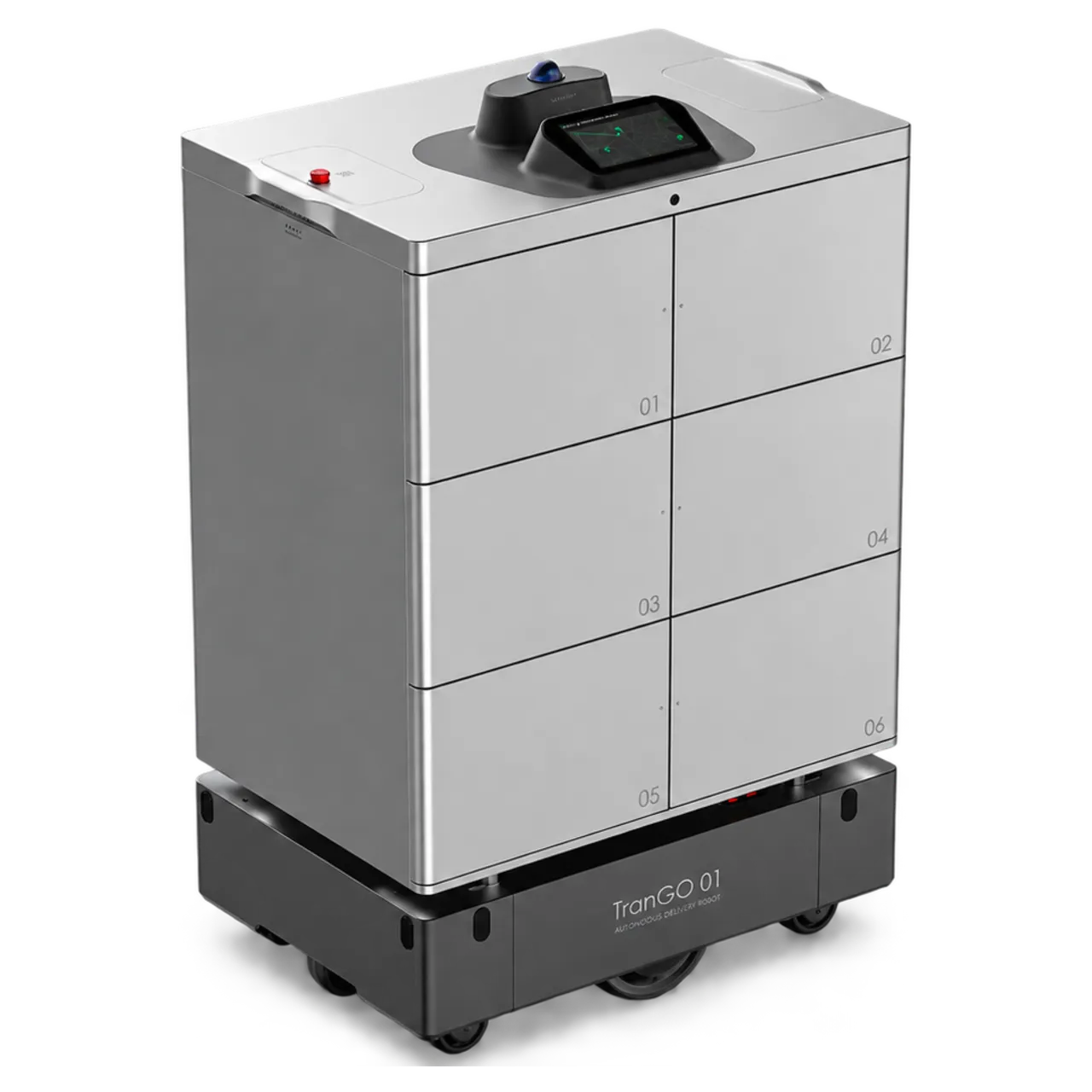
TRANGO delivery robot

TRANGO

For larger purchases and deliveries across areas, with indoor and outdoor routes assessed on site.

  • 6 compartments
  • Payload 150 kg
  • Range 35 km
Learn more TRANGO

Choose by packaging, compartment dimensions and collection needs. Validate access conditions and the delivery area on site.

More from the shops.More for your building.

For the people inside

Everyday shopping made easier.

Connect the convenience of app ordering with collection on a configured floor, making building amenities easier to use.

For participating merchants

Serve customers on other floors.

Receive orders through the merchant app and connect preparation with robot delivery to reach more of the building.

For building operators

Make building amenities easier to use.

Bring merchants, ordering and indoor delivery together as part of the building’s daily service experience.

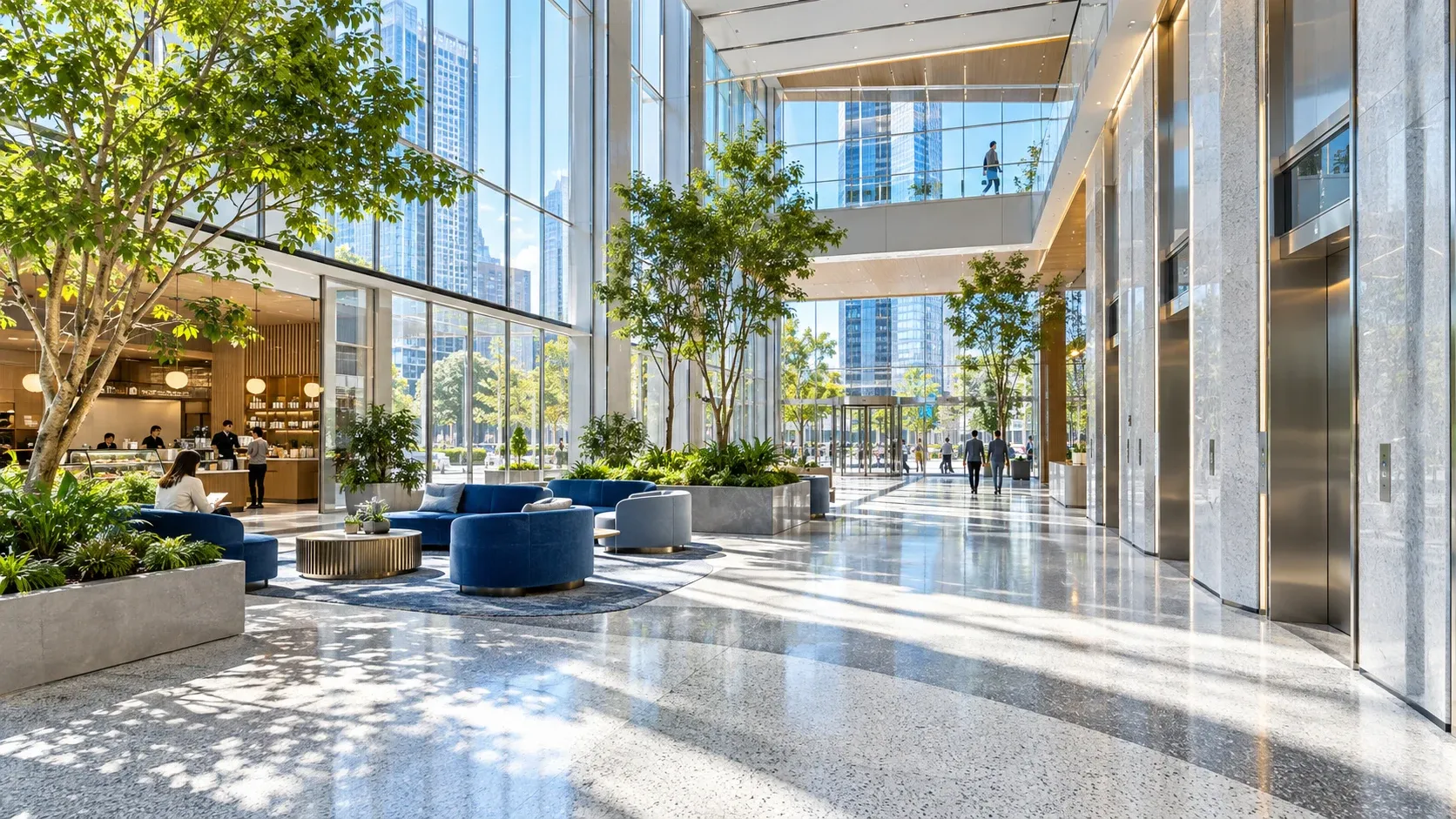
Illustrative mixed-use building space

Plan shop deliveryfor your building.

Shops, routes and collection points vary by building. Explore the building shop delivery solution to plan the service for your site.

Explore the building solutionDiscuss your needs

Goods, opening hours and after-sales are handled by the participating merchant or operator. Packaging must suit the compartment. Access, service area, notifications and verification depend on project configuration.