Skip to content

Item delivery

Keep items moving.Keep people focused.

  • Documents
  • Parcels
  • Office supplies

Choose collection and delivery points in the app and call a robot to collect the items. Staff verify and load them, and the robot handles transport inside the building. Recipients receive an arrival notification and use a code to collect their items, reducing trips between floors.

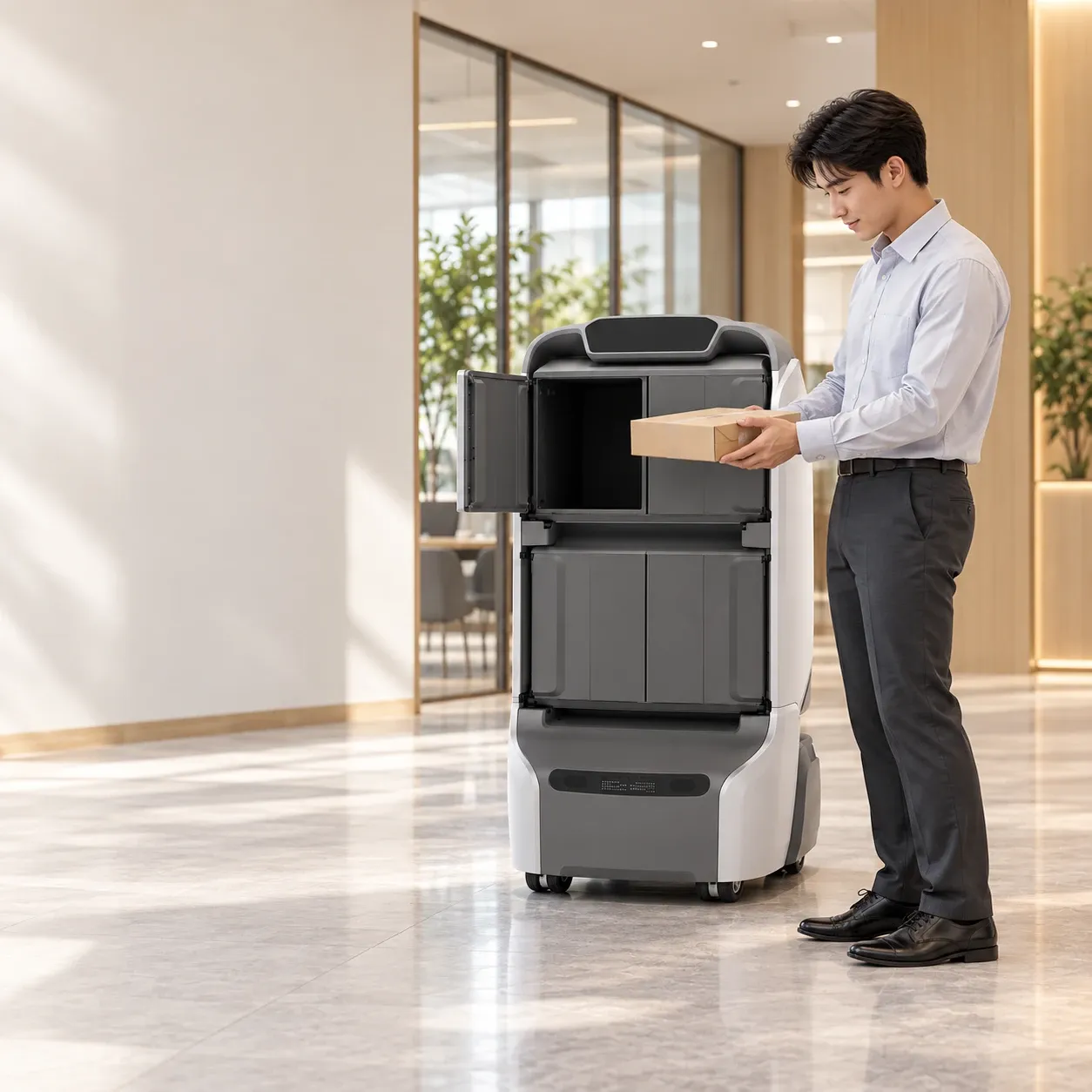
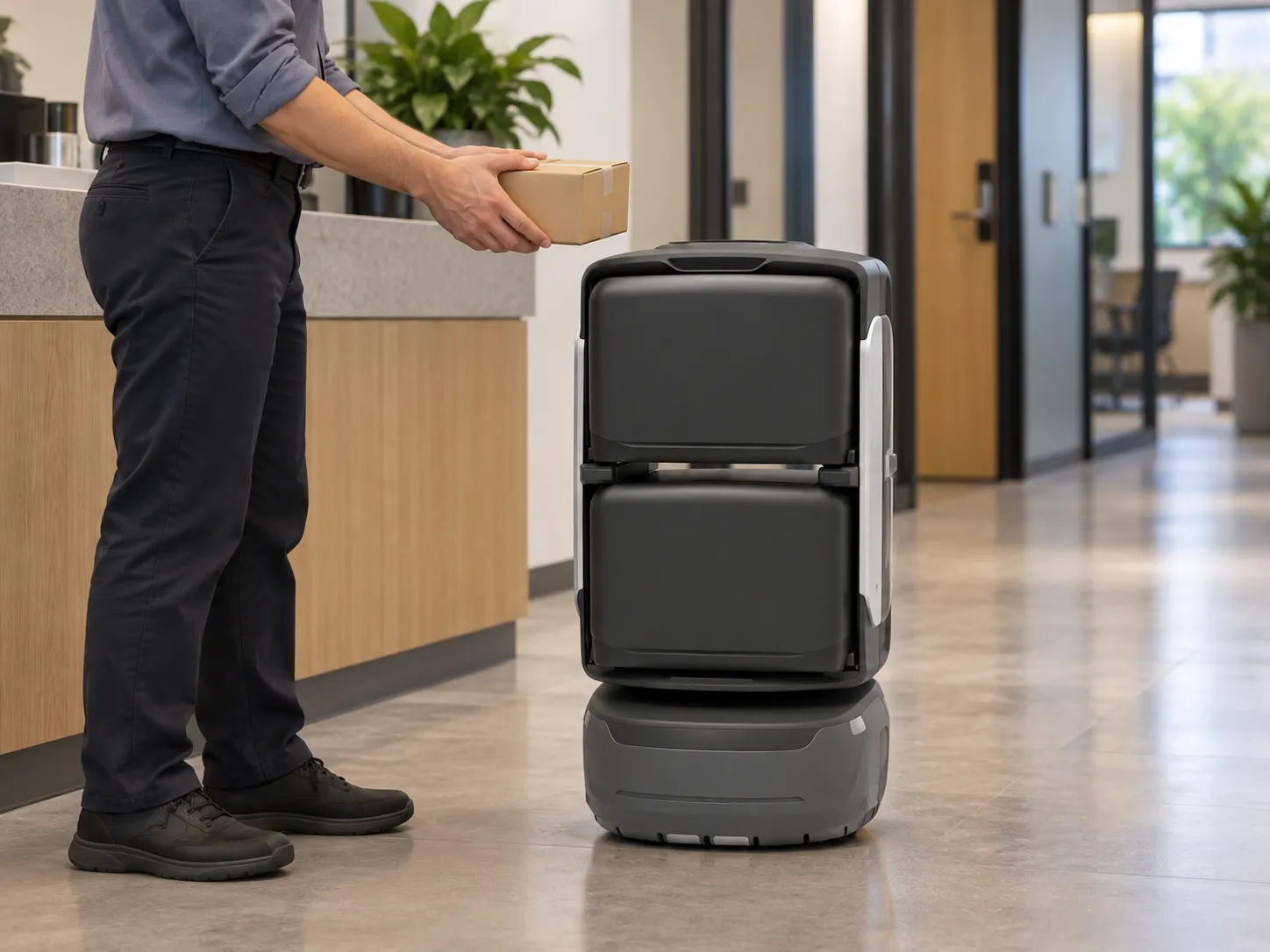
Office staff loads a delivery parcel into a KAGO robot

A daily document or parcel.A complete closed loop.

Follow a service desk delivery through ordering, loading, transport and verified collection.

1F

Service desk dispatch

Desk-to-floor handover begins here.
From1F Service desk
To12F Office collection point
Contracts & supplies1 pack
Confirm & call robot
01

Place request

Choose pickup and delivery points.Call for collection.

Choose pickup and delivery locations in your app and place the order. The system generates a loading code and dispatches the robot to the pickup point.

Urgent contracts between departments or incoming parcels from the mailroom. Tasks are organised around destinations rather than repeated corridor trips.
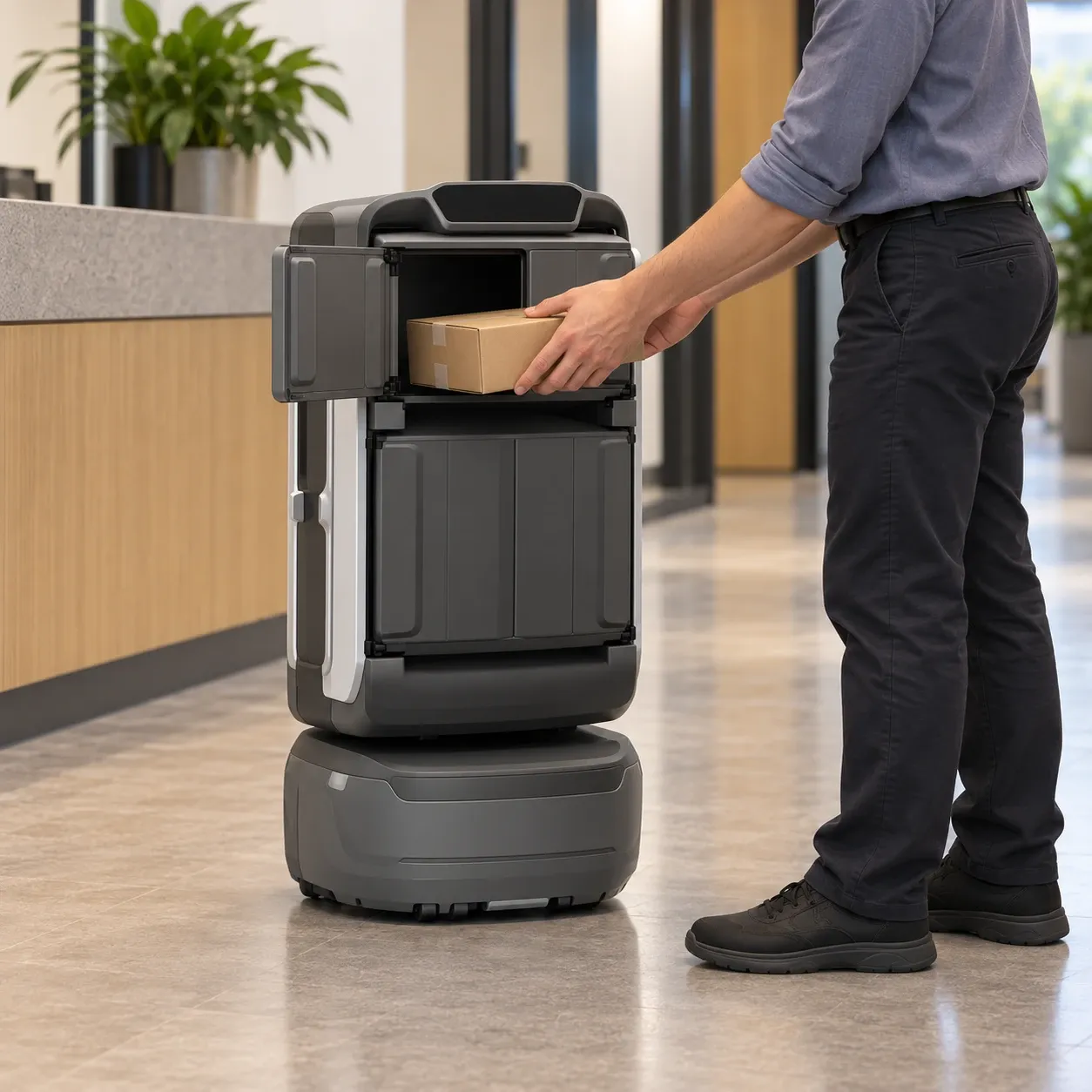
Office staff loads a parcel into the rear side-opening compartment of a KAGO robot
02

Load & verify

Verify at the robot.Load the compartment you choose.

Staff choose a compartment on the robot screen and enter the loading code. They load the items, withdraw their hands, close the door and confirm dispatch.

Individually locked compartments let staff separate items by destination for the robot to deliver.

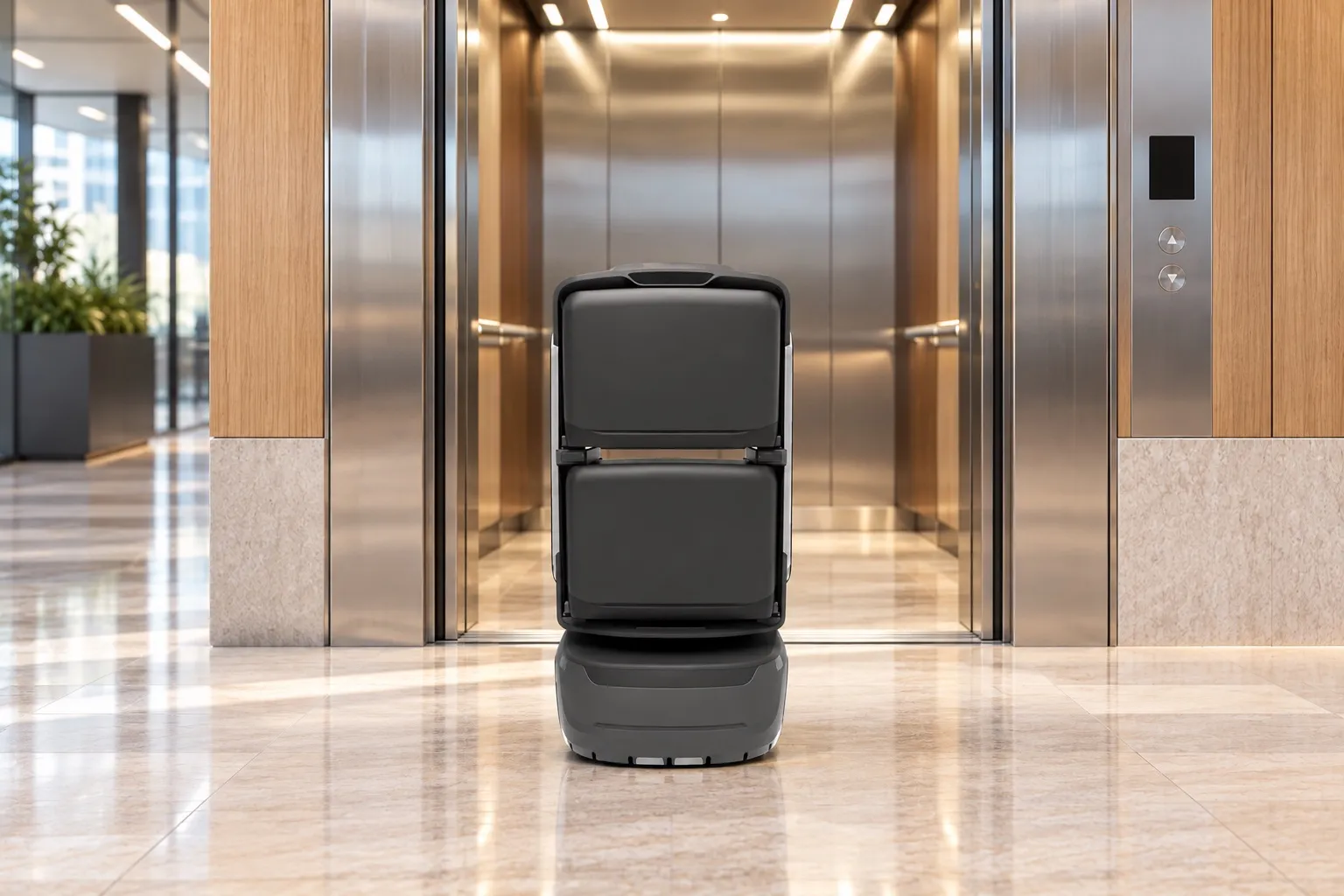
KAGO delivery robot takes the lift across floors
03

Robot delivers

Through gates and lifts,direct to the floor.

The robot navigates through connected gates and lifts, carrying the parcel from the 1F service desk to the 12F office.

Autonomous door, gate and lift integration connect floors without human escort, keeping transit quiet and steady.

Recipient collects a document parcel from the rear side-opening compartment of a KAGO robot
04

Notify & collect

Arrival alert.Verified collection.

On arrival, the recipient is notified as configured for the project. They enter the collection code on the robot screen, collect the items and close the door to confirm.

The system records collection, and the robot returns to standby at the 1F service desk.

Follow a delivery.See people, software and robot connect.

Follow loading, lift travel and verified collection in 2D or 3D. Select a step to jump to that stage.

From1F Service desk
To12F Office collection point
Contracts & supplies1 pack
Confirm & call robot

Prepare both addresses, then call the robot.

Prepare both addresses before creating the order; they stay fixed afterwards. The system generates loading code 2580 and dispatches the robot. At the service desk, staff choose an available compartment and verify the code before loading.

From loading to collection.

1F service desk → 12F collection → 1F standby

1FReception deskRECEPTIONGateLiftService desk12FOFFICELiftCollectionLift link
RouteStartDestination
00:00 / 01:22
Actions
  1. Choose an available compartment, then enter the loading code on the robot screen. Verification opens the selected door automatically.

  2. Place the parcel inside, withdraw hands and close the compartment before dispatch.

  3. The loaded robot follows the authorised route through the lobby gate.

  4. Enter the lift from the service-desk side and travel to 12F.

  5. Exit the opposite lift doors and follow the route to the collection point.

  6. Stop, turn towards the recipient and send the configured arrival notice.

  7. Enter the 4-digit collection code on the robot screen.

  8. Open the order’s compartment after verification, retrieve the parcel and close the empty compartment.

  9. Retain the collection confirmation before the robot begins its return.

  10. Follow the authorised route back down to the 1F service desk.

  11. Return confirmed. Wait at the service desk for the next task.

  1. 01StaffLoad

    Choose an available compartment, verify the loading code, load the parcel and close the door.

  2. 02RobotDeliver

    Pass the gate and take the lift to the destination floor.

  3. 03RobotNotify

    Stop at the collection point and notify the recipient.

  4. 04RecipientCollect

    Verify the collection code, retrieve the parcel and confirm collection.

  5. 05RobotReturn

    Return to the service desk and wait for the next task.

Concept building with compressed floor spacing. Demo time is not delivery time. Verification, hatch and access actions are illustrative and depend on project configuration. No device or business system is connected.

Simulated orders and routes.

Inside a real building,see the robot in action.

Watch loading, lift transit and floor collection in actual service footage. The video presents the equipment and operational setup used on site.

The robots behind the handover.

Choose by item size, compartment door type and identity verification needs.

KAGO delivery robot

KAGO

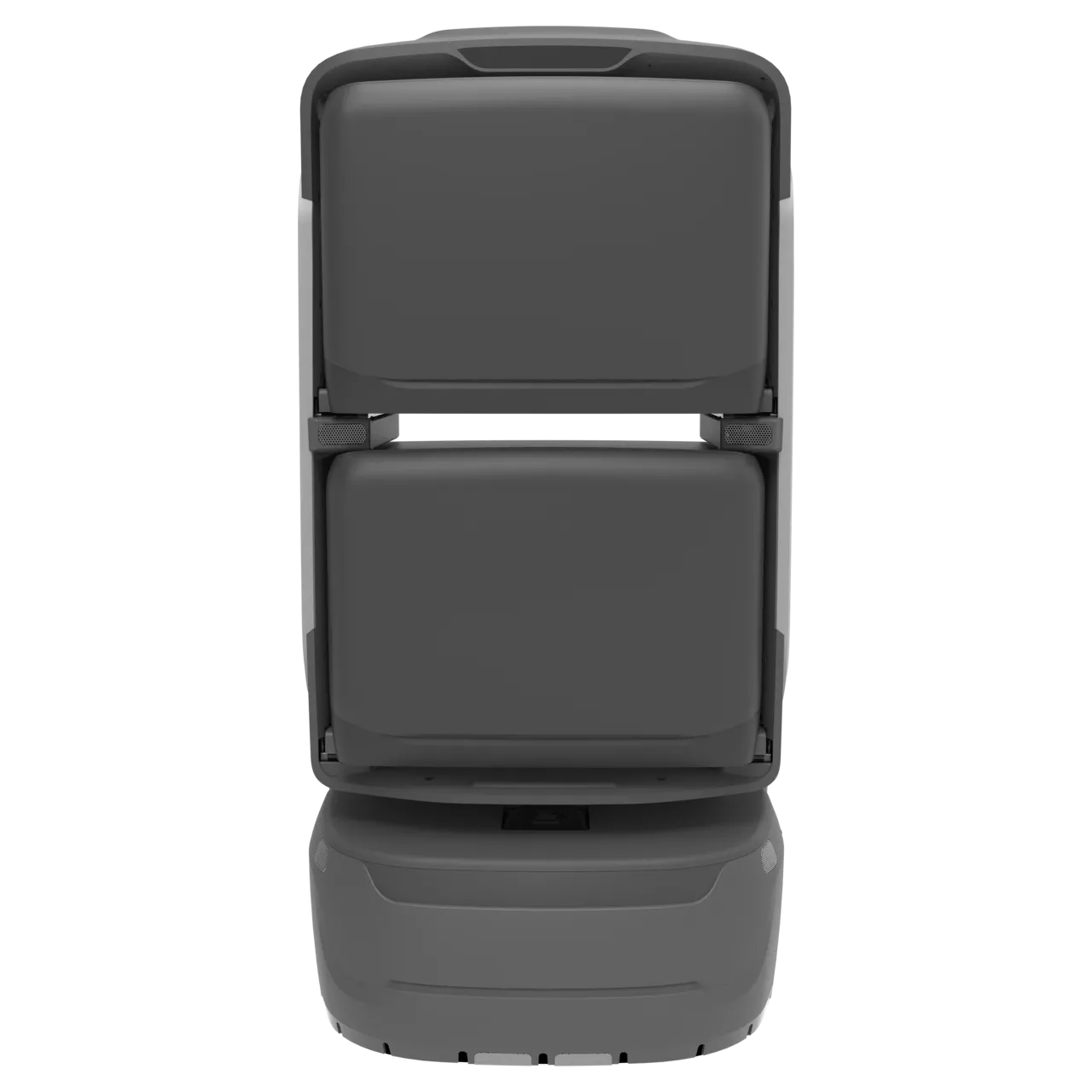
For documents, contracts, invoices and mailroom parcels, with independent compartments configured around item size.

  • 4 compartments
  • 8 h
  • Travel speed 2 m/s
Learn more KAGO
KAGO MAX delivery robot

KAGO MAX

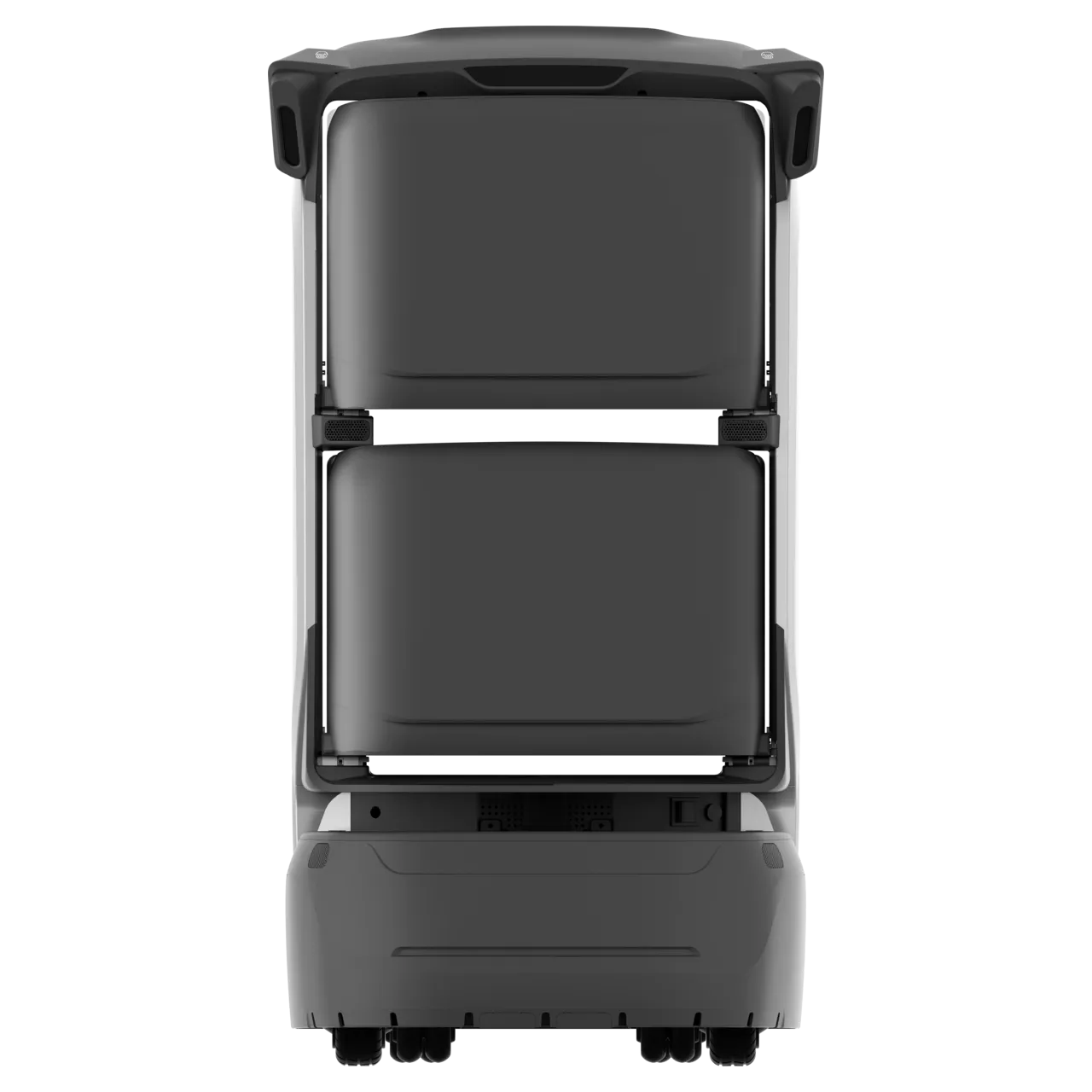
For departmental delivery requiring RFID identification and higher daily task capacity.

  • 4 compartments
  • 8 h
  • RFID card-based collection
Learn more KAGO MAX
TRANGO delivery robot

TRANGO

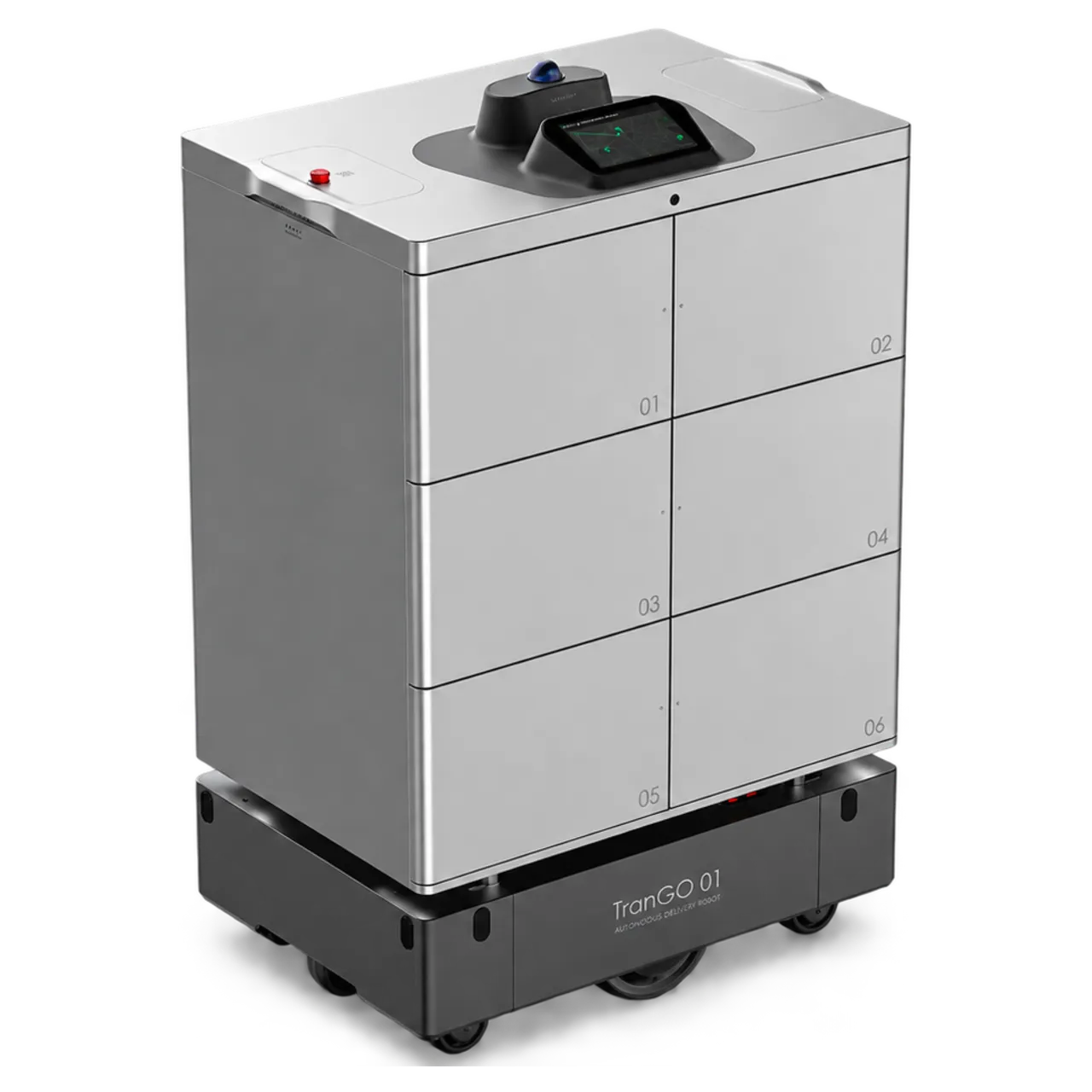
For larger office supplies, multiple parcels and heavier loads across corridors and campuses.

  • 6 compartments
  • Payload 150 kg
  • Range 35 km
Learn more TRANGO

Confirm parcel dimensions, compartment volume, access credentials and exceptions. Gate, lift integration and route clearance are validated per project.

Less running between floors.A more attentive workplace.

For employees

No interruptions to your day.

Request a delivery from your desk and collect at your floor point with an arrival code. No more repeated trips between floors.

For front desk staff

Clear handovers. Digital records.

Verify loading directly on the robot screen. Compartments keep items separate, and delivery status is tracked automatically.

For building operators

Connect the last hundred metres.

Turn repeated courier and document trips into an integrated building amenity, improving tenant experience and reducing pedestrian traffic.

Corporate headquarters building

One core capability.Configured for your building.

Explore floor-to-floor delivery at headquarters, office document delivery and two-way mailroom services.

Discuss your needs