Skip to content

Security patrol

See the scene.Follow through.

  • Route patrols
  • Site capture
  • Remote audio & video

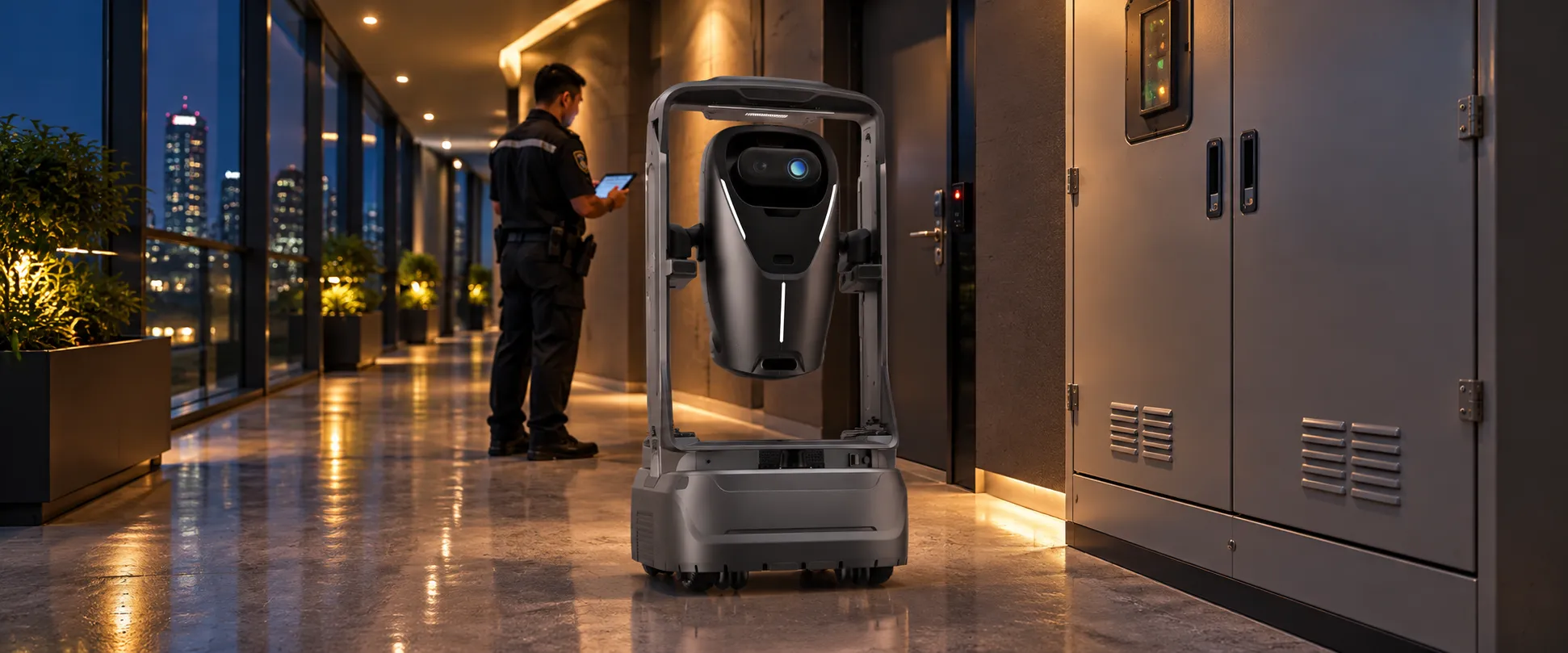
Set routes, inspection points and schedules for indoor passages and facilities. The robot captures images and configured environmental readings at each point. Staff review suspected issues and arrange on-site action, then use follow-up inspection records to review the process and support further work and handovers.

ANGO and a duty staff member in an illustrative indoor night-patrol scene

One routine round.From planning to recheck.

See how the software, robot and staff share the work of an indoor patrol.

Patrol management

Public corridor · Patrol task

Duty staff
Checkpoint patrol
LIFTLIFTLIFT LOBBYEXIT / STAIRSOPEN OFFICEPANTRYRECEPTIONMEETING BMEETING ASECURITYFIRE POINT123456

Follow checkpoints 1–6, then return along the same route.

Route & schedule
Six indoor checkpoints · configured schedule
Capture
Images · configured sensors
  1. 01Lobby
  2. 02Lift hall
  3. 03Safety exit
  4. 04Office area
  5. 05Pantry
  6. 06Fire point
Checkpoint records0 / 6

Workflow illustration. Compressed demo time; fields and integrations depend on the project.

01

Plan the patrol

Define the checks.Plan the patrol.

Managers set routes, checkpoints, schedules and data to capture, and assign staff to receive alerts and handle exceptions. The robot carries out the configured task.

Define what staff need to check at each point, such as corridor images, visible equipment conditions and environmental readings from configured sensors.
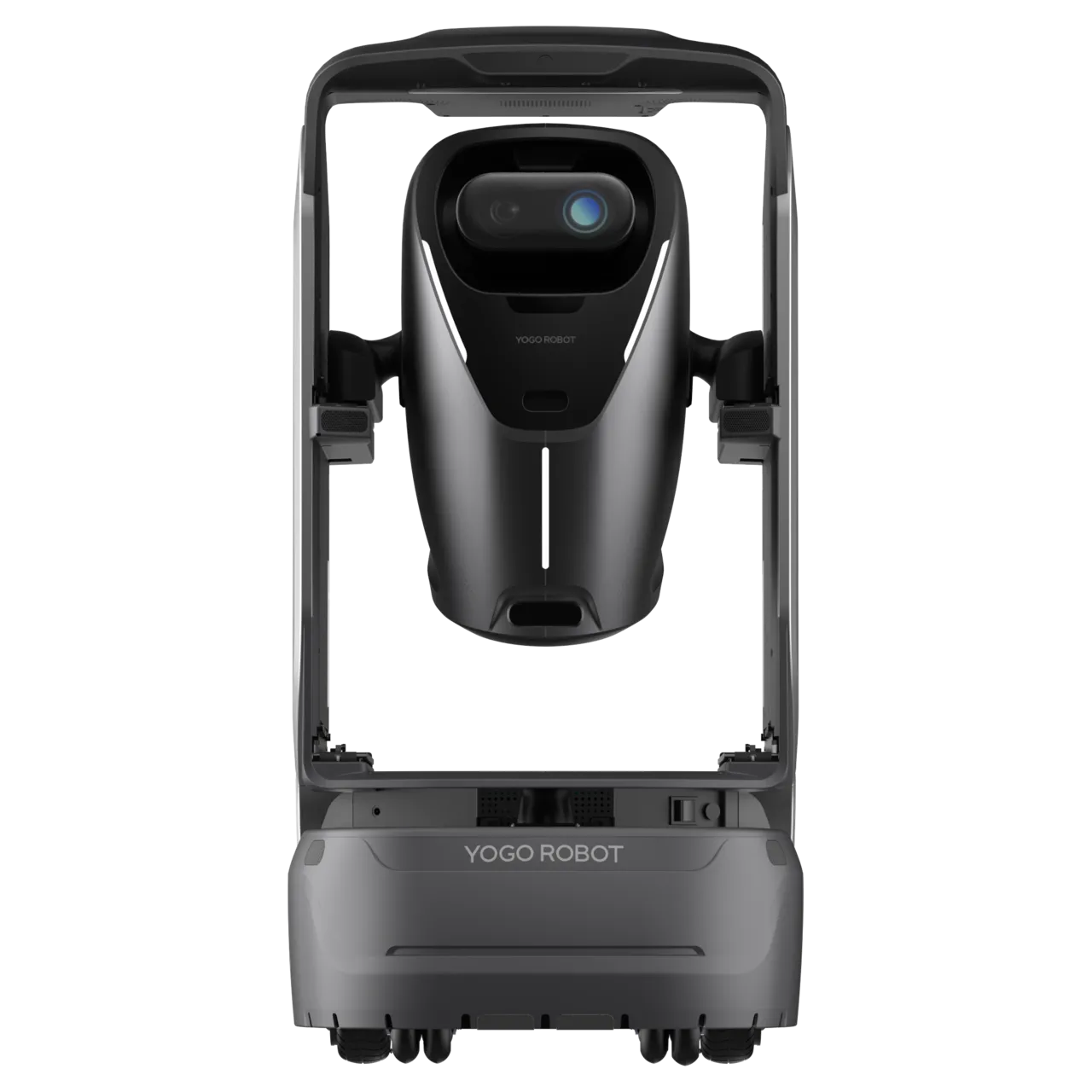
ANGO working at an indoor patrol checkpoint, illustrative scene
02

Capture each checkpoint

Reach each checkpoint.Capture the scene.

ANGO follows the planned route and stops at checkpoints, recording images and readings from configured environmental sensors for staff review.

Records link captured information to its checkpoint and time, making each patrol easy to review.

Patrol management

Public corridor · Patrol task

Duty staff
Duty staff notified
Safety exit · Scene review
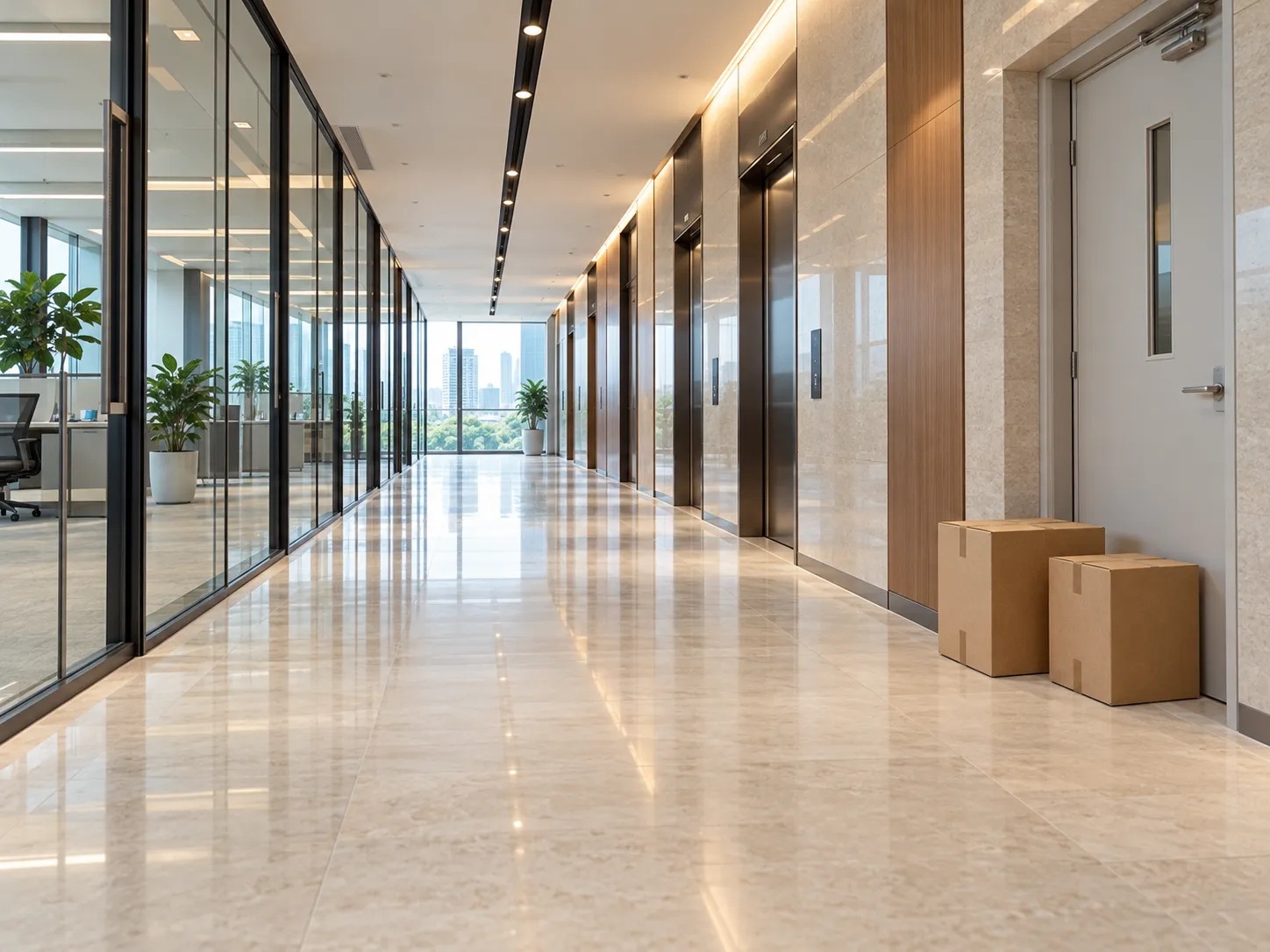
Cardboard boxes beside the safety-exit doorwayItems near exit
Awaiting staff reviewExits and passages should remain clear.
Capture time · demo clock
00:16.9
Review & response
Duty staff → On-site staff
Checkpoint records3 / 6

Workflow illustration. Compressed demo time; fields and integrations depend on the project.

03

Review & respond

Review the scene.Staff make the decision.

Duty staff review the checkpoint, capture time and images for a suspected exception, using remote audio and video to verify it when needed. Once confirmed, they arrange an on-site response.

For a suspected blocked exit, duty staff confirm the situation and send on-site staff to clear it. The robot provides information; staff decide and respond.

Patrol management

Public corridor · Patrol task

Duty staff
Event verified & archived
Safety exit · Scene review
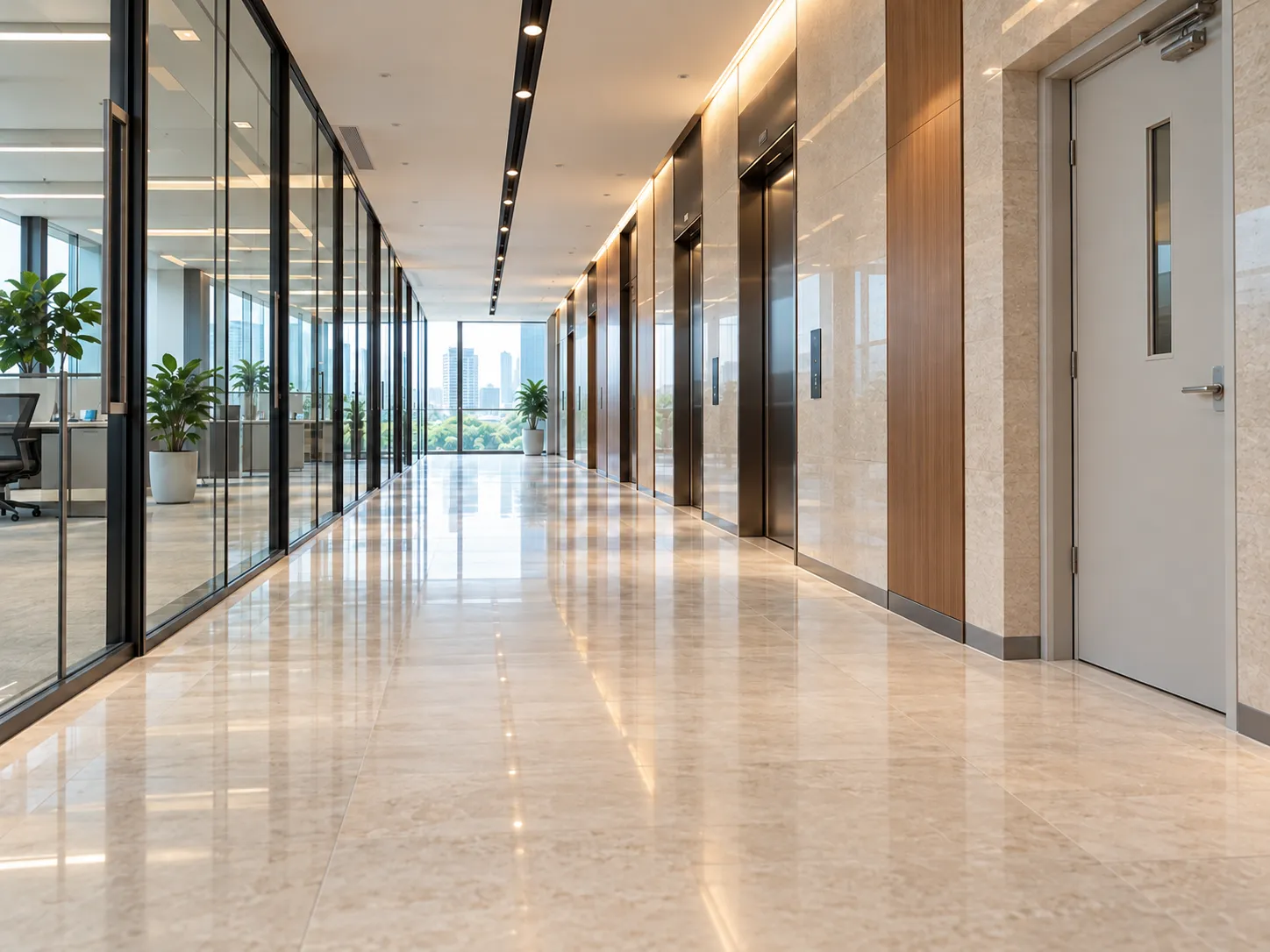
The same corridor after the boxes have been removed, with the safety-exit doorway clear
Recheck capture
Capture time · demo clock
00:31.7
Review & response
Duty staff → On-site staff

Original evidence, staff response and recheck linked.

  1. 00:16.9Original capture
  2. 00:22.2Duty staff notified
  3. 00:24.9Staff confirmation
  4. 00:29.5Passage cleared
  5. 00:31.7Recheck capture
  6. 00:33.6Verified & archived
Checkpoint records3 / 6

Workflow illustration. Compressed demo time; fields and integrations depend on the project.

04

Recheck & review the result

Recheck after the response.Record the outcome.

After on-site staff respond, the robot rechecks the same checkpoint, links the original images, response and verification result, then continues the patrol.

Management can review checkpoint records and the event history for follow-up and handover. Record fields, retention and enterprise integrations depend on the project.

Captures and suspected exceptions support staff review. Recognition requires project configuration and on-site validation; staff confirm the response and outcome. This workflow does not include automatic enforcement or firefighting.

Follow a patrol.From capture to response.

Use the action list or timeline to explore capture, staff review, on-site response and recheck. The scene and duty workspace stay in sync.

From the checkpoint to the duty team.

ANGO · Six checkpoints on one public corridor

LIFTLIFTLIFT LOBBYEXIT / STAIRSOPEN OFFICEPANTRYRECEPTIONMEETING BMEETING ASECURITYFIRE POINTLobbyLift hallSafety exitOfficesPantryFire point
RouteStartEnd
00:00 / 01:02
  1. 01RobotInspect checkpoints

    Follow the configured route and retain checkpoint captures.

  2. 02RobotFlag an exception

    Link the suspected obstruction to its location and available evidence.

  3. 03Duty staffNotify & review

    Review the linked scene before confirming a response.

  4. 04On-site staffRespond on site

    Attend the checkpoint and clear the confirmed obstruction.

  5. 05Robot × staffRecheck & archive

    Retain a new capture, then verify and link the outcome.

  6. 06RobotContinue the round

    Capture the remaining checkpoints and return to the lobby.

Concept floor and simulated captures; not a surveyed map or a live system. Sensor readings and visible inspections depend on project configuration. Demo time is compressed.

Now see ANGOin a real indoor space.

Watch ANGO move through indoor spaces and stop at checkpoints to capture information.

ANGO

ANGO. A mobile observation point.

Bring cameras, configured environmental sensors and remote audio and video to agreed indoor checkpoints. Choose the equipment around the observation targets and your team’s workflow.

  • Indoor autonomous movement
  • Checkpoint capture
  • Remote audio & video
Learn more

A clearer view for staff.A record for management.

For duty staff

Assess the scene with context.

Checkpoint, time and available images help staff understand what needs attention.

For on-site staff

Know where to go and what to do.

Staff respond based on the review and use recheck records to track the outcome.

For building managers

Review the process and outcome.

Review routine captures, staff response and verified results for follow-up and handover.

Plan routine patrolsaround your space.

Start with a standard solution, then adapt the patrol route, checks and staffing to your building.

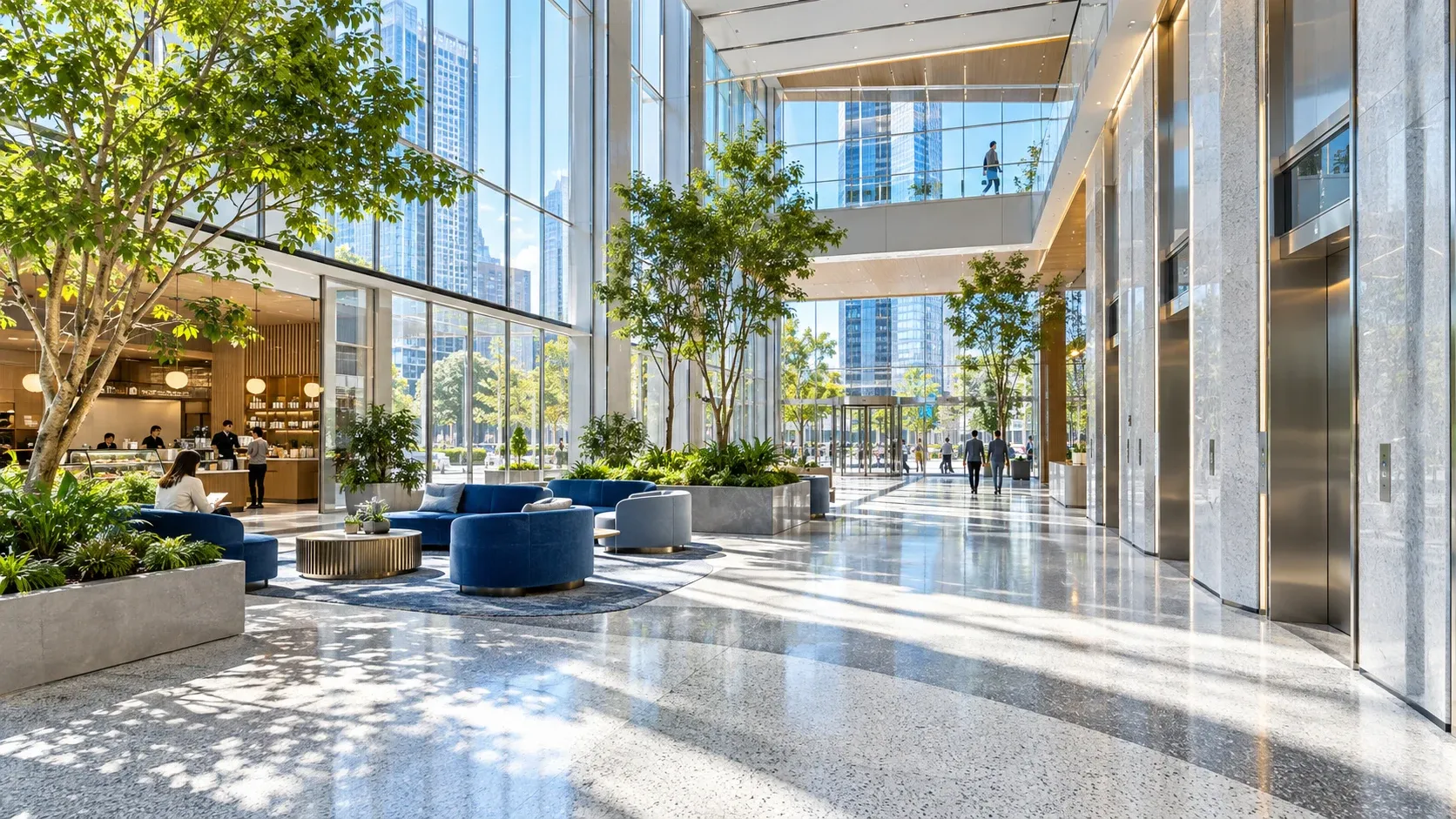
Offices space illustration

Offices

Coordinate public-area checkpoints with duty shifts and authorised access.

Explore the solution
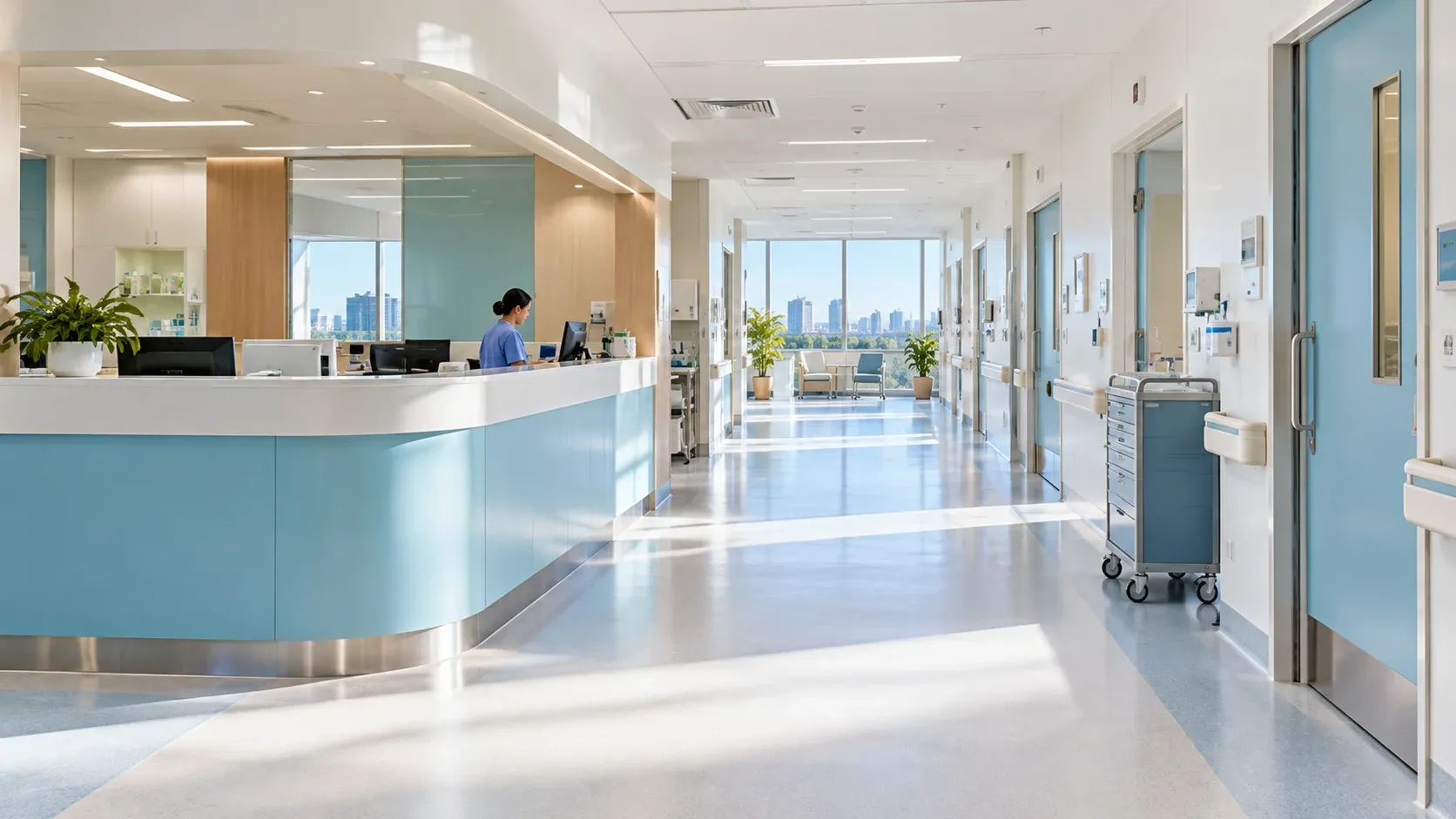
Hospitals space illustration

Hospitals

Arrange lobby and corridor checks around care activities and access requirements.

Explore the solution
Factories space illustration

Factories

Start with low-risk indoor routes; equipment diagnosis needs separate validation.

Explore the solution

Pilot one patrol route.

Use your checkpoints, patrol schedule and response arrangements to scope a pilot covering patrol, on-site response and recheck.

Discuss your needs
Route & access
Checkpoint views, passage clearance, network, charging and any required lift or door integration.
Rules & people
Capture requirements, on-site validation of recognition rules, reminder recipients and response owners.
Records & acceptance
Access permissions, retention, representative site samples, blocked routes and end-to-end acceptance.