Skip to content

Air purification

Move between areas.Purify at each stop.

  • Mobile purification
  • Zoned operation
  • Scheduled tasks

Plan AIR’s routes, service times, dwell times and airflow settings around how each area of the building is used. The robot travels to designated points and purifies the air according to the plan. Staff use available operating records and environmental readings to arrange further service and equipment maintenance.

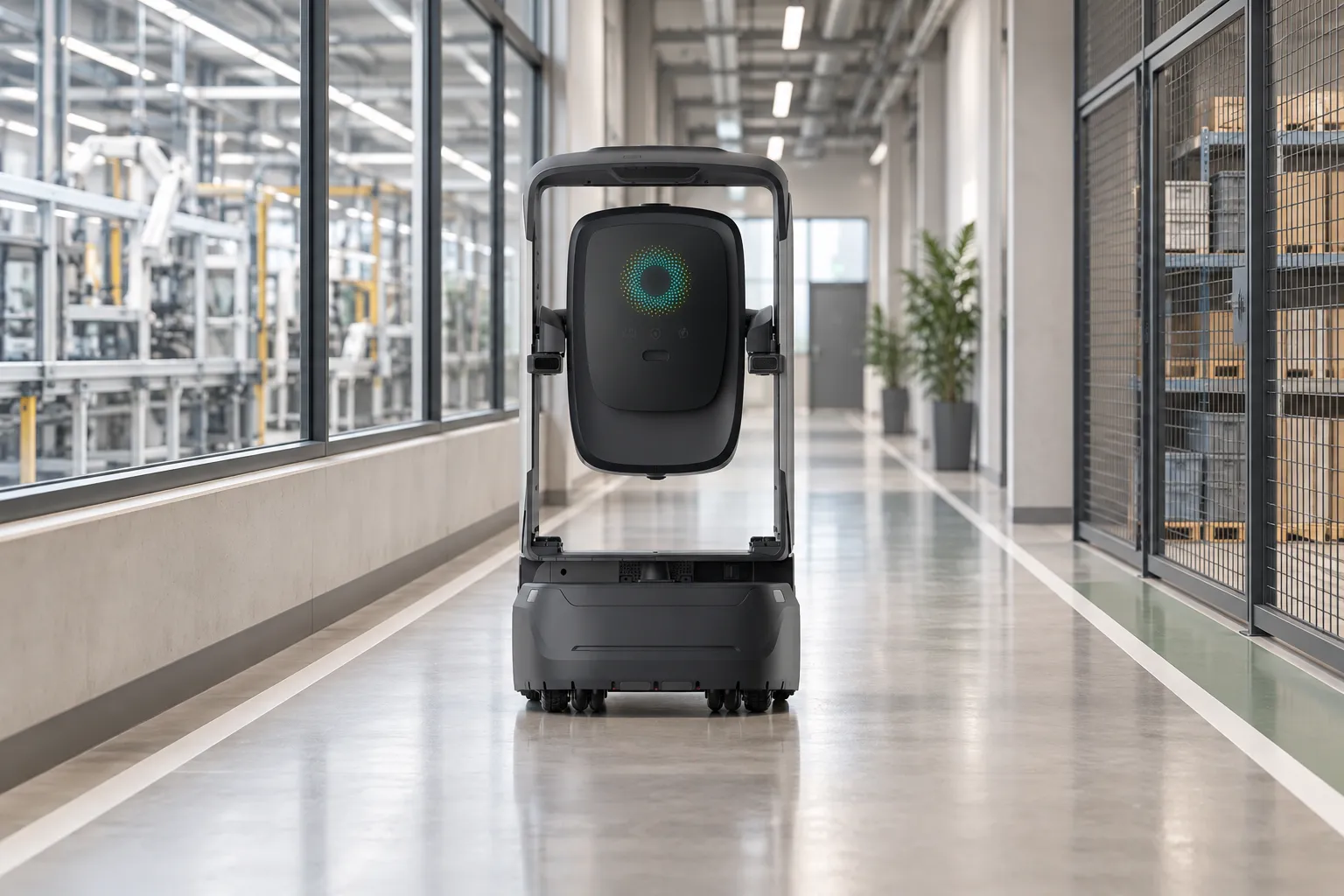
AIR on an indoor factory corridor, illustrative scene

One plan.Serve several areas.

The operations team plans service times and points. AIR carries out the purification task, and staff review the available records afterward.

Purification management
Public corridor · AIROperations team

Plan a round around the space.

MEETINGOFFICEPANTRYLOBBYCORRIDOR1234
Schedule
Recurring schedule / ad hoc task
Route
Visit points 1–4, then return.
  1. 01LobbyStandard
  2. 02Meeting roomStandard
  3. 03OfficeLow
  4. 04PantryHigh

Airflow and dwell time are configured for each area.

01

Plan the task

Choose the areas.Work around their use.

The operations team sets routes, service points, operating times, dwell time and available airflow settings. Schedule routine rounds or start an ad hoc task at a designated point.

Include the lobby, meeting areas, offices and pantry in one plan. Agree suitable noise levels, access and operating positions for how each area is used.
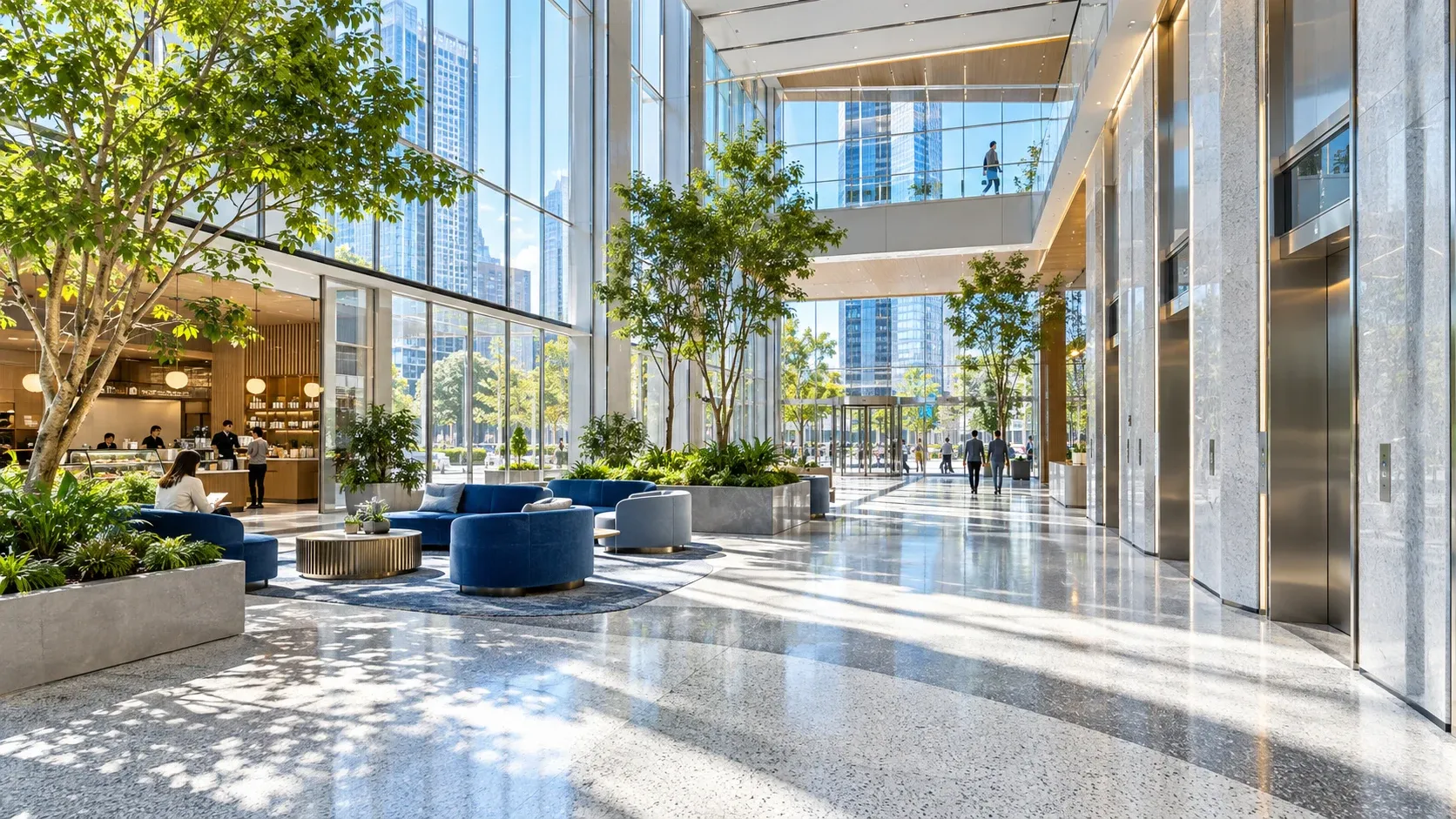
AIR moving between indoor service areas, illustrative scene
02

Move to each point

One device.Several service areas.

AIR follows the mapped route to each service area. It purifies while moving as configured and stops to work at designated points.

Keep circulation routes and the air intake and outlet clear. Cross-floor operation requires project-specific lift and door integration; the demo follows one floor.

Meeting area · Point taskConfigured standard airflow
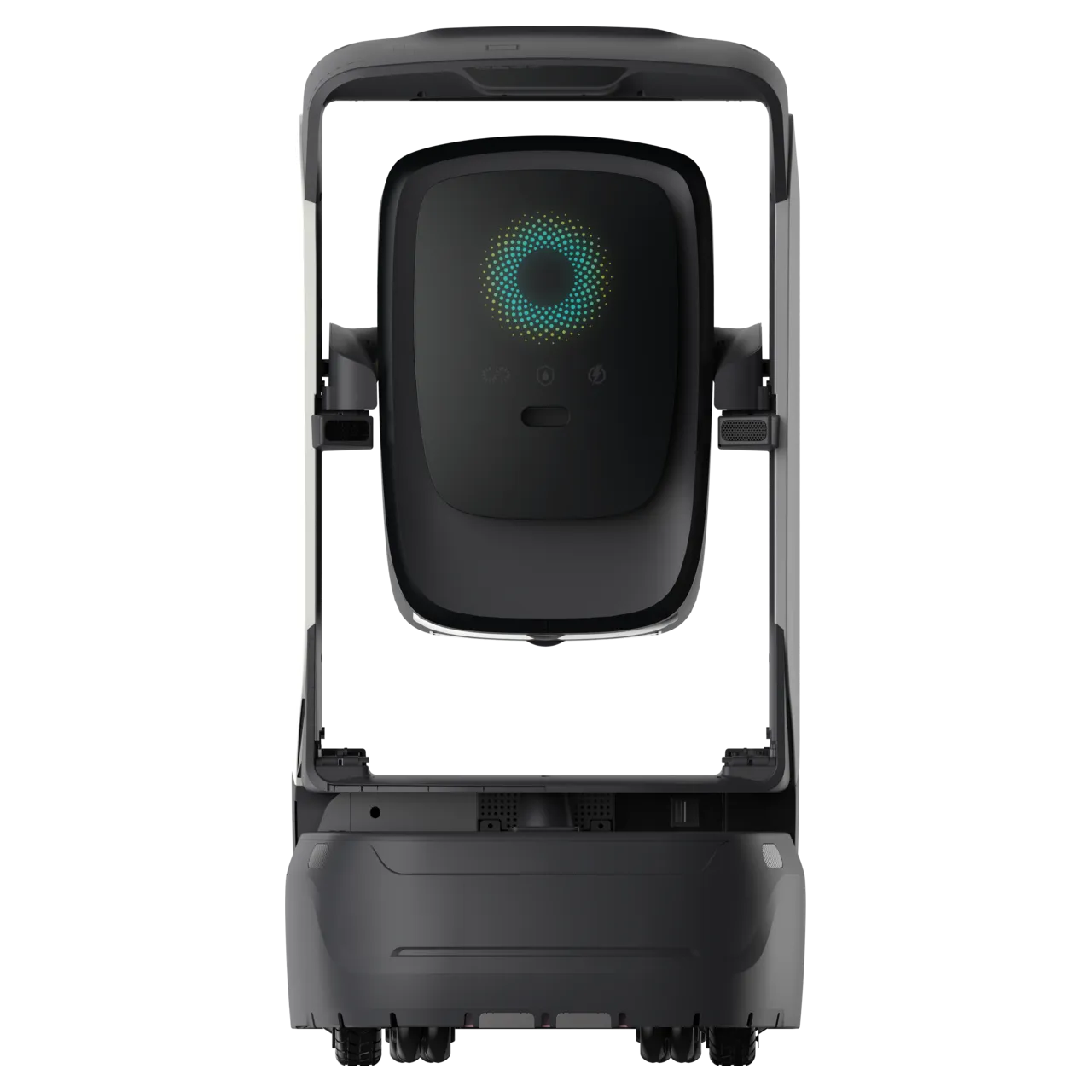
AIR mobile purification robotUpper air outletLower air intake
Airflow path · airflow and dwell time follow the task settings.
03

Work by area

Stop and purify.Use the configured airflow.

Airflow and dwell time follow the task settings. Where fitted, sensors can collect local particulate and TVOC readings.

Readings describe conditions at a particular time and place. They do not establish automatic airflow control or prove purification performance.

Purification management
Public corridor · AIROperations team

Four areas. One round recorded.

4 / 4 area records · back at standby

  1. 00:07.4
    LobbyStandard

    PM2.5 18 µg/m³ TVOC 0.12 mg/m³

  2. 00:16.6
    Meeting roomStandard

    PM2.5 24 µg/m³ TVOC 0.21 mg/m³

  3. 00:27.6
    OfficeLow

    PM2.5 16 µg/m³ TVOC 0.09 mg/m³

  4. 00:40.6
    PantryHigh

    PM2.5 38 µg/m³ TVOC 0.42 mg/m³

Simulated point readings · elapsed demo time. These are not before-and-after results.

Next: check filters, air intake and outlet.

04

Review & maintain

Review service records.Plan the next round.

Staff review locations, sampling times and available records, follow up on exceptions and maintenance, then plan the next round.

AIR returns or charges according to configuration. Filter condition, inlet and outlet clearance, operating time and room conditions all matter when assessing purification performance.

Follow a round.See each area at work.

Choose an area or use the timeline to explore travel, configured airflow, sampling and return. See AIR complete its route and return to standby.

Follow AIR through a purification round.

AIR · Four service points on one public corridor

MEETINGOFFICEPANTRYLOBBYCORRIDORLobbyMeeting roomOfficePantry
RouteStartEnd
00:00 / 00:51

Concept floor and simulated readings; not a surveyed map, a live sensor or a purification result. Airflow in this example is configured, not proof of automatic control. Demo time is compressed.

See AIR workin a real space.

Watch AIR move through reception areas and indoor rooms.

The video shows operation; purification performance requires an agreed measurement method.

AIR

AIR, purification with a route.

AIR combines a mobile platform and purification module, with optional air sensing configured for the project. Choose components, airflow settings and maintenance arrangements to suit the service areas.

  • Autonomous movement
  • Purification module
  • Optional air sensing
Learn more

Flexible daily care.Work you can follow.

For people using the space

Plan around how spaces are used.

Plan service points, operating times and airflow around the use of shared spaces.

For the operations team

Arrange several areas together.

Use one task plan to connect mobile work, point tasks and the records retained at each area.

For building managers

Review records. Plan maintenance.

Connect the task, time, location and device status to support follow-up and maintenance decisions.

Plan service routesaround how each area is used.

Set routes, equipment and staffing around how each area is used. Explore the building environmental patrol and purification solution for more detail.

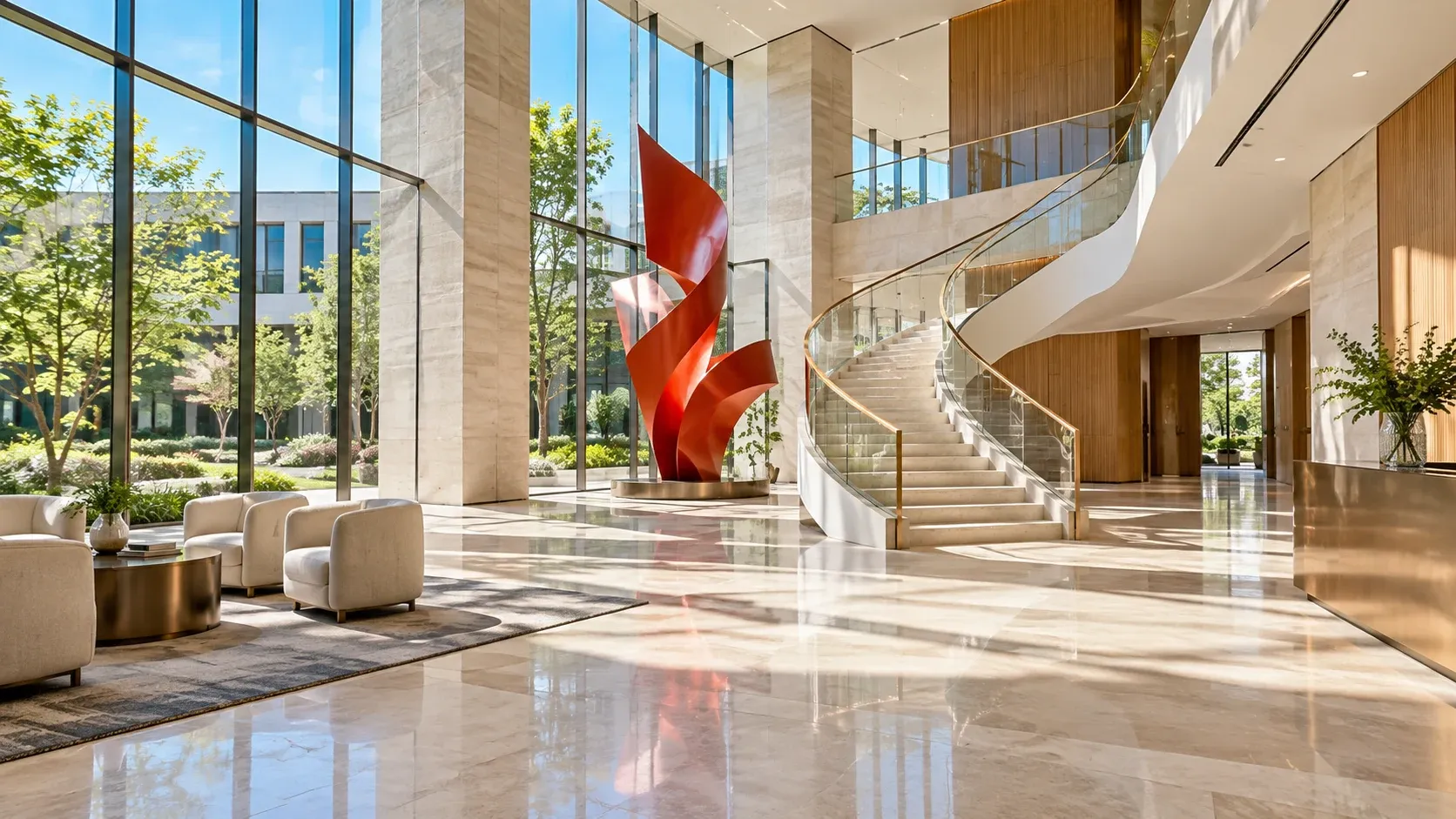
Lobbies & corridors space illustration

Lobbies & corridors

Connect service points, leave room for people to pass and keep air intakes and outlets clear.

Meeting & office areas space illustration

Meeting & office areas

Schedule work around room use, allowing for noise requirements and maintenance access.

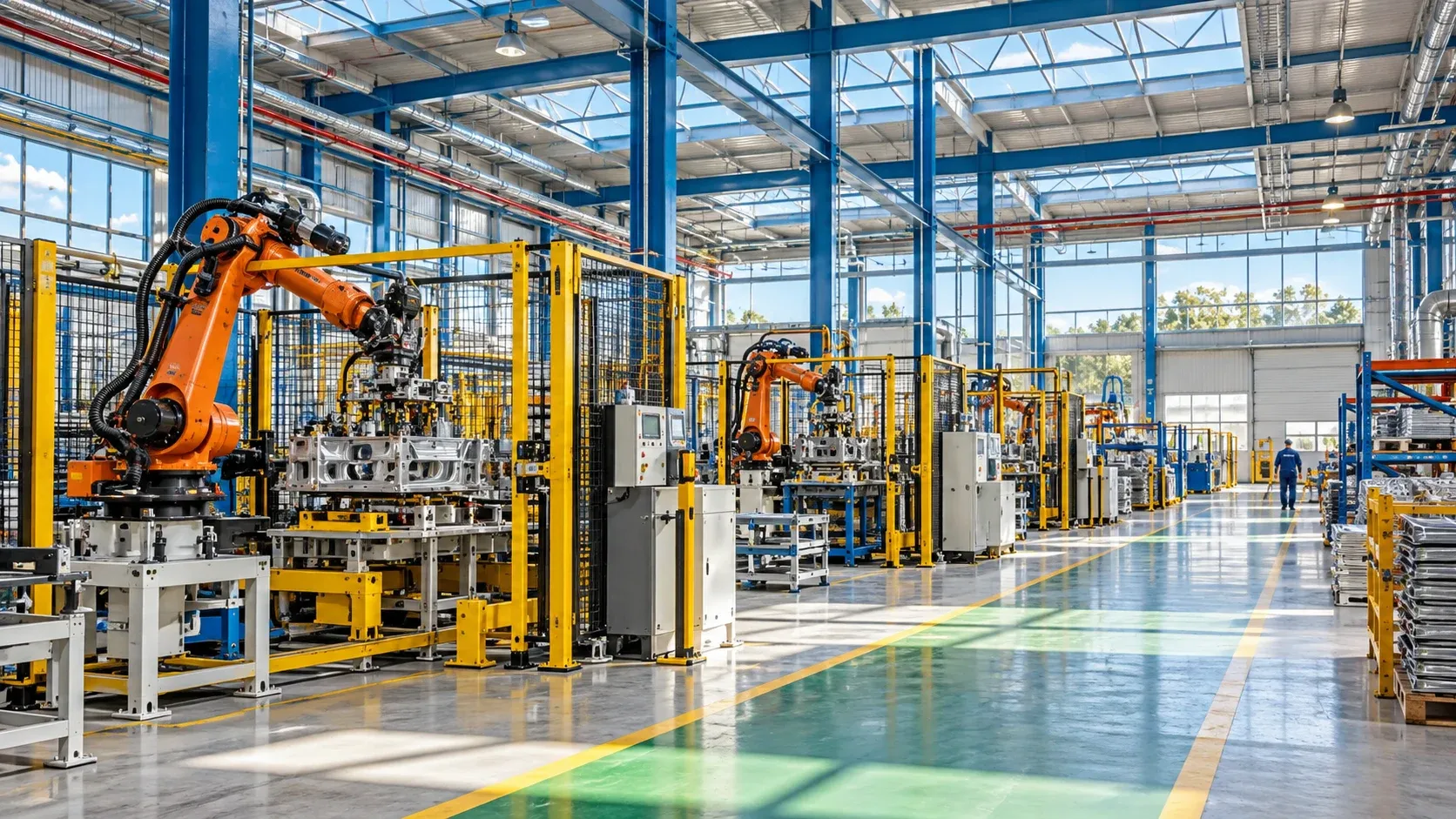
Factory & warehouse passages space illustration

Factory & warehouse passages

Collect readings at agreed points for staff review. Industrial contaminant treatment, hazardous areas and odour removal need separate assessment.

Plan environmental patrol and purification together.

See how AIR works alongside environmental monitoring and staff review. Routes, sensor configurations and validation methods must fit the building.

View the building solution

Start with one area.

Use the service areas, operating times and site conditions to confirm a pilot route, functions and evaluation methods in the project plan.

Discuss your needs
Route & service points
Routes, service points, room use and required lift or door integration.
Module & monitoring
Components, monitoring options, airflow settings and configured response logic.
Network & charging
Network coverage, application access, charging points and docking clearance.
Upkeep & verification
Filter checks and replacement, clear air intake and outlet, exception owners and agreed evaluation methods.