Patrol capture
Associate snapshots with route/point context.
Building stranger patrol and enterprise matching
Robots capture faces with time, floor, point and task ID and send them to enterprise personnel systems for matching. Enterprise results return as platform/app alerts.

Configure
Set areas, checkpoints, routes, time and frequency.
Report
Present collected information, task states and alerts.
Review
Review readings, images or live views and decide on action.
Pilot the documented workflow with responsible staff verifying key handovers.
The service
Robots execute configured tasks; responsible staff retain verification and on-site response.
Managers
Set areas, checkpoints, routes, time and frequency.
Robot
Follow configured indoor routes and collect at checkpoints.
Platform
Present collected information, task states and alerts.
Duty staff
Review readings, images or live views and decide on action.
Site staff
Mark the outcome and retain task, location, time and event records.
Confirm execution separately from human handover/review; assigned staff take over exceptions.
Patrol, collect and report site information.
Review conditions and contact responders.
Respond and maintain equipment, routes and records.
Select modes for the workflow; agree extensions separately.
Associate snapshots with route/point context.
Enterprise systems match staff, visitor or blacklist records.
Returned enterprise results appear in platform/app for human review.
Capture and matching belong to robot and enterprise systems respectively; no match does not establish a violation. Posture, clothing, behavior, prolonged-stay detection, trajectory replay and access-permission control are outside scope.
Document-based scope; confirm supplied model, options and site fit.
HTTP/HTTPS and JSON; agree snapshot fields, returned results and alerts.
Exclude underground, outdoor, high-humidity and strong-sunlight settings; no trajectory replay.
Suitability
Robots capture faces with time, floor, point and task ID and send them to enterprise personnel systems for matching. Enterprise results return as platform/app alerts.
Associate snapshots with route/point context.
Enterprise systems match staff, visitor or blacklist records.
Returned enterprise results appear in platform/app for human review.
Coordinate routes, content and staff around these tasks.
| Service area | Service scope |
|---|---|
| Patrol capture | Associate snapshots with route/point context. |
| Enterprise matching | Enterprise systems match staff, visitor or blacklist records. |
| Notifications | Returned enterprise results appear in platform/app for human review. |
Assign suitable repeated routes to robots and compare results in the pilot.
Verify outcomes against task, destination and responsible role.
Use task states and exception records to adjust routes, schedules and configuration.
Building route
Configure routes for the actual site; diagrams explain the workflow.
Use validated floor shared-area routes.
Configure authorized snapshots under enterprise rules.
Staff verify identity, contact security and retain outcomes.
Indoor routes → Capture points → Response desk
Diagrams explain the flow; survey actual passages, thresholds, access and stops.
Confirm site, equipment and staffing; verify interfaces per project.
Increase priority-point frequency at night or outside working hours as configured.
Robot access commissioning differs from personnel clearance; patrol does not grant/revoke people’s access.
Commission configured interfaces, notifications and access; assign site contacts and staff fallback.
Swipe horizontally to see all columns.
| Item | Scope | Confirmation |
|---|---|---|
| Scope and points | Indoor routes, Capture points, Response desk | Confirm accessible scope and responsible staff on site. |
| Routes and access | Maps, passages, doors/lifts, network and charging. | Commission cross-floor and controlled-door access as needed; diagrams do not replace site tests. |
| Handover and exceptions | Robot, Duty staff, Site and support staff | Agree notifications, staff takeover, records and review rules. |
Fleet planning
Source reference: 2–4 robots, one API service, one web management platform and dashboards/reports; size by floors, routes and frequency.
HTTP/HTTPS and JSON; agree snapshot fields, returned results and alerts.
Exclude underground, outdoor, high-humidity and strong-sunlight settings; no trajectory replay.
| Sizing variable | Effect on capacity |
|---|---|
| Task cycle | Measure request, execution, handover, return and charging time. |
| Site scope | Indoor routes, Capture points, Response desk |
| Staff coordination | Allow for available receiving, reviewing and exception-response staff. |
Source configurations/data refer to their stated scenario; confirm final sizing through site validation.
Pilot & operation
The following are project assessment and acceptance suggestions, subject to site confirmation.
Site preparation
Source reference: 2–4 robots, one API service, one web management platform and dashboards/reports; size by floors, routes and frequency.
When ready
Check devices, routes, points, accounts and necessary access/system interfaces.
By project agreement
Validate real tasks, staff coordination, exceptions and records before expansion.
The following are project assessment and acceptance suggestions, subject to site confirmation.
Swipe horizontally to see all columns.
| Condition | Action | Ownership and records |
|---|---|---|
| Task cannot continue | Pause, wait or hand over to staff under site rules. | Managers record cause, owner and recovery conditions. |
| Handover/review incomplete | Contact the assigned staff; automatic task closure does not replace their confirmation. | Record the reason and follow-up. |
| Device/access exception | Follow support procedures and use staff service if required. | Support and site staff coordinate and validate recovery. |
The following are project assessment and acceptance suggestions, subject to site confirmation.
Swipe horizontally to see all columns.
| Check | Status | Verification |
|---|---|---|
| Task execution | Suggested acceptance item | Complete tasks within agreed routes/scope and record success, failure and reasons. |
| Staff coordination | Suggested acceptance item | Verify notification, permissions, human review/handover and exception takeover. |
| Operational records | Suggested acceptance item | Sample tasks, times, points and outcomes; agree metrics and targets with the project team. |
Capture and matching belong to robot and enterprise systems respectively; no match does not establish a violation. Posture, clothing, behavior, prolonged-stay detection, trajectory replay and access-permission control are outside scope.
Robot, Duty staff, Site and support staff
Agree device models, options, interfaces, timing and targets in project documents.
Questions
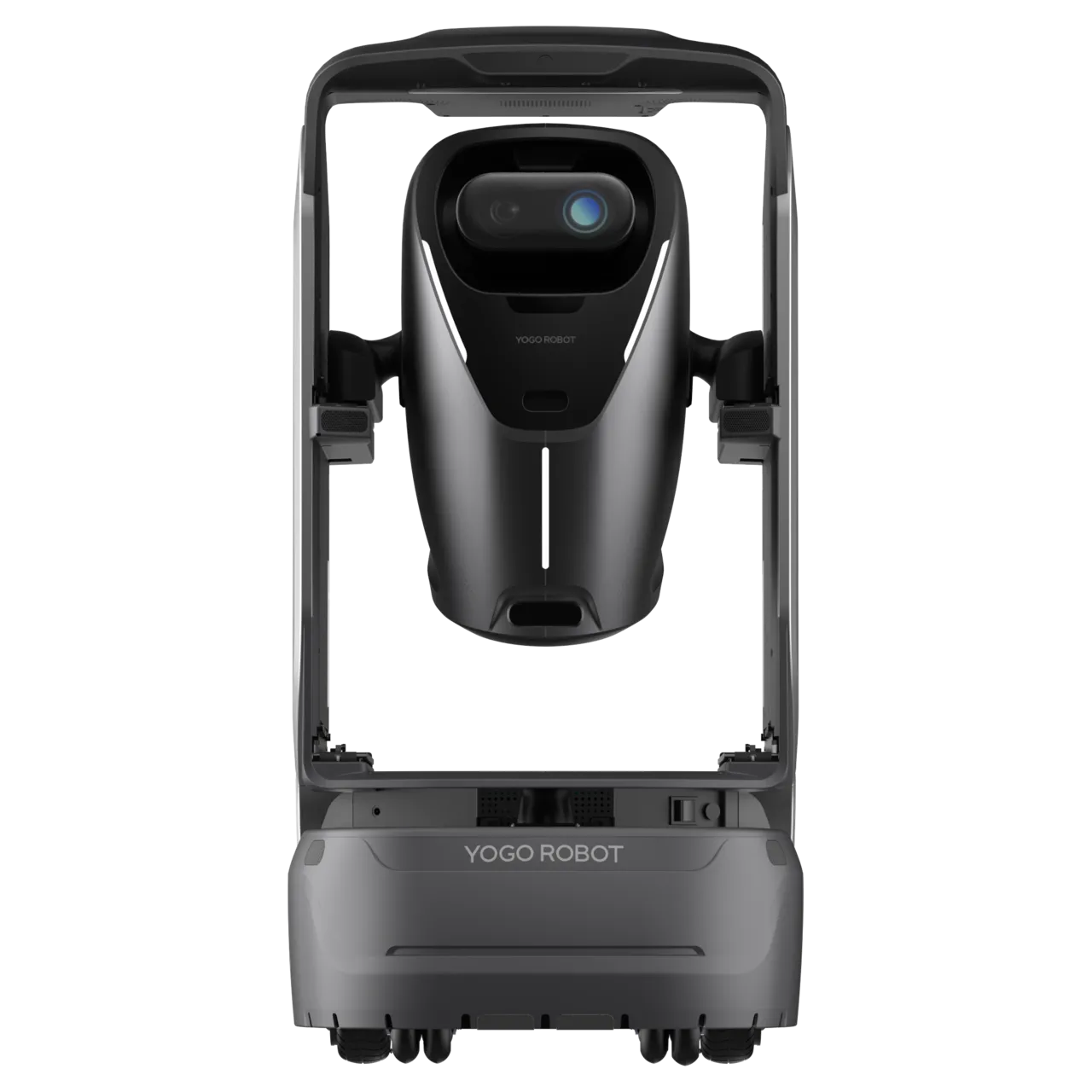
Review product information and reconcile the document version with the supplied model/configuration.
View productSource reference: 2–4 robots, one API service, one web management platform and dashboards/reports; size by floors, routes and frequency.
Robot:Patrol, collect and report site information. Duty staff:Review conditions and contact responders. Site and support staff:Respond and maintain equipment, routes and records.
Capture and matching belong to robot and enterprise systems respectively; no match does not establish a violation. Posture, clothing, behavior, prolonged-stay detection, trajectory replay and access-permission control are outside scope.
Use source recommendations as a starting point, then confirm against site routes, supplied equipment and trial data. Suggested checks do not establish fixed performance or service guarantees.
Source reference: 2–4 robots, one API service, one web management platform and dashboards/reports; size by floors, routes and frequency.
Indoor routes, Capture points, Response desk Confirm accessible scope and responsible staff on site.
Maps, passages, doors/lifts, network and charging. Commission cross-floor and controlled-door access as needed; diagrams do not replace site tests.
Robot, Duty staff, Site and support staff Agree notifications, staff takeover, records and review rules.
Choose a dedicated solution for each workflow.
AIR collects environmental readings on shared-area routes and provides mobile purification, with task/device/exception records for human review.
Connect takeaway, parcels, documents, retail and internal supplies through robot transport with booking/loading flows for users, couriers, merchants and reception.
Support floor-to-floor documents, reception bulk dispatch, reverse pickups to mailrooms and urgent tasks, with human packaging/recipient/handover checks.